aiCode.fail
AI code review for errors and securityAudit your code from a fresh angle
Highlights
What you can do with it
- Get a second pass on code before a review
- Look for security issues in a codebase
- Speed up debugging with AI-suggested fixes
How to use it
- 1 Visit the site and choose a plan
- 2 Paste your code into the Monaco editor
- 3 Run the review and read the findings
- 4 Fix and re-run as needed
Who it is for
Pros
- Works across languages without compiling code
- Points at both errors and security issues
- Free trial plus paid audit levels
Limitations
- Findings are prompts, not guaranteed verdicts
- Full audits need a paid plan
- Free trial and audit levels can change over time
What aiCode.fail is
aiCode.fail is an AI code review tool that uses a large language model to look at your code from a fresh angle, checking for mistakes and security issues. It supports all programming languages and, as stated, never compiles your code, which keeps your source private. It flags possible problems, speeds up debugging, and gives copy-ready output in a Monaco editor. There are free and paid tiers, including a free trial and different levels of audit. It is made for developers who want a quick second pass on code before they ship.
What you can do with it
- Review code in any programming language.
- Flag possible errors and security issues.
- Get copy-ready output in a Monaco editor.
- Speed up debugging with AI-suggested fixes.
Who it is for
- Developers who want a quick code check.
- Teams doing agile reviews and audits.
- Anyone who wants a second set of eyes on code.
What to watch out for
Treat the findings as prompts to check, not guaranteed verdicts, since AI can miss context or flag things that are fine. The deeper audits need a paid plan, so the free tier is a limited taste. Even though it does not compile your code, be careful about pasting sensitive or proprietary source into any online tool and check the privacy terms first. Because it is a trial-first tool, the free limits and audit levels can change over time. Run one full task end to end first, then expand once you are comfortable with the workflow and the result quality. Behavior may vary across browsers and devices, so test before production use and consult the help docs if errors appear.
FAQ
What does aiCode.fail do?
It uses AI to review code for errors and security issues.
Does it compile my code?
No, the listing says it never compiles user code.
Is there a free option?
Yes, it offers a free trial and both free and paid audits.
Why it is free
What the official page says: free trial
Free limits, trial length and features are decided by the official site and can change at any time.
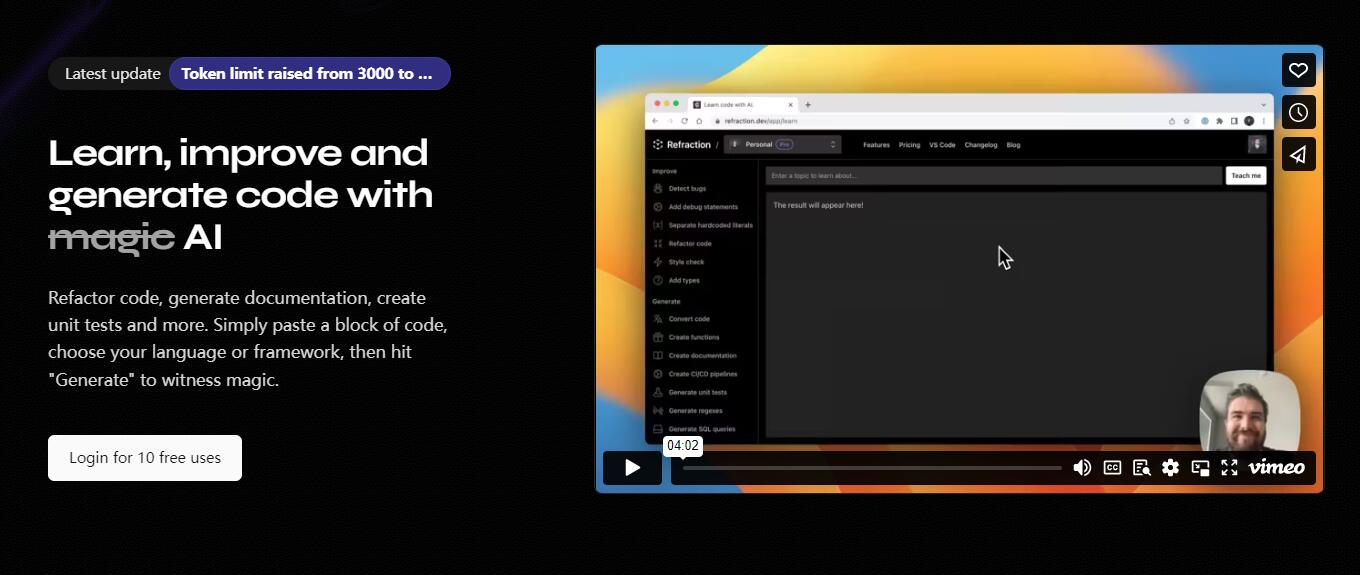
Product preview
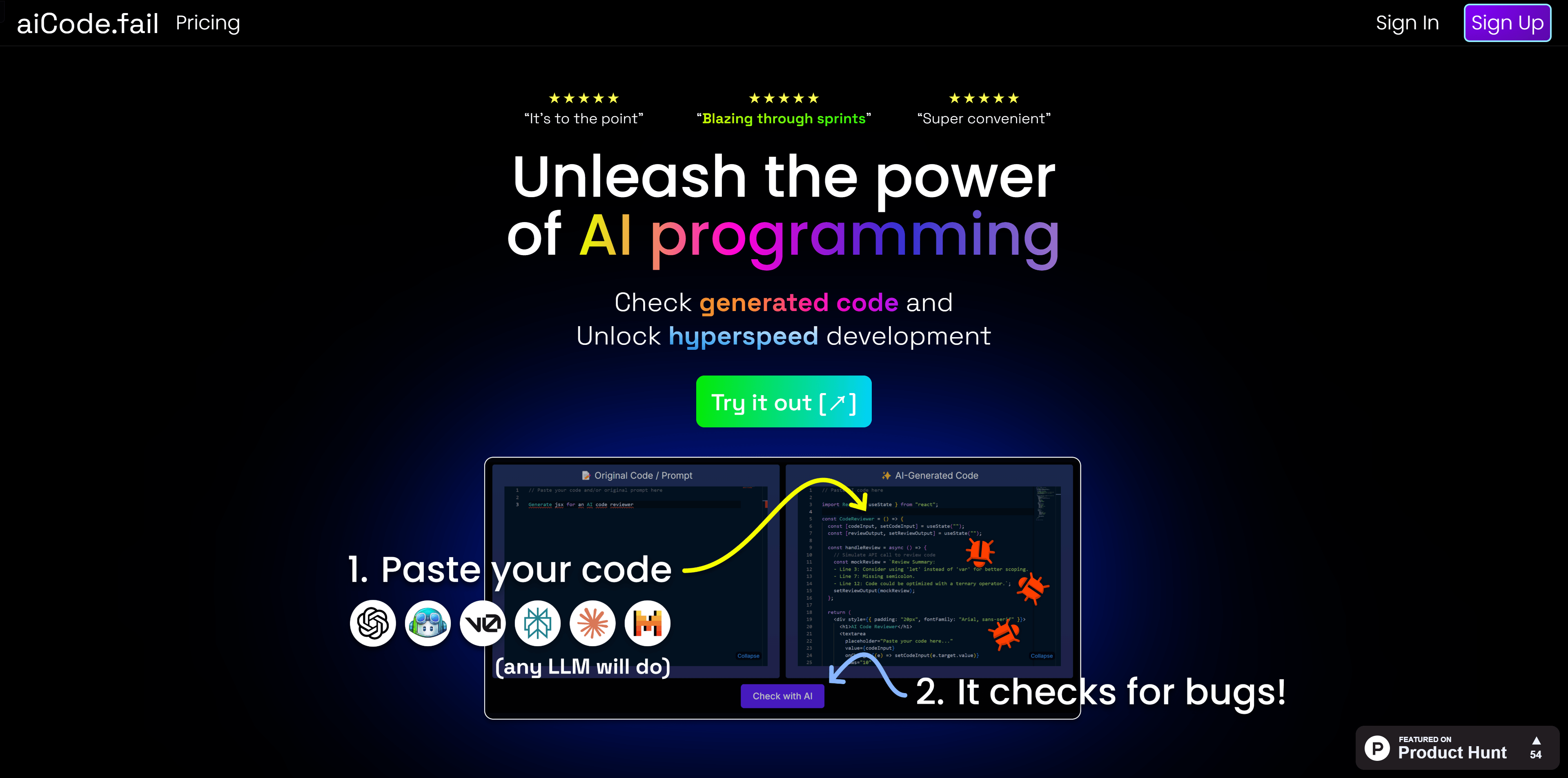
Screenshot archived from the listing page, for preview only.