AnyVoice
AI voice generator with instant voice cloningText to hyper-realistic speech in seconds
Highlights
What you can do with it
- Narration for videos and podcasts
- Voice explanations for online courses
- Voiceover for product demos and marketing videos
How to use it
- 1 Open the site and select a language
- 2 Enter or paste the text you want spoken
- 3 Click generate and wait a few seconds
- 4 Adjust voice settings if needed, then download the audio
Who it is for
Pros
- Fast generation, seconds for short text
- Several languages with native-level accents as described
- Voice settings can be tuned per project
Limitations
- Voice cloning can be misused; only clone a voice you own or have clear permission to use. Using someone's voice without consent may violate platform rules or law, and the consequences fall on you
- Cloned voices may be restricted by the platforms you publish to
- Free trial scope and download limits should be confirmed on the official site
- Synthetic speech can still sound off on long or unusual text
What AnyVoice is
AnyVoice is an AI voice generator that uses deep learning models to turn written text into speech. It advertises instant voice cloning technology alongside hyper-realistic output, multilingual support, fast generation, and voice customization. English, Chinese, Japanese, and Korean are supported, with the description claiming native-level pronunciation and accents and more languages planned. You can adjust pitch, speed, emotion, and style, and the output is clear audio in various formats. Stated use cases cover content creation, education, business, and entertainment production, and a free trial is available so you can test the voices before paying.
What you can do with it
- Convert pasted text into speech within seconds
- Choose between several languages and accents
- Adjust pitch, speed, emotion, and style for a given script
- Produce narration for video, courses, and demos
Who it is for
- Content creators who need narration for videos and podcasts
- Educators producing voice explanations for online courses
- Business teams voicing product demos and marketing videos
- Creators who want adjustable voice parameters per project
What to watch out for
Voice cloning is the feature that carries real risk. Only clone a voice you own or have clear, documented permission to use. Creating speech that impersonates a real person without consent may violate the rules of the platforms you publish on and may break local law, and the consequences fall on you, not the tool. Some platforms also restrict or label synthetic and cloned voices, so check their policies before publishing. Beyond that, free trial scope and download limits are not spelled out and should be confirmed on the official site. Synthetic speech can still sound flat on long or unusual text, so audition before committing a full script.
FAQ
Which languages are supported?
English, Chinese, Japanese, and Korean, with more languages stated as coming later.
Can I clone a voice?
The service advertises instant voice cloning. Only use voices you own or have explicit permission to clone.
How fast is generation?
The description states instant generation for short texts and efficient processing for longer content.
Why it is free
What the official page says: free trial
Free limits, trial length and features are decided by the official site and can change at any time.
Product preview
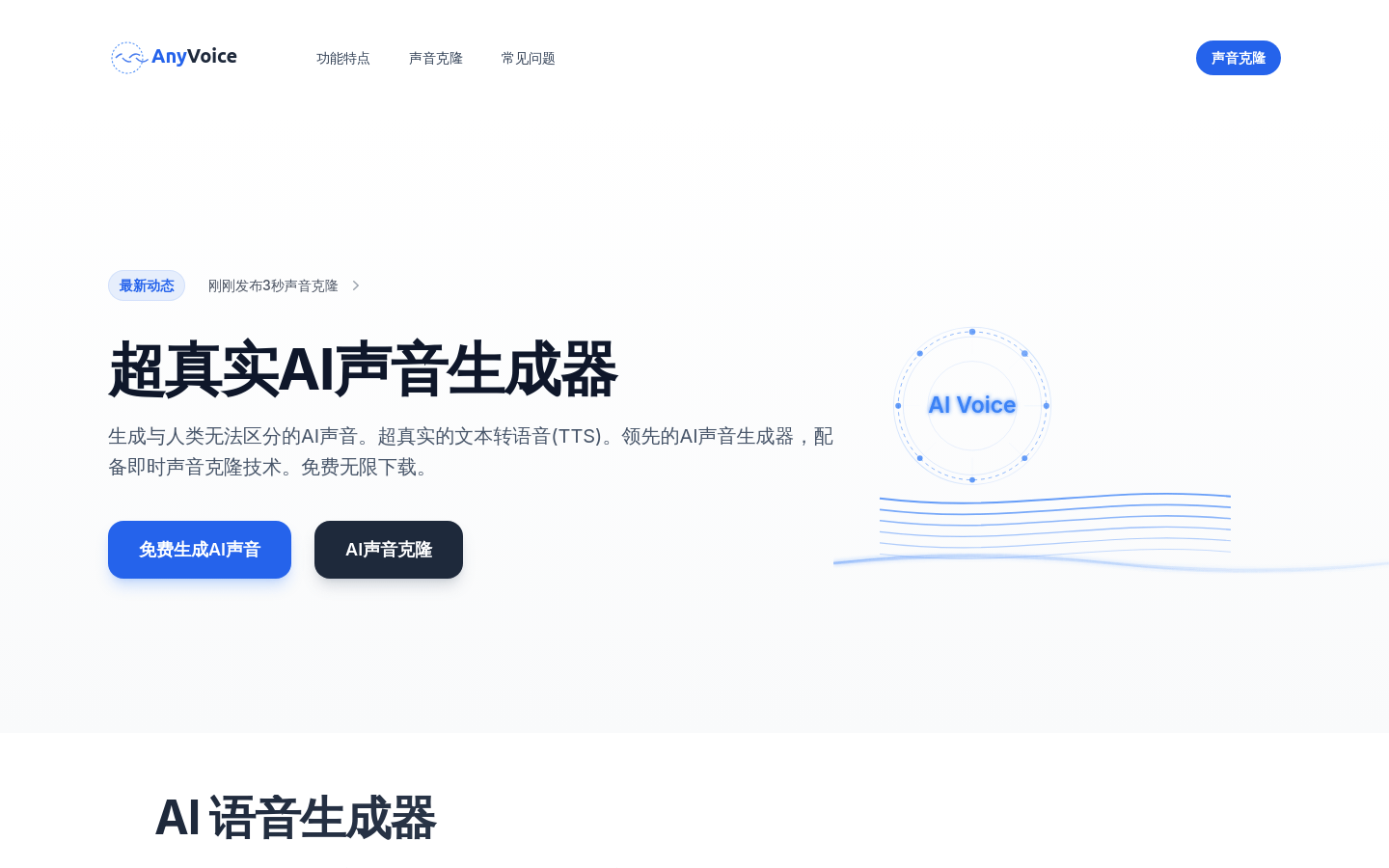
Screenshot archived from the listing page, for preview only.