Baidu Netdisk - Yunyi
Baidu Netdisk AI cloud assistantCloud storage with built in AI helpers
Highlights
What you can do with it
- Store personal photos and videos in one place
- Turn lecture recordings into lessons and notes
- Transcribe meeting audio and convert file formats
How to use it
- 1 Sign in to Baidu Netdisk and open the Yunyi assistant.
- 2 Upload the file, video or recording you want to work with.
- 3 Pick a feature such as subtitles, transcription or scanning.
- 4 Wait for processing and review the generated text or output.
- 5 Save the result to your netdisk or export it.
Who it is for
Pros
- Storage and AI features in one product
- Large free storage allocation
- Transcription and subtitles save manual typing
- Scanning and conversion cover everyday office tasks
Limitations
- Beta status means features can change or break
- Free space and feature limits depend on account terms
- Transcription accuracy varies with audio quality
- Cloud processing means files leave your device
What Baidu Netdisk Yunyi is
Yunyi is the AI layer that Baidu added to its netdisk product. The storage side keeps your files, and the assistant side adds features that used to need separate apps: video smart subtitling, audio and video transcription, turning a video into a lesson, scanning documents and ID cards, converting formats, searching your own images by description, plus question answering, summarization and creation. Baidu advertises 2TB of free storage space, which makes the bundle attractive for people who already keep files in the cloud. The product is presented as a beta, so it is still taking shape.
What you can do with it
- Store photos, videos and documents with 2TB of free space.
- Generate subtitles and transcripts for video and audio files.
- Convert a video into lesson style material for study.
- Scan documents or ID cards and convert file formats.
- Find images in your own netdisk by describing them.
Who it is for
- Personal users who want storage and light AI tools together.
- Students who study from recorded lectures and videos.
- Teams that share files and frequently need format conversion.
What to watch out for
Because Yunyi is in beta, features can change, move or disappear without much notice, so avoid making it the only copy of anything important. The 2TB figure is tied to account terms, and heavy AI use may run into separate limits. Transcription and subtitles are convenient but accuracy drops with background noise, accents and overlapping speech. Also remember that cloud processing means your files are uploaded and handled on Baidu's servers, which is a different privacy picture from a purely local tool.
FAQ
What is Yunyi?
It is Baidu Netdisk's intelligent cloud storage assistant that can interact with users.
How much free storage is included?
The product page states 2TB of free storage space.
What AI features does it have?
Video smart subtitling, audio and video transcription, video to lesson, smart scanning, format conversion, description based image search, question answering, summarization and creation.
Is the product finished?
No. It is described as a beta version, so expect changes.
Why it is free
What the official page says: 免费
Free limits, trial length and features are decided by the official site and can change at any time.
Product preview
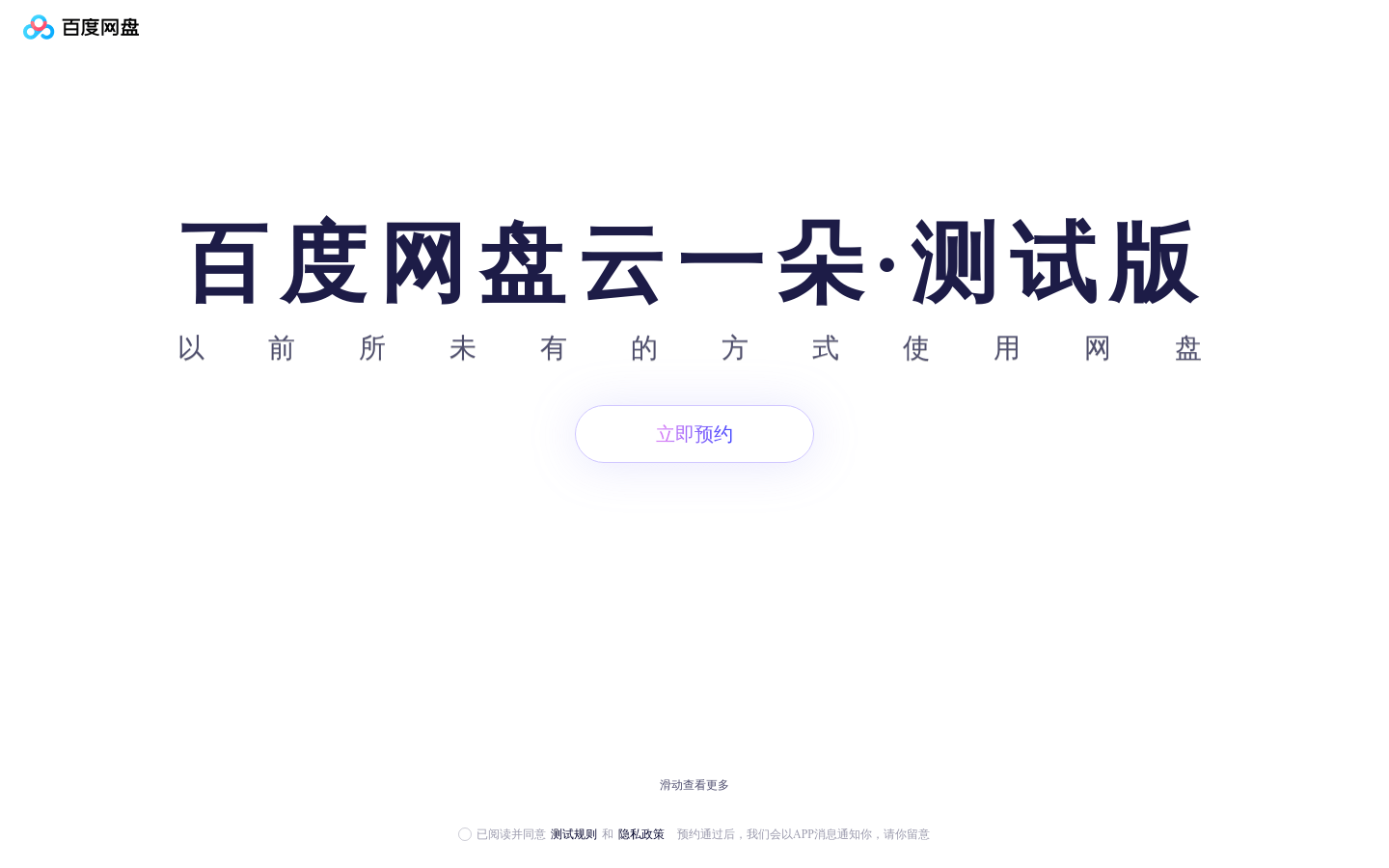
Screenshot archived from the listing page, for preview only.