Bricks
AI spreadsheet for dashboards and reportsDescribe the chart, get the dashboard
Highlights
What you can do with it
- Build a rolling product roadmap for the next quarter
- Produce weekly sales charts for the sales team
- Create a content calendar for the marketing department
How to use it
- 1 Register an account on the Bricks site.
- 2 Create a new spreadsheet or start from a template.
- 3 Upload or enter the data you want to analyze.
- 4 Describe the analysis or the chart you want.
- 5 Review the generated dashboard, report, or chart.
- 6 Export the result or move on to the next data set.
Who it is for
Pros
- Automates cleaning and formula work
- Charts built from a description, not manual setup
- Templates give a fast start
- Data stored on AWS with standard protection
Limitations
- Free trial limits apply
- Generated formulas and charts need review
- Migrating existing spreadsheets takes effort
- The service depends on the vendor staying available
What Bricks is
Bricks is an AI powered spreadsheet tool built to cut the time spent on data chores. It automates data cleaning and formula calculation, then turns the result into dashboards, reports, presentations, and visual charts. Instead of configuring a chart by hand, you describe what you want and it builds it, which is the part that separates it from a normal spreadsheet. Templates give a starting point for common projects, and data is stored on AWS with the vendor citing industry standard protection, a point it highlights because the tool handles business data rather than personal notes.
What you can do with it
- Build data dashboards that show key numbers at a glance.
- Create reports and presentations from the same data.
- Generate charts from a written description.
- Clean duplicate data and let AI handle complex formulas.
Who it is for
- Product managers planning roadmaps and releases.
- Sales teams tracking weekly numbers.
- Marketing teams planning content calendars.
- Analysts who spend too long on spreadsheet chores.
What to watch out for
Free trial limits apply, so check what survives after the trial before you move a recurring report onto it. Generated formulas and charts need review: an AI can produce something that looks right and computes the wrong thing, and a misleading chart is worse than no chart. Migrating existing spreadsheets takes effort, since formatting, named ranges, and habits do not transfer cleanly. The service also depends on the vendor staying available and on AWS for storage, which matters for anything sensitive. Finally, the privacy claim is about storage, not about who can see your data inside the product, so read the sharing and access terms.
FAQ
Is there a free trial?
Yes, a free trial is offered.
What can it create?
Dashboards, reports, presentations, and visual charts.
Where is data stored?
Data is stored on AWS, with the vendor citing industry standard protection.
Who is it for?
Individuals and teams that need to process and analyze data quickly.
Why it is free
What the official page says: free trial
Free limits, trial length and features are decided by the official site and can change at any time.
Product preview
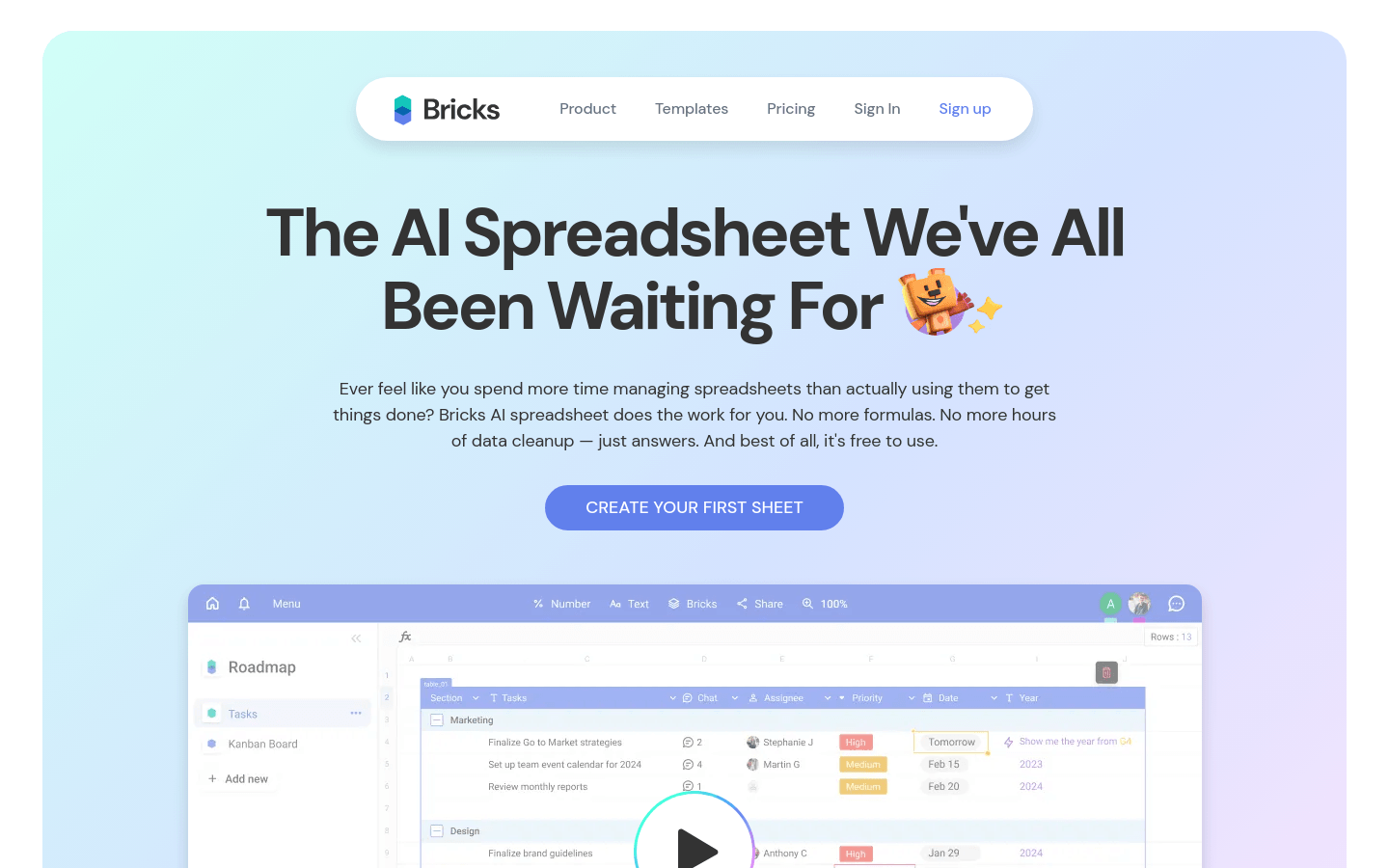
Screenshot archived from the listing page, for preview only.