Calorie Calculator
Free AI calorie counter that reads food photosPhotograph a meal and get a calorie estimate.
Highlights
What you can do with it
- Checking the calorie total of a photographed meal
- Planning intake while working toward weight loss
- Estimating the calories in a drink or smoothie
- Keeping a rough daily record without weighing food
How to use it
- 1 Open the tool and upload a photo of your food.
- 2 Let the AI recognise the items in the picture.
- 3 Read the calorie summary it produces.
- 4 Use the estimate to plan the rest of your day's intake.
Who it is for
Pros
- Photo input is faster than manual logging
- Free to use according to the site
- Works on mixed meals and single items
- The workflow is one upload and a readout
Limitations
- Estimates are rough and can be well off the real value
- Portion size, oil, and hidden ingredients are not visible in a photo
- Free access rules can change
- It is not medical or nutrition advice
What Calorie Calculator is
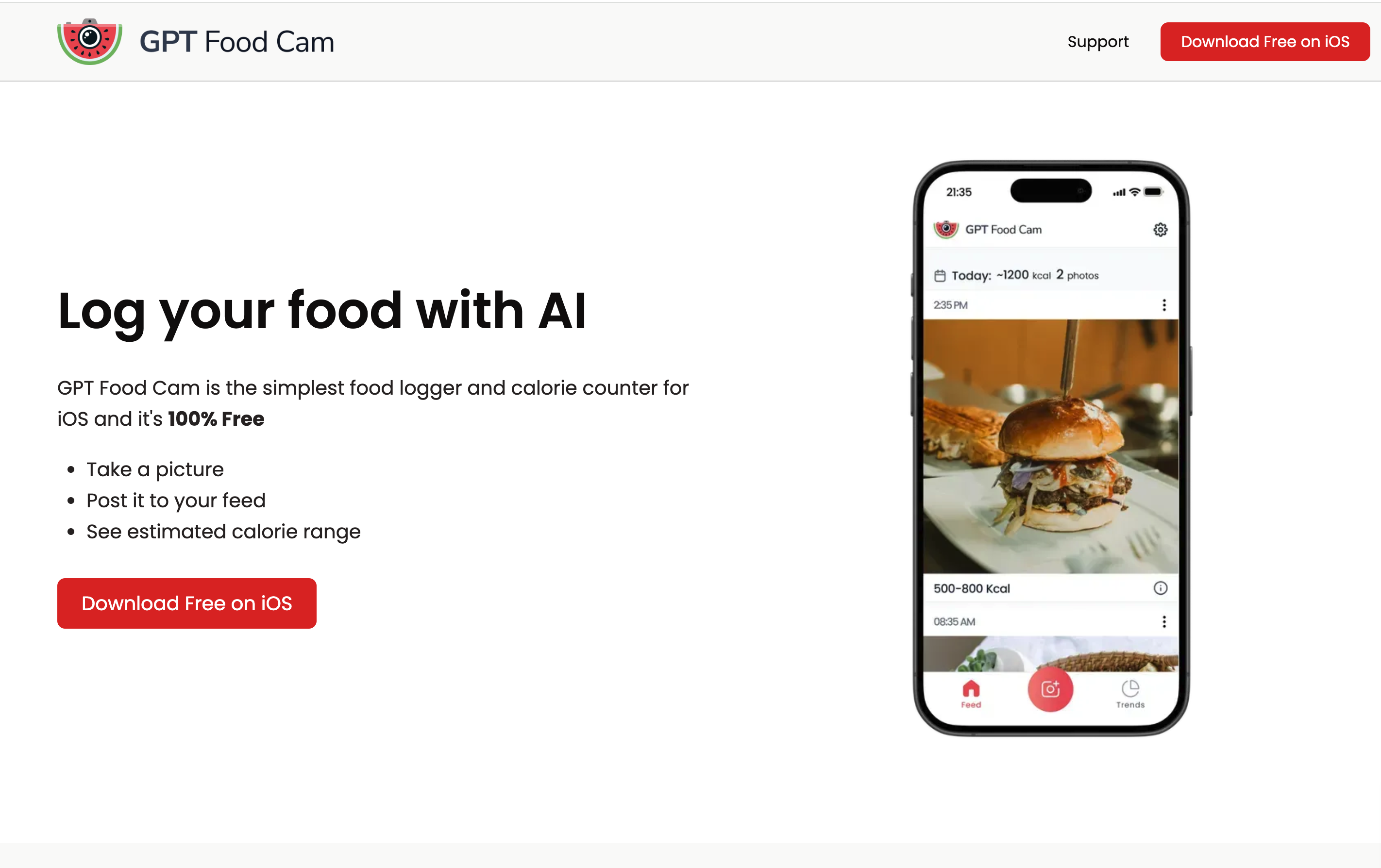
Calorie Calculator is a free AI tool that estimates the calories in food from a photograph. You upload a picture of your meal and it recognises the items and produces a calorie summary, which the site says helps with managing dietary health. It is described as completely free to use. The listed examples cover a plate of mixed food, a single smoothie, and planning intake while working toward weight loss. The appeal is speed: a photo takes a second, while weighing and logging ingredients takes far longer, and the whole workflow is one upload and one readout.
What you can do with it
- Upload a meal photo and get a calorie estimate
- Check the total for a mixed plate of several dishes
- Estimate the calories in a drink such as a smoothie
- Use the number as a rough guide when planning what to eat next
- Keep a light daily record without weighing food
Who it is for
- People who want a calorie estimate without weighing every ingredient
- Anyone working toward a weight loss goal and tracking intake
- Users who prefer photographing a meal over manual logging
- Anyone who wants a quick sanity check on portion size
What to watch out for
The number is an estimate, not a measurement. A photo cannot show portion weight, cooking oil, sugar in a sauce, or ingredients hidden under other food, so the result can be off by a meaningful margin, and the error compounds if you rely on it every day. It is also not medical or nutrition advice, and anyone with a health condition should work with a professional. The tool is described as completely free, which is the current state rather than a promise, and free tools can change their rules or add limits later. Use it as one rough input alongside how you actually feel.
FAQ
Is it free?
The site describes the calculator as completely free to use.
How do I use it?
Upload a picture of your food and read the calorie summary it generates.
How accurate is it?
It is an estimate from an image, so treat the number as a guide rather than a measurement.
Can it help with weight loss?
The site lists diet planning as a use case, but it is not a substitute for professional advice.
Why it is free
What the official page says: completely freefree to use
Free limits, trial length and features are decided by the official site and can change at any time.
Product preview
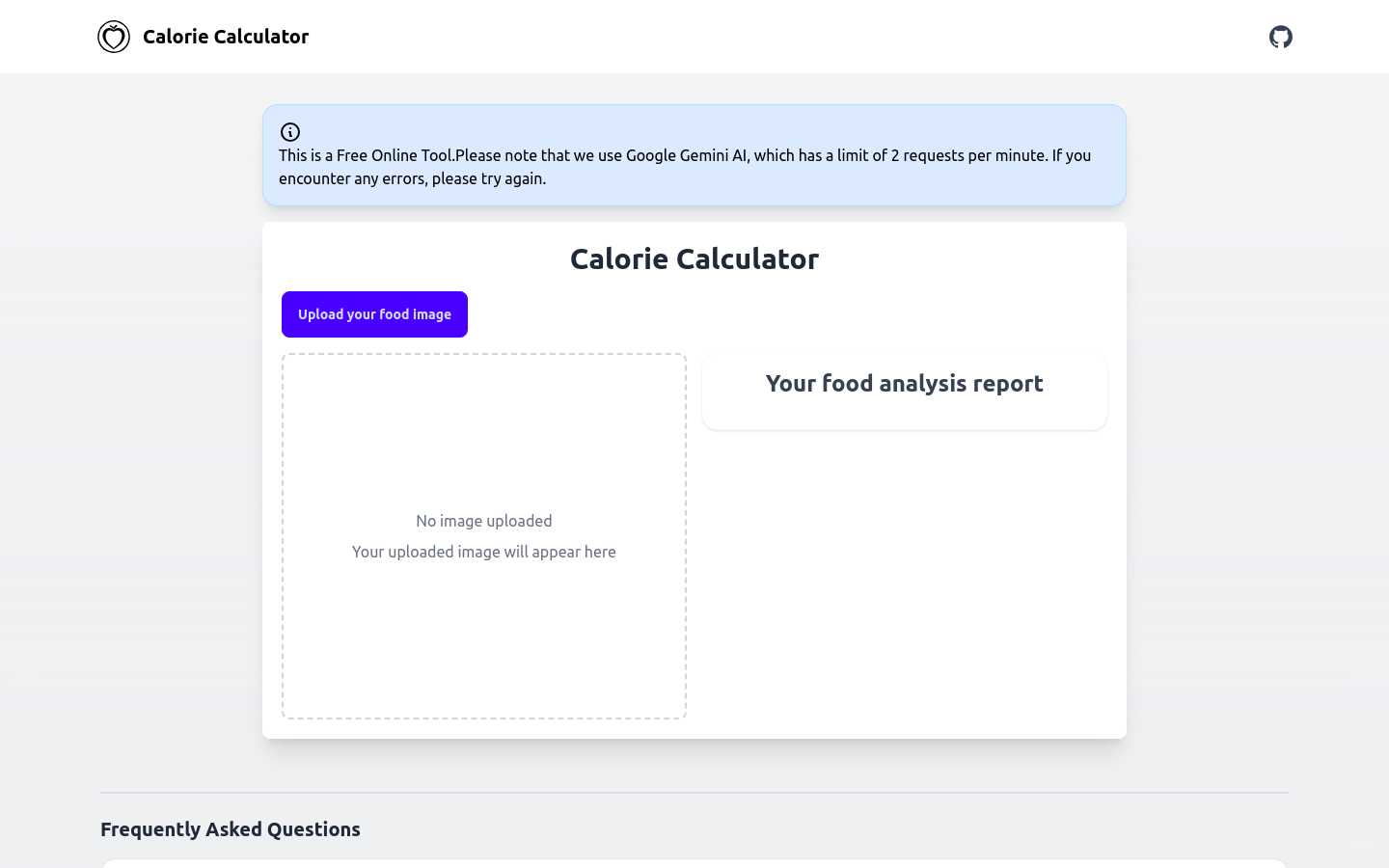
Screenshot archived from the listing page, for preview only.