NutriLens
Free AI calorie counter that reads meals from photosSnap a photo of your food and see calories instantly
Highlights
What you can do with it
- Scan groceries to learn calorie content while shopping
- Photograph restaurant meals to keep intake on track while eating out
- Picture home-cooked dishes to monitor dietary nutrition daily
How to use it
- 1 Open the NutriLens app on your device
- 2 Take a photo of your meal or food item
- 3 Review the instant calorie and nutrition data
- 4 Track intake across the day and adjust your diet
Who it is for
Pros
- Logging a meal is as quick as taking a photo
- Instant calorie feedback helps decisions in the moment
- No hidden fees or subscriptions according to the app description
Limitations
- Photo-based estimates can be off for mixed dishes or hidden ingredients
- Nutrition tracking accuracy depends on the AI recognizing your food correctly
- The free model may change; there is no guarantee the app stays free
- As a smaller app, features and support may be limited compared with mature trackers
What NutriLens is
NutriLens is an AI-driven calorie counting app built around one simple action: photograph your food. Instead of searching databases and typing portion sizes, you point your camera at a meal and the app returns calorie information instantly. From there you can track nutritional intake through the day, whether you are shopping for groceries, eating out, or cooking at home. The app is described as completely free, with no hidden fees and no subscriptions, and it is aimed at anyone who wants to manage nutrition and health without paying for a tracker.
What you can do with it
- Capture a photo of any meal or food item and get instant calorie data
- Track nutritional intake as you go, not hours later
- Log groceries, restaurant plates, and home cooking the same way
- Adjust eating decisions in the moment based on the feedback
Who it is for
- People counting calories who want logging to take seconds
- Health-focused users who want nutrition tracking without a subscription
- Anyone who has abandoned manual food diaries because entry was tedious
What to watch out for
Photo-based calorie estimates are exactly that: estimates. Mixed dishes, sauces, oils, and hidden ingredients can throw the numbers off, so treat the readings as a guide rather than a precise measurement. The app is small and described as completely free; free apps can introduce limits, ads, or paid tiers later, so the current pricing may not hold. Nutrition tracking also depends on the AI correctly recognizing your food, which is easier for a plain apple than for a layered casserole. If you have medical dietary needs, confirm plans with a professional, and keep expectations realistic about accuracy before rebuilding your diet around the numbers.
FAQ
How does NutriLens count calories?
You capture your meal with a photo, and the AI returns calorie information instantly.
Is NutriLens free?
The app describes itself as completely free with no hidden fees or subscriptions.
What can I use it for?
Checking calories while grocery shopping, dining out, or cooking at home, and tracking overall nutrition.
Why it is free
What the official page says: completely free
Free limits, trial length and features are decided by the official site and can change at any time.
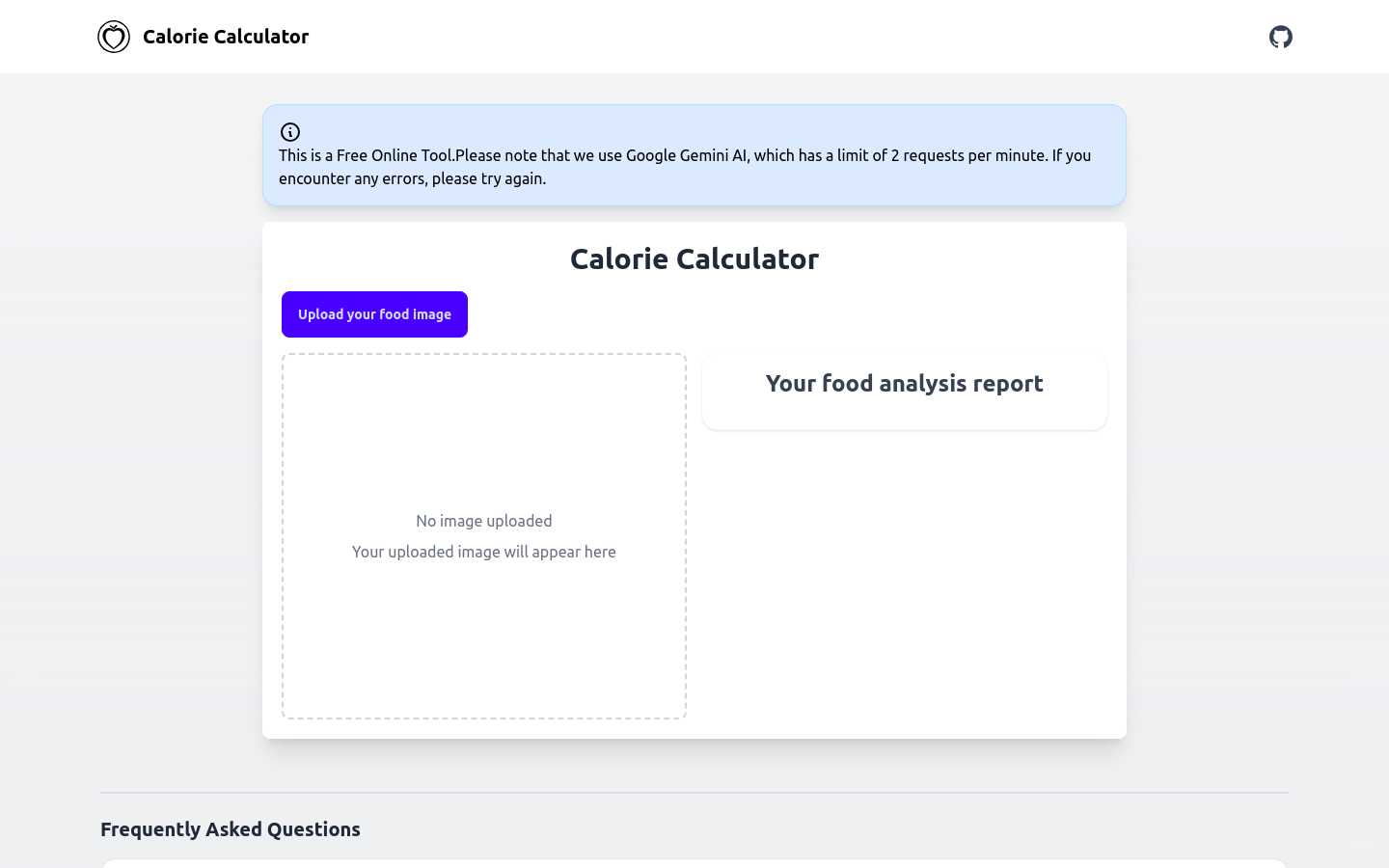
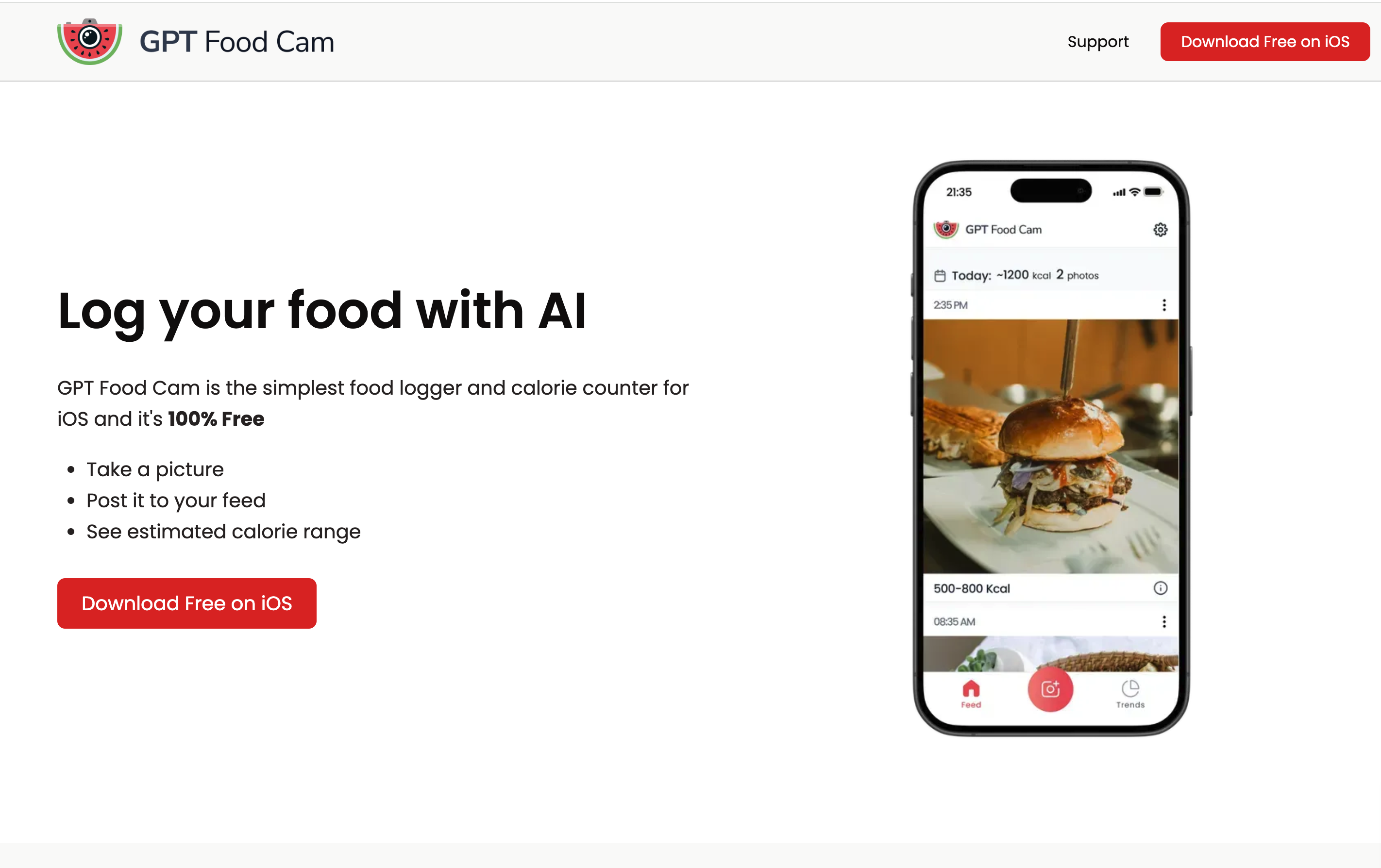
Product preview
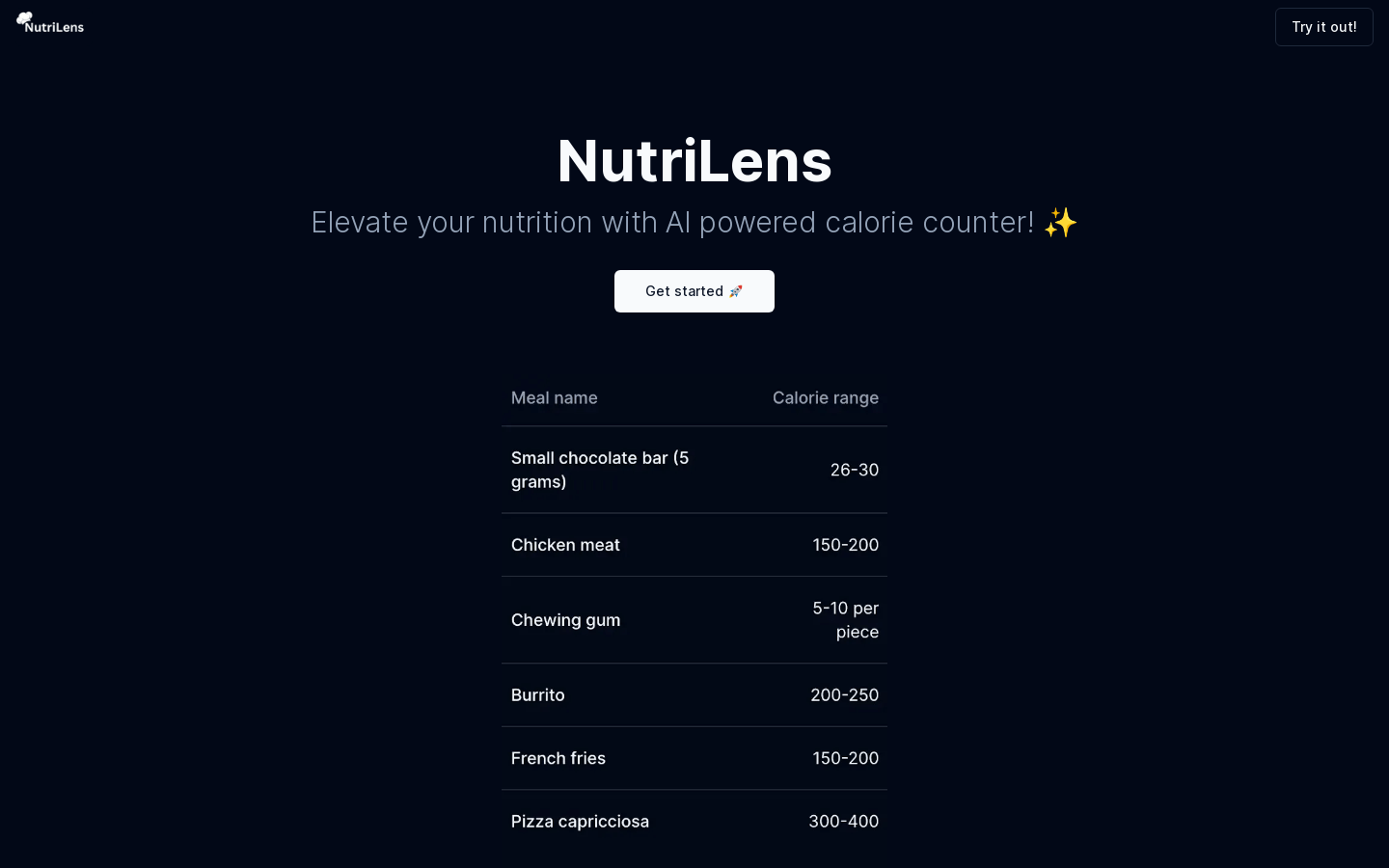
Screenshot archived from the listing page, for preview only.