Canonical AI
Analysis tool for voice AI callsFind out why your voice bot fails
Highlights
What you can do with it
- A customer service team reduces interruptions and delays in support calls
- A sales team monitors calls and tunes the assistant's response flow
- A technical support team finds and fixes issues behind repeated calls
How to use it
- 1 Register on the site and get an API key
- 2 Integrate the key into your voice AI system using the documentation
- 3 Watch real-time metrics such as latency and speech rate
- 4 Read the call path analysis to spot where conversations drift
- 5 Define custom metrics for the numbers that matter to your business
- 6 Use deep analysis on failures, then adjust your strategy
Who it is for
Pros
- Shows where a call went wrong instead of just that it failed
- Custom metrics let you track what matters to your business
- API integration means fixes can be applied quickly
Limitations
- It analyzes calls rather than generating them, so it is not a voice bot builder
- Setting up custom metrics and the API takes initial work
- Free access is a trial, with paid plans beyond that
What Canonical AI is
Canonical AI is an analysis tool for teams that run voice assistants and need to know why calls fail. It visualizes call paths, groups outcomes, and highlights both common and uncommon dialogue flows, so you can see the moment a conversation drifted away from the script rather than guessing from a transcript. You define custom metrics based on your own business, such as how often a user has to repeat themselves, and the platform tracks call quality measures like latency and speech rate in real time. When something goes wrong, a deep analysis view pinpoints the root cause, and daily voice metrics summarize overall performance. It connects through an API so improvements can be applied without a long release cycle. A free trial sits alongside professional and enterprise plans.
What you can do with it
- Visualize call paths and see where conversations deviate from the plan
- Categorize outcomes and spot uncommon dialogue flows
- Track call quality measures such as latency and speech rate in real time
- Define custom metrics that match your business priorities
- Run deep analysis on failed calls to find the root cause
- Review daily voice metrics for an overall performance picture
Who it is for
- Teams operating a voice assistant in production
- Customer service and support organizations using voice AI
- Sales and technical teams that need hard data on call quality
What to watch out for
This is an analysis layer, not a voice assistant builder, so you need a working voice AI system before it is useful. Setup takes effort: you register, get an API key, integrate it into your stack, and define the metrics you care about, which is not a five-minute job. The free access is a trial rather than a permanent tier, so ongoing use is a paid commitment. Voice quality also depends on factors outside the assistant, such as phone networks and accents, so treat the reports as a diagnostic input rather than a verdict on the assistant alone.
FAQ
Does Canonical AI build voice assistants?
No. It analyzes and optimizes the performance of voice assistants you already run. You connect it through an API and it reports on how calls behave.
What does call path analysis show?
It visualizes call flows, categorizes outcomes, and identifies both common and uncommon dialogue paths so you can see where a conversation deviates from what you expected.
Can I track my own numbers?
Yes. You define custom metrics based on your business needs, such as how often a user has to repeat themselves, alongside the built-in measures.
Is there a free option?
A free trial is offered, with professional and enterprise plans beyond it. Pricing depends on team size and needs.
Why it is free
What the official page says: free trial
Free limits, trial length and features are decided by the official site and can change at any time.
Product preview
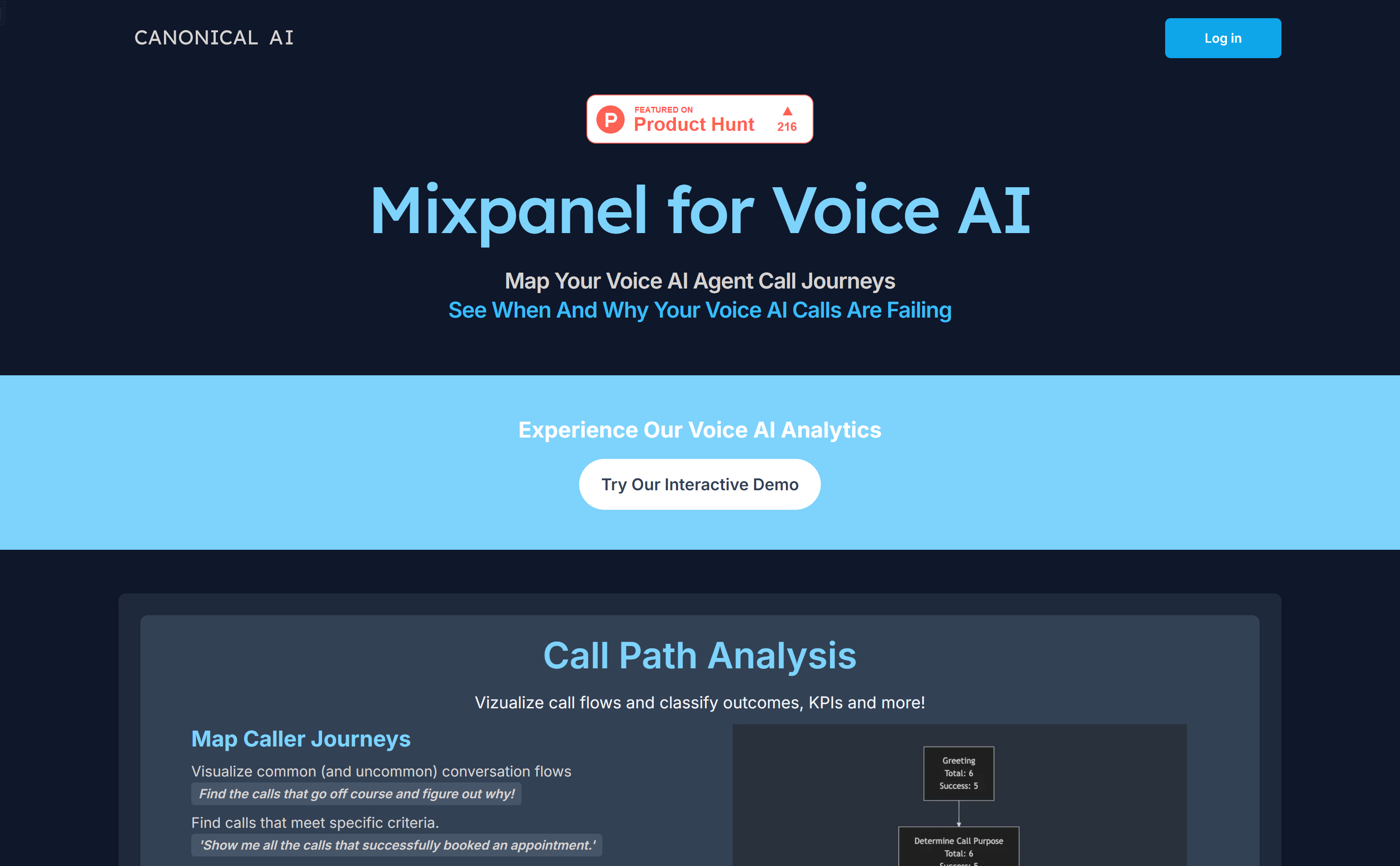
Screenshot archived from the listing page, for preview only.