CelestialPDF
Chat with your PDF documentsUpload a PDF, start asking questions
Highlights
What you can do with it
- Summarize a contract before a meeting
- Answer student questions about course material
- Turn internal documents into searchable resources
How to use it
- 1 Open CelestialPDF and choose a plan
- 2 Upload your PDF file
- 3 Wait for processing to finish
- 4 Ask questions about the content
- 5 Review the summaries and answers
Who it is for
Pros
- Free plan to start
- Works with any PDF
- Summaries save reading time
- Simple upload and ask flow
Limitations
- Professional plan needed for heavier use
- Answers depend on document quality
- Complex PDFs may process slowly
- Plan details can change
What CelestialPDF is
CelestialPDF lets you interact with PDF documents instead of skimming them. You upload a file, the tool processes it, and then you can ask questions and get AI-generated summaries and answers. The pitch is productivity: let the AI handle the first pass so you spend your attention on the parts that matter. Example uses include pulling key points from a contract, sharing interactive teaching material with students, and turning internal documents into a resource a team can query. A free plan covers getting started, with a professional plan for heavier use.
What you can do with it
- Upload a PDF and process it for interaction.
- Ask questions about the document content.
- Get AI-generated summaries of key information.
- Share interactive material with students or colleagues.
- Turn a static document into a queryable resource.
Who it is for
- Professionals reviewing contracts and reports.
- Educators sharing material with students.
- Teams that need to query internal documents.
What to watch out for
Answers depend on document quality, and a scanned or poorly formatted PDF produces poor results. Complex or long files may take time to process. The professional plan is where heavier use lives, so the free tier is a trial rather than a daily driver, and plan details can change. Verify any figure or clause against the original before acting on a summary. Behavior may vary across browsers and devices, so test before production use and consult the help docs if errors appear. Features and interface details may change between versions, so review the latest notes on the page before you start. Save a backup of the original file before large batch jobs, and keep an exported copy of key results in case the page or service becomes temporarily unavailable.
FAQ
Is there a free plan?
Yes, you can start with the free plan, with a professional plan for more.
What does it do?
It lets you ask questions of a PDF and get AI summaries and answers.
What is it used for?
Contracts, teaching material, and internal documents.
Why it is free
What the official page says: free plan
Free limits, trial length and features are decided by the official site and can change at any time.
Product preview
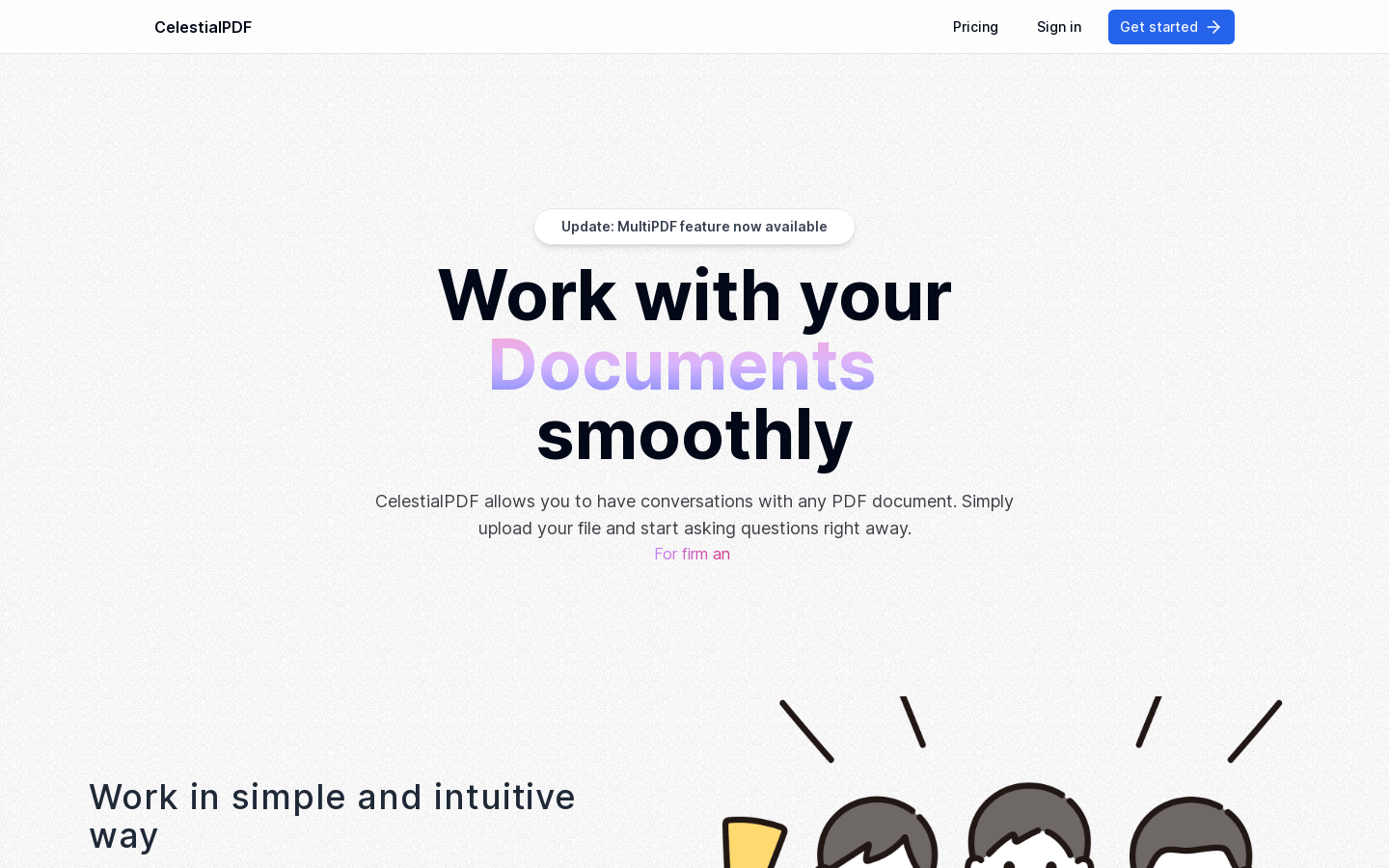
Screenshot archived from the listing page, for preview only.