Codewiki
Google's AI code documentation tool with Gemini chatAuto updated code docs and charts powered by Gemini
Highlights
What you can do with it
- New developers ramping up on an unfamiliar project structure
- Senior developers evaluating a new library quickly
- SREs and auditors tracing code behavior during incidents or reviews
How to use it
- 1 Visit codewiki.ai and register or log in
- 2 Connect the repository you want documented
- 3 Let CodeWiki scan and generate docs and charts automatically
- 4 Use the Gemini chat agent to ask questions about the code
- 5 Commit changes and watch the documentation update in real time
Who it is for
Pros
- Free for public repositories
- Documentation updates automatically with each commit
- Gemini chat makes code exploration conversational
Limitations
- Private repository support depends on a waiting list and may change
- Public preview status means features can shift before general release
- Diagram accuracy depends on how clearly the code is structured
What Codewiki is
CodeWiki is an AI native documentation tool launched by Google in November 2025. It is currently in public preview and is powered by Gemini. After every commit, CodeWiki scans the entire code repository and automatically generates documents and diagrams with hyperlinks, so the documentation stays in sync with the code. Each wiki page includes a Gemini chat agent that understands natural language questions. There is also interactive navigation that connects wiki entries directly to files, functions, and charts. The tool is free for public repositories, while private repositories can apply through the Gemini CLI waiting list. The goal is to reduce the manual work of keeping documents current.
What you can do with it
- Generate architecture, class, and sequence diagrams from live code
- Ask the Gemini chat agent questions about how the code works
- Navigate from wiki entries straight to the related files and functions
- Keep documentation updated automatically after every commit
Who it is for
- New developers who need to understand a project before contributing
- Senior developers who want a fast overview of a new library
- SREs and auditors who rely on accurate, current documentation
What to watch out for
Because CodeWiki is in public preview, features and availability can change before general release. Private repository support depends on the Gemini CLI waiting list, so access is not guaranteed for every team. The quality of generated diagrams and text depends on the structure and clarity of the underlying code, so messy repositories may produce noisier docs. Large monorepos may take longer to scan on the first run. Treat the output as a helpful starting point that still benefits from human review.
FAQ
Is CodeWiki free?
It is free for public repositories. Private repositories need to join the Gemini CLI waiting list.
How does the documentation stay current?
CodeWiki scans the repository after each commit and regenerates docs and charts automatically.
Who is CodeWiki for?
It is built for new developers, senior developers, SREs, and auditors who need to understand code quickly.
Why it is free
What the official page says: free to use
Free limits, trial length and features are decided by the official site and can change at any time.
Product preview
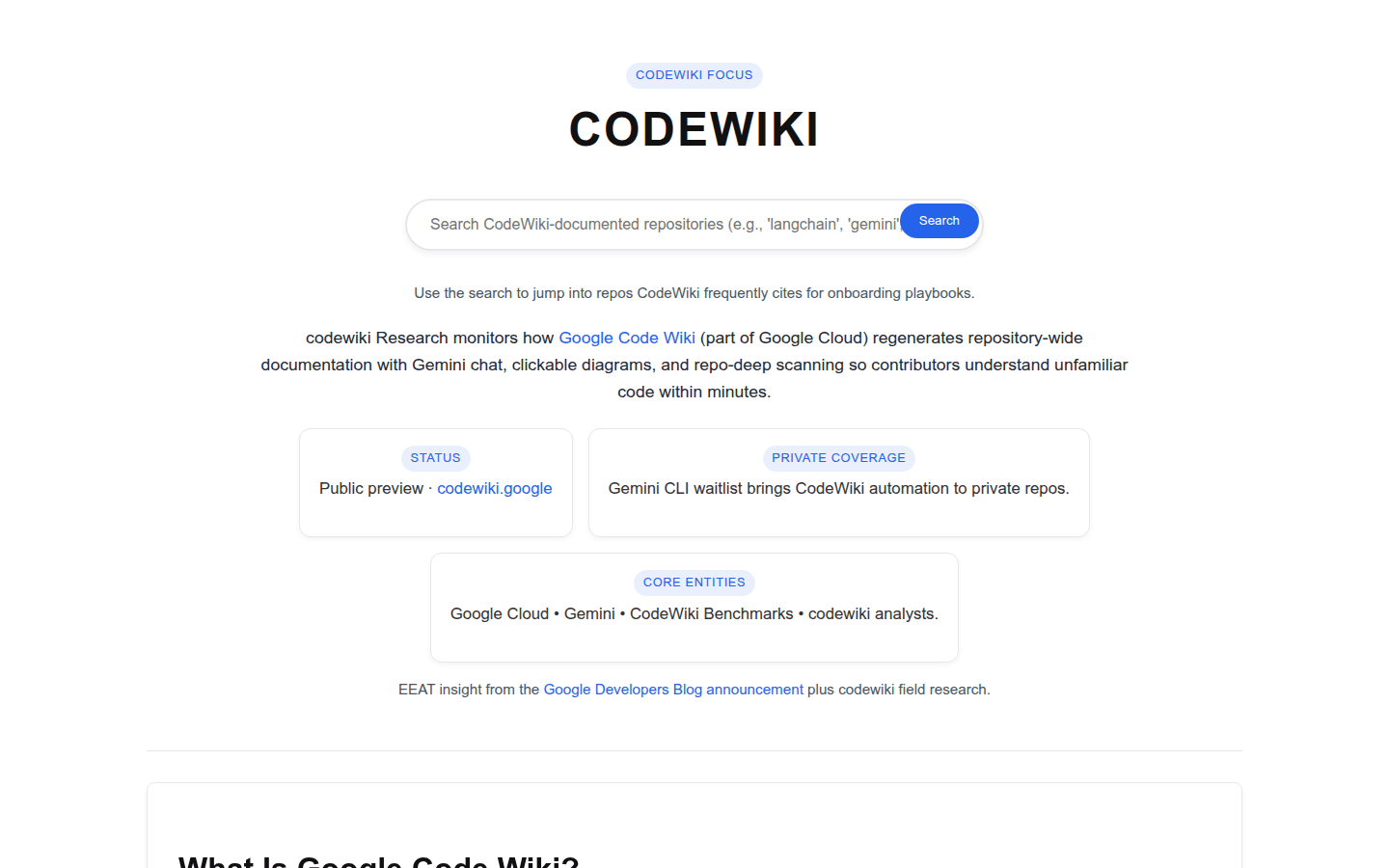
Screenshot archived from the listing page, for preview only.