
ConnectMachine
AI contact management and digital cardsNetwork on purpose, not by accident
Highlights
What you can do with it
- A new professional sharing a card and connecting at an industry event
- A businessperson messaging partners securely at a conference
- A social user tracking updates from close contacts
How to use it
- 1 Download the app from the App Store or Google Play
- 2 Create your digital business card and choose what to share
- 3 Share it by QR code, AirDrop or by scanning a physical card
- 4 Let the app classify contacts and adjust groupings manually
- 5 Set up the AI agent for calendar, meetings and request screening
Who it is for
Pros
- A free basic version covers essential functions
- Different cards per scenario limit oversharing
- Automatic classification removes manual tagging
- Encrypted messaging between verified users
Limitations
- Premium features cost $5.99 per month, so free use is limited
- Automatic classification will misgroup contacts sometimes
- Value depends on how many of your contacts also use it
- An AI agent handling your calendar needs careful permission setup
What ConnectMachine is
ConnectMachine is a contact management app designed for people who network deliberately rather than by accident. Its contact handling is automatic: contacts are sorted into subgroups based on context, so you are not maintaining a tagging system by hand. You can build several digital business cards and decide what each one reveals, which matters when the same person appears in two different contexts. Connecting happens through QR codes, AirDrop or by scanning a physical card, and the app keeps a record of what was shared. A personal AI agent takes over part of the social workload, including calendar syncing, meeting locations and time preferences, and screening connection requests. Messaging runs through an encrypted private channel between verified users, and a personalised feed surfaces updates from close contacts. A free basic version exists, and the premium version is listed at $5.99 per month.
What you can do with it
- Classify contacts automatically into context-based subgroups
- Create separate digital business cards for different scenarios
- Connect via QR code, AirDrop or a scanned physical card
- Let an AI agent manage calendar, meeting preferences and requests
- Message contacts over an encrypted private channel
Who it is for
- Professionals who meet people often and lose track of follow-up
- Businesspeople who exchange cards at events and conferences
- Social users who want a calmer, more relevant networking feed
What to watch out for
The free version covers essential functions only, and premium is a recurring $5.99 per month, so decide whether the extra features justify it. Automatic classification is convenient but not perfect, so expect to correct groupings. The messaging and connection features only pay off when the people you meet also use the app, which is the usual network-effect problem. Finally, an AI agent that touches your calendar and screens your requests needs careful permission setup, since a misconfigured agent can hide messages you actually wanted.
FAQ
Is ConnectMachine free?
There is a free basic version with essential functions. The premium version is listed at $5.99 per month with more features.
How do I share my card?
Through QR codes, AirDrop, or by scanning a physical business card. You can create separate cards for different situations.
What does the AI agent do?
It manages parts of your networking: calendar syncing, meeting locations and time preferences, and screening incoming connection requests.
Why it is free
What the official page says: 免费
Free limits, trial length and features are decided by the official site and can change at any time.
Product preview
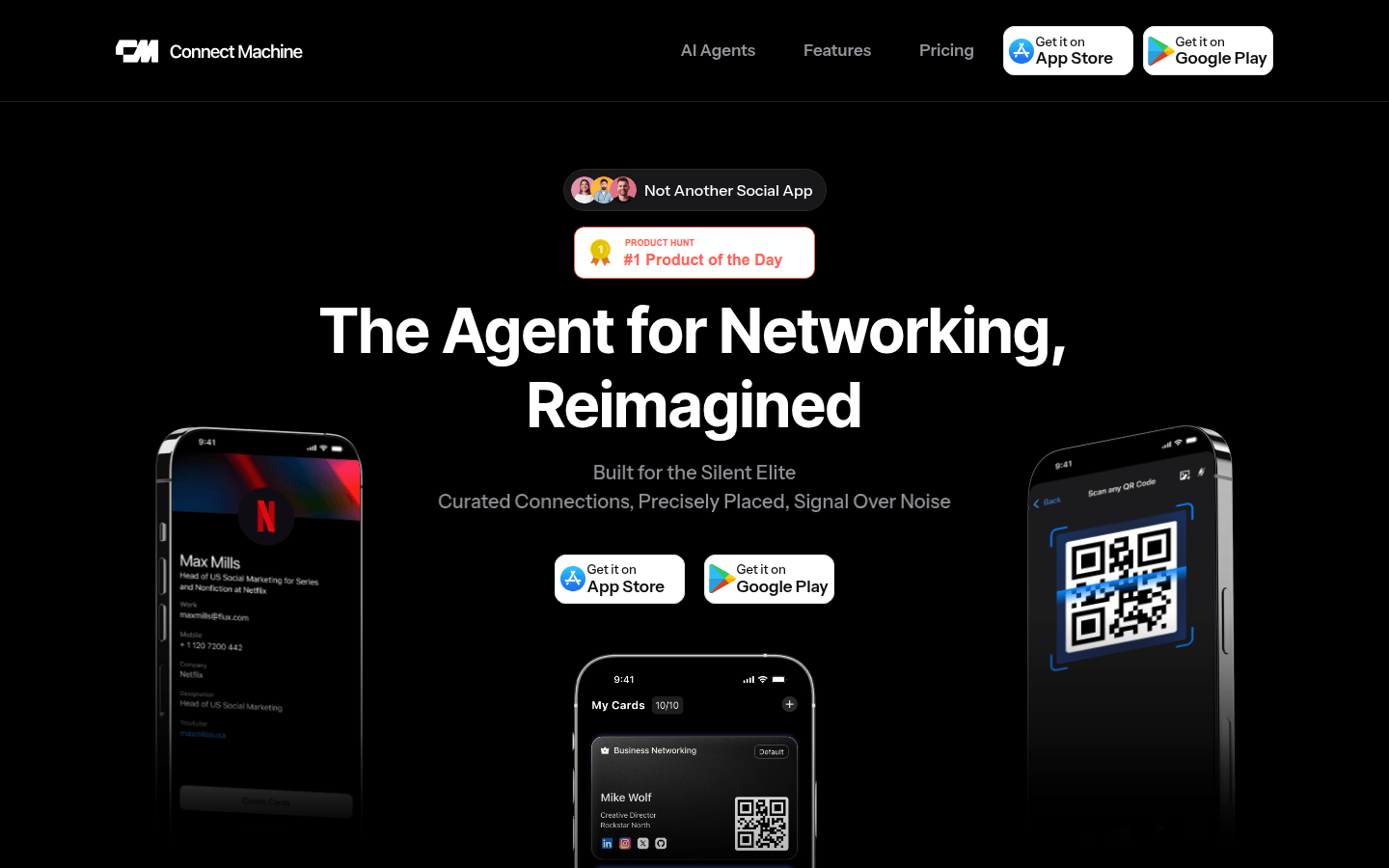
Screenshot archived from the listing page, for preview only.











