CrafterQ AI
AI agents for websitesTurn site visitors into conversations
Highlights
What you can do with it
- A financial services company turns site visits into product inquiries
- An e-commerce store answers customer questions around the clock
- An educational institution consults students and parents in real time
How to use it
- 1 Open the CrafterQ site and start free without a card
- 2 Add a custom agent to your website using the provided script
- 3 Train the agent on your content, products, and business knowledge
- 4 Launch the agent so it begins talking to visitors
- 5 Use the real-time insights to keep improving its answers
Who it is for
Pros
- A free plan is available with no credit card
- Deployment needs no code, just a script snippet
- Support coverage runs 24/7 without extra staff
- Insight reporting shows what visitors actually ask
Limitations
- Answer quality depends entirely on your training material
- The free plan has limits, and paid pricing is separate
- Automated answers need monitoring for errors
- Conversion results vary widely by site and traffic quality
What CrafterQ AI is
CrafterQ is an AI agent platform built for commercial websites. The statistic it starts from is that more than half of website visitors leave without taking any action, and the agent exists to intercept them. You add a custom agent to any page with a simple script, then train it on your own content, products, and business knowledge so its answers reflect your catalogue rather than a generic model. Once live, it converses with visitors in real time, answers product questions, captures intent, and guides people toward conversion, which is meant to raise lead quality and shorten the sales funnel. The same agent handles 24/7 support, reducing ticket volume and response time without adding headcount, and it reports real-time insights on topic trends, mood, and content gaps.
What you can do with it
- Deploy a custom website agent with a script and no code
- Train it on your content, products, and business knowledge
- Answer visitor questions in real time and capture intent
- Guide visitors toward conversion and generate qualified leads
- Run 24/7 automated support that scales without more staff
- Read insights on topics, mood, and content gaps to improve answers
Who it is for
Commercial website operators who see traffic but little interaction use it to turn a static site into a conversation. E-commerce businesses use it to answer product questions at any hour, which is where a lot of carts are lost. Customer support teams use it as a first line that absorbs routine questions and escalates the rest. Educational institutions use it to consult prospective students and parents on the site itself. Any business whose website is a primary sales or support channel is in scope.
What to watch out for
Agent quality tracks training material closely: thin or outdated documentation produces thin or outdated answers, so the knowledge base is ongoing work rather than a one-time upload. The free plan has limits, and paid models are priced separately. Automated answers need monitoring, because a confident wrong answer about a price or a policy is worse than no answer, so keep a human review path for anything consequential. Conversion results depend on your traffic as much as on the agent; better conversations help, but they do not fix weak traffic or an unclear offer.
FAQ
Is there a free plan?
Yes. A free plan is available and does not require a credit card, with paid models alongside it.
Do I need coding skills?
No. Deployment is described as completable with a simple script, without writing code.
What can the agent do?
It answers questions, captures intent, guides visitors toward conversion, supports sales, and handles 24/7 customer support.
How do I improve it over time?
The platform surfaces real-time insights on topic trends, mood, and content gaps so you can refine documents and processes.
Why it is free
What the official page says: free plan
Free limits, trial length and features are decided by the official site and can change at any time.
Product preview
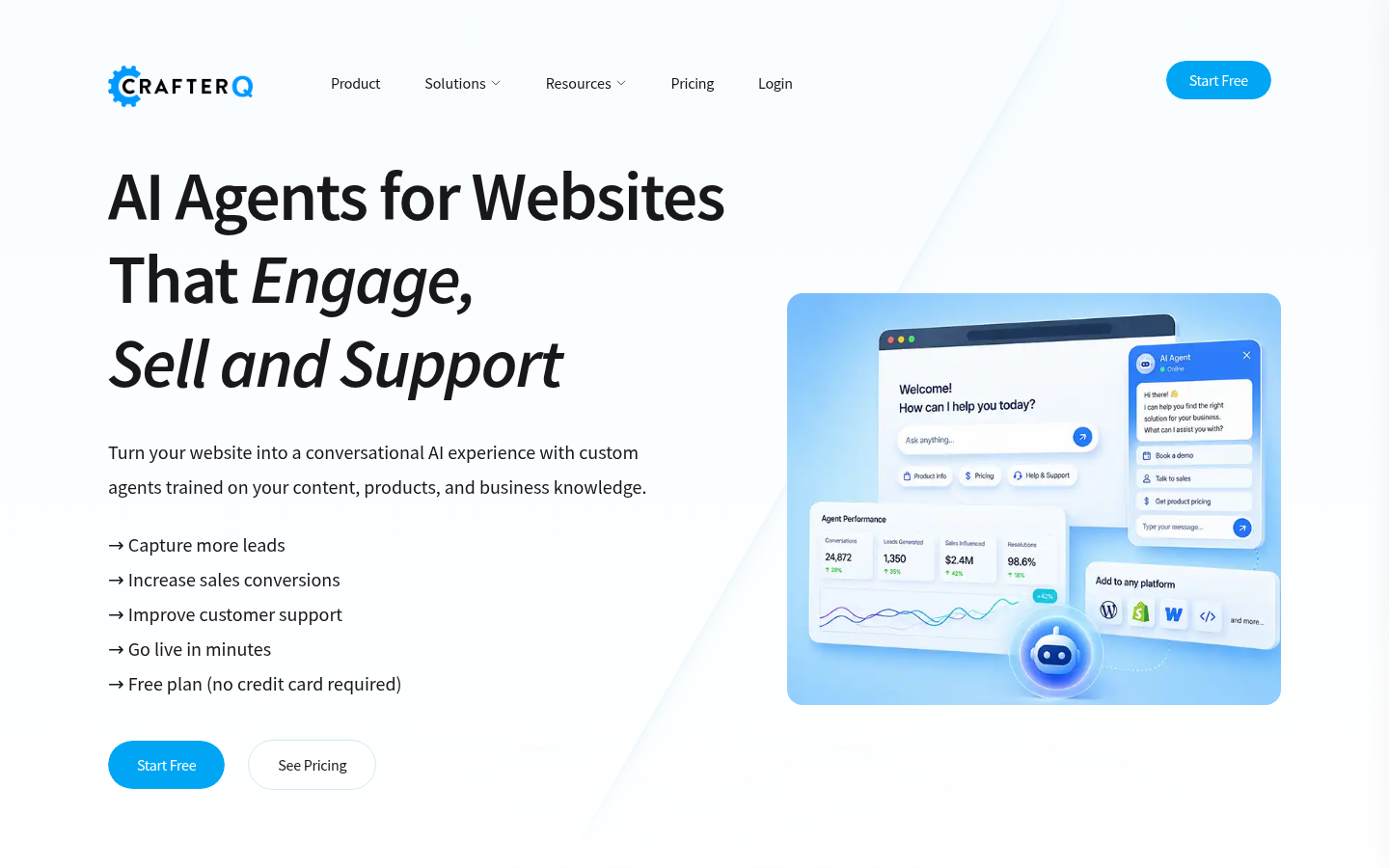
Screenshot archived from the listing page, for preview only.