DeepArt.io
DeepAI's suite of AI creation toolsText to image, voice to voice, and more
Highlights
What you can do with it
- Generate landscape images from a text description
- Convert one voice into a target voice
- Summarize long text automatically
How to use it
- 1 Open the DeepAI tools page
- 2 Pick the tool you need
- 3 Enter your text or upload your audio
- 4 Run it and download the result
Who it is for
Pros
- Several AI tools in one place
- Free option for casual use
- Simple interfaces aimed at non-experts
Limitations
- Voice-to-voice conversion carries consent and misuse risk; only use voices you have the right to use
- Free tier limits output volume and quality
- Results vary by tool and by input quality
- Site reachability and plan terms can change
What DeepArt.io is
DeepArt.io leads to DeepAI's set of AI content creation tools. Rather than one narrow function, the site collects several: text-to-image generation for making pictures from descriptions, voice-to-voice conversion for changing how speech sounds, text summarization for condensing long passages, and speech recognition for turning audio into text. Both free and paid versions are offered, so you can start without paying and upgrade if volume or quality demands it. The stated mission is lowering the barrier to AI creation, which shows in the design: simple web interfaces aimed at people who are not engineers. That makes the site useful for quick experiments as well as light production work.
What you can do with it
- Generate images from text descriptions
- Convert speech from one voice into another
- Summarize long text into a shorter version
- Transcribe audio into text with speech recognition
Who it is for
- Creators experimenting with different AI generation types
- Anyone who needs a quick summary of a long document
- Developers exploring what the underlying models can do
- Students and hobbyists learning how these tools behave
What to watch out for
Voice-to-voice conversion is the feature that needs the most care. Converting someone's voice without permission can violate platform rules and local law, and the consequences fall on you, so only use voices you own or have explicit rights to. Beyond that, the free tier limits volume and output quality, so heavy use means a paid plan. Results vary noticeably by tool and by input quality: a clean prompt or a clear recording does far better than a vague one. The site has also shown restricted responses in our checks, so confirm current availability and pricing before building a workflow around it.
FAQ
What tools does DeepAI offer?
Text-to-image generation, voice-to-voice conversion, text summarization, and speech recognition.
Is there a free version?
Yes, the site offers both free and paid versions so users can choose based on their needs.
Can I clone any voice I want?
No. Only convert voices you own or have clear permission to use. Misusing someone's voice can break platform rules and law.
Why it is free
What the official page says: 免费
Free limits, trial length and features are decided by the official site and can change at any time.
Product preview
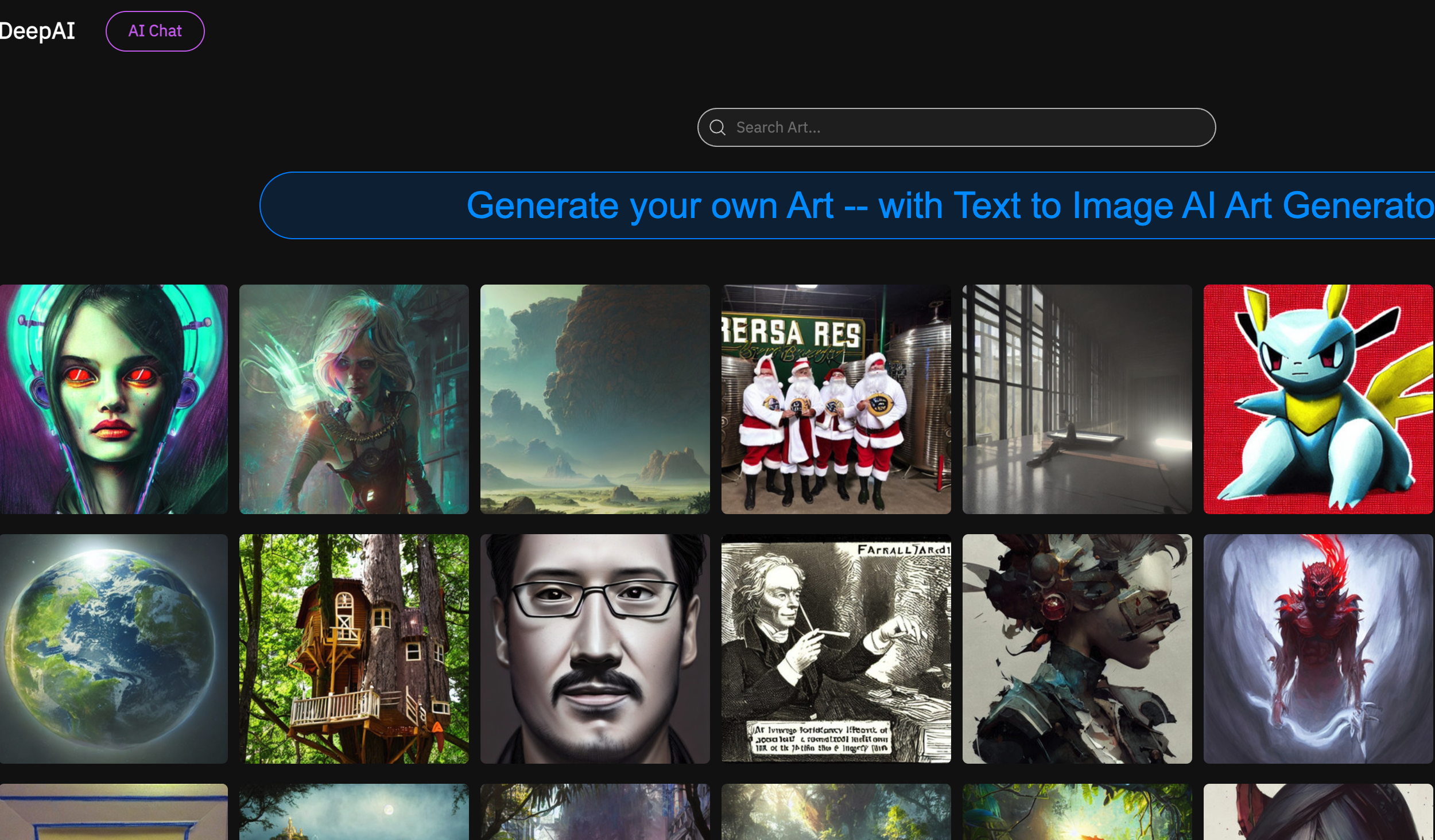
Screenshot archived from the listing page, for preview only.