FAQ Generator
Free AI FAQ generator for websitesTurn a page into an FAQ, free
Highlights
What you can do with it
- Adding an FAQ page to a business website
- Feeding questions into a customer support chatbot
- Building structured Q&A content for search visibility
How to use it
- 1 Open the FAQ Generator page
- 2 Enter your website URL
- 3 Let the AI read the page and draft the FAQ
- 4 Edit and customize the questions and answers
- 5 Publish the FAQ page and monitor it
Who it is for
Pros
- Free and no registration required
- Fast first draft from an existing page
- Editable before you publish
Limitations
- Drafts need human editing before publishing
- Free rules can change at any time
- Output quality depends on the source page
What FAQ Generator is
FAQ Generator is a free AI tool that builds a list of frequently asked questions from a website. You enter a URL, the AI reads the page content, and it drafts questions with answers based on what it finds. The site says the tool needs no registration. The output is designed to improve user experience and search performance, and you can edit the generated template before publishing it as an FAQ page. It is aimed at website administrators, content creators, and businesses that want to automate FAQ writing instead of typing every entry by hand, including teams that need structured Q&A for a support chatbot on an online store or a service site.
What you can do with it
- Generate an FAQ list from one URL
- Get answers drawn from page context
- Customize the template before publishing
- Reuse the Q&A for a chatbot or help center
Who it is for
- Site owners who need an FAQ section
- Content creators working on search performance
- Businesses that want automated support content
What to watch out for
Generated questions and answers need human review before they go live, because the AI can misread a page or state something your business does not actually offer. Free access and features can change. The quality of the output depends heavily on how clear and complete the source page is, so a thin or messy page will produce a thin and messy FAQ. Keep an eye on what real visitors ask and update the page over time. For best results, start with a small test file and review the output carefully before working on anything important.
FAQ
Is it free?
Yes, the tool is free and needs no registration.
What do I need to start?
A website URL for the AI to read.
Can I edit the output?
Yes, the generated FAQ template is customizable.
Why it is free
What the official page says: 免费无需注册
Free limits, trial length and features are decided by the official site and can change at any time.
Product preview
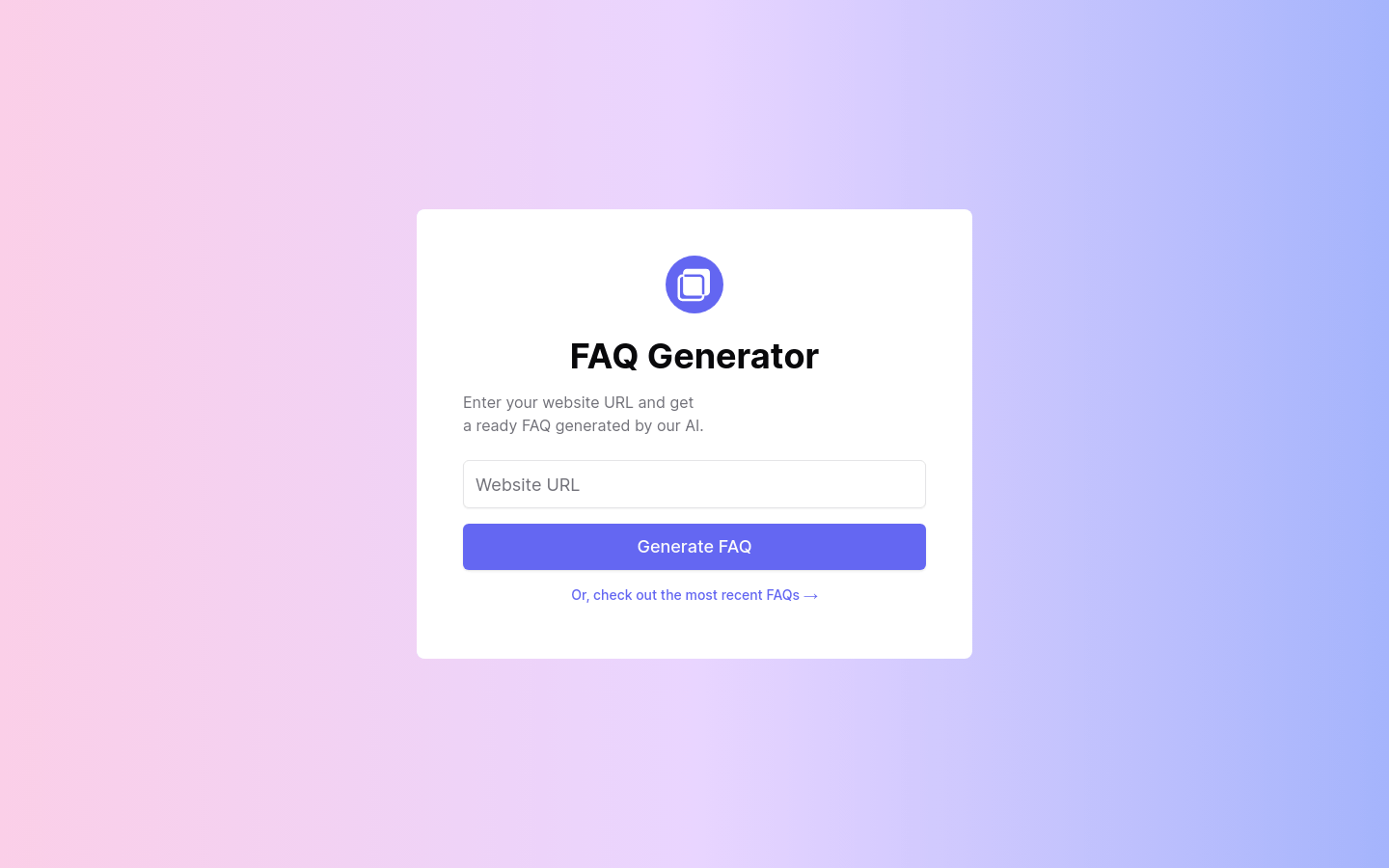
Screenshot archived from the listing page, for preview only.