FilmmakerPRO
Free GPT to help filmmakers write screenplaysCharacters, screenplays, and scene planning for filmmakers
Highlights
What you can do with it
- Developing unique characters for a screenplay
- Writing and refining a script with GPT assistance
- Planning scenes with visual precision
How to use it
- 1 Visit the FilmmakerPRO page and start the GPT application.
- 2 Describe the characters you want to develop.
- 3 Ask it to help write or refine your screenplay.
- 4 Use it to plan scenes with visual precision.
- 5 Apply the suggestions to boost your creative output.
Who it is for
Pros
- Free GPT application for filmmakers
- Covers characters, screenplays, and scene planning
- Trained on a curated set of filmmaking and directing materials
Limitations
- It runs as a GPT application, so access depends on the underlying platform
- Being a specialized tool, its output still needs human creative review
- The free offering and features may change over time
What FilmmakerPRO is
FilmmakerPRO is a free GPT application built to help filmmakers with creative work. It is designed to help you develop unique characters, write compelling screenplays, and plan scenes with visual precision. The tool is trained on a curated collection of filmmaking books and articles about screenwriting and directing, so its guidance is aimed at real craft rather than generic chat.
What you can do with it
- Develop unique characters for your story.
- Write and refine screenplays with GPT assistance.
- Plan scenes with visual precision.
- Use its extra features to boost creative output and productivity.
Who it is for
- Filmmakers who need help shaping characters and scripts.
- Screenwriters looking for a GPT-based writing partner.
- Directors who want to plan scenes with a clear visual sense.
What to watch out for
FilmmakerPRO runs as a GPT application, so it depends on the platform that hosts it being available. As a specialized assistant, its suggestions still need your creative review before they go into production. Because it is offered as a free GPT app, its features and availability can change over time. For team use, agree on naming and editing conventions in advance to avoid version conflicts or duplicated work. Name and archive exported files consistently so you can find and reuse them, and keep a backup copy of key data. Save a backup of the original file before large batch jobs, and keep an exported copy of key results in case the page or service becomes temporarily unavailable. Save a backup of the original file before large batch jobs, and keep an exported copy of key results in case the page or service becomes temporarily unavailable.
FAQ
Is FilmmakerPRO free?
Yes, it is described as a free GPT application for filmmakers.
What can it help with?
It helps develop characters, write screenplays, and plan scenes with visual precision.
What is it trained on?
It is trained on a curated collection of filmmaking books and articles about screenwriting and directing.
Why it is free
What the official page says: 免费
Free limits, trial length and features are decided by the official site and can change at any time.
Product preview
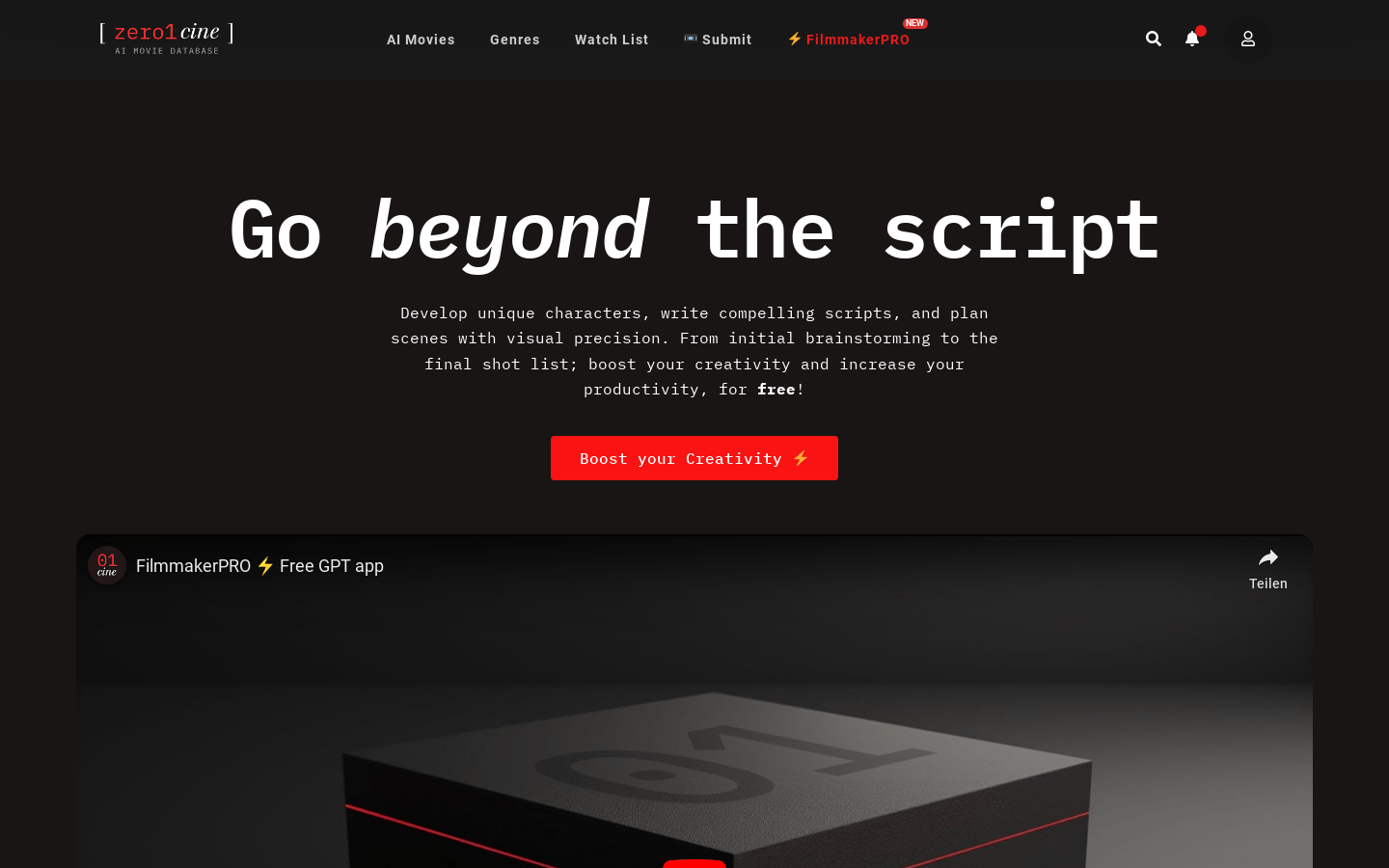
Screenshot archived from the listing page, for preview only.