DeepTranslate
Free bilingual page translation browser extensionTranslate any web page in over 140 languages
Highlights
What you can do with it
- Reading a foreign academic paper with the original beside the translation
- Studying a second language with bilingual page comparison
- Skimming international news with subtle wording intact
How to use it
- 1 Install the DeepTranslate extension in your browser
- 2 Open the page you want to translate
- 3 Pick the target language
- 4 Choose the translation engine and mode in the extension panel
- 5 Click translate and switch between bilingual and immersive views
Who it is for
Pros
- Several translation engines behind one button
- Bilingual view keeps the original visible
- Covers more than 140 languages
- Free extension with quick operation
Limitations
- Free terms can change, and some engines need their own accounts or keys
- Translation accuracy varies by engine and by text type
- Depends on upstream translation services, so outages stop translation
- Scope is page and document translation, not full localization workflows
What DeepTranslate is
DeepTranslate is a free AI bilingual page translation extension for the browser. Install it, open a page, and it translates in place, covering instant translation in more than 140 languages. What makes it more than a single-engine translator is that it bundles several backends, including Google Translate, DeepL, ChatGPT from OpenAI, Microsoft Translator, and OpenL, so you can switch depending on the text. You can read a bilingual comparison or go fully immersive, which is the difference between studying a language and simply getting the gist. The listing also points to modes built for academic papers and news articles, where wording carries weight.
What you can do with it
- Translate a whole page without copying text into another tab
- Switch between translation engines for the same page
- Read bilingual output with the original visible
- Handle papers and news where nuance matters
Who it is for
- Students and researchers reading work in other languages
- Professionals who work across language environments
- Language learners who want the source text beside the translation
What to watch out for
The extension is free, but some engines behind it have their own accounts, quotas, or keys, so the free part is the wrapper rather than every engine. Accuracy varies by engine and by text type, and technical or idiomatic passages still reward a check against the original. Because translation happens upstream, a service outage or rate limit means no translation. Scope is page-level reading assistance; it is not a tool for managing a full localization pipeline with translation memory and review. For team use, agree on naming and editing conventions in advance to avoid version conflicts or duplicated work.
FAQ
Is DeepTranslate free?
The listing describes it as a free browser extension. Some translation engines it connects to may have their own accounts or limits.
How many languages are supported?
Instant online translation in more than 140 languages is listed.
Which translation engines can I use?
Google Translate, DeepL, ChatGPT from OpenAI, Microsoft Translator, and OpenL are named.
Can I see the original text?
Yes, you can choose a bilingual comparison view or a fully immersive translation.
Why it is free
What the official page says: 免费
Free limits, trial length and features are decided by the official site and can change at any time.
Product preview
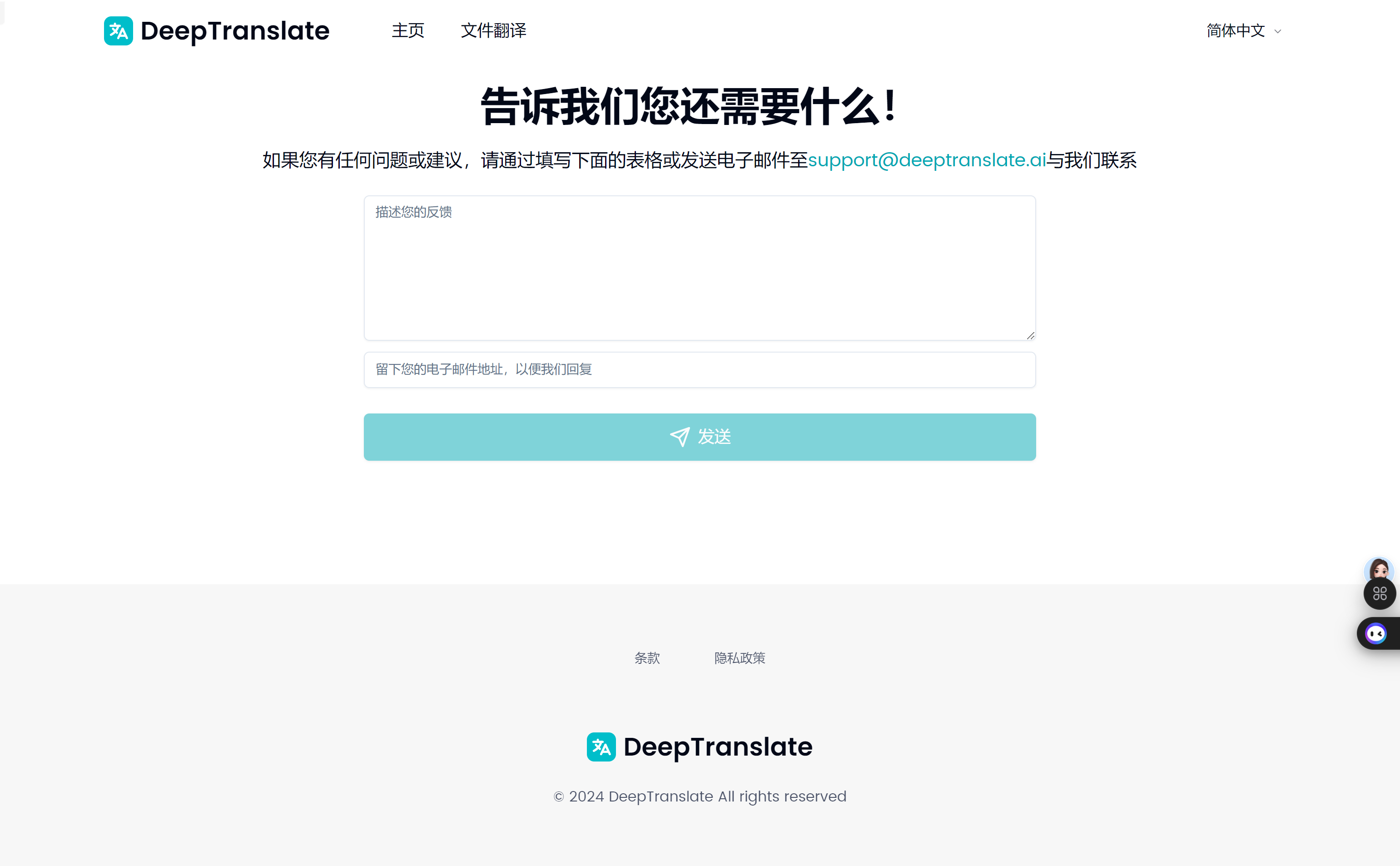
Screenshot archived from the listing page, for preview only.