docubase.ai
Document Q and A with AIUpload a document, get answers
Highlights
What you can do with it
- Searching a long contract or report for a clause
- Summarizing research papers before a meeting
- Answering questions from internal documentation
How to use it
- 1 Upload your document.
- 2 Let the tool extract the text automatically.
- 3 Ask a question or pick a generated one.
- 4 Read the extracted answer and the summary.
- 5 Export the result or send feedback on the answer.
Who it is for
Pros
- Answers come from your own documents
- Summary and export in one place
- Multilingual support
- 7 day free trial that you can cancel at any time
Limitations
- The free trial lasts 7 days only
- Paid terms after the trial are not spelled out here
- Answer quality depends on the document and on text extraction
- Uploading sensitive files means trusting the service with them
What docubase.ai is
docubase.ai is a document question answering tool. You upload a document, the tool extracts the text automatically, and then you can ask your own questions or work with the ones it generates for you, with answers pulled from the content you supplied. It also summarizes documents, supports multiple languages, and offers export options along with a feedback mechanism so you can flag answers that miss the mark. The listing offers a free trial that runs for 7 days and can be cancelled at any time. It is filed under knowledge management and research, which fits teams and individuals who need to search through their own files quickly.
What you can do with it
- Upload a document and have its text extracted.
- Ask your own questions about the file.
- Use generated questions to explore the content.
- Summarize a document and export the results.
Who it is for
- Researchers working through papers and reports.
- Teams that need to search internal documentation.
- Anyone who wants a summary before reading in full.
- Knowledge workers handling files in more than one language.
What to watch out for
The free trial runs for 7 days, and what it costs after that is not spelled out in the listing, so check pricing before you rely on it for ongoing work. Answers depend on the quality of the text extraction, so scanned PDFs, tables and unusual layouts may produce weaker results than plain text files. If you upload confidential material, you are trusting the service with it, so read the privacy terms first and consider what you are putting on a third party server. Generated answers should be checked against the source document before you quote them anywhere that matters, and the feedback feature is useful for flagging wrong answers rather than fixing them.
FAQ
How does the free trial work?
The listing says 7 days, and you can cancel at any time.
What can it do with a document?
Extract text, generate questions, extract answers, summarize and export.
Does it support other languages?
Multilingual support is listed among its features.
Why it is free
What the official page says: for freefree trial
Free limits, trial length and features are decided by the official site and can change at any time.
Product preview
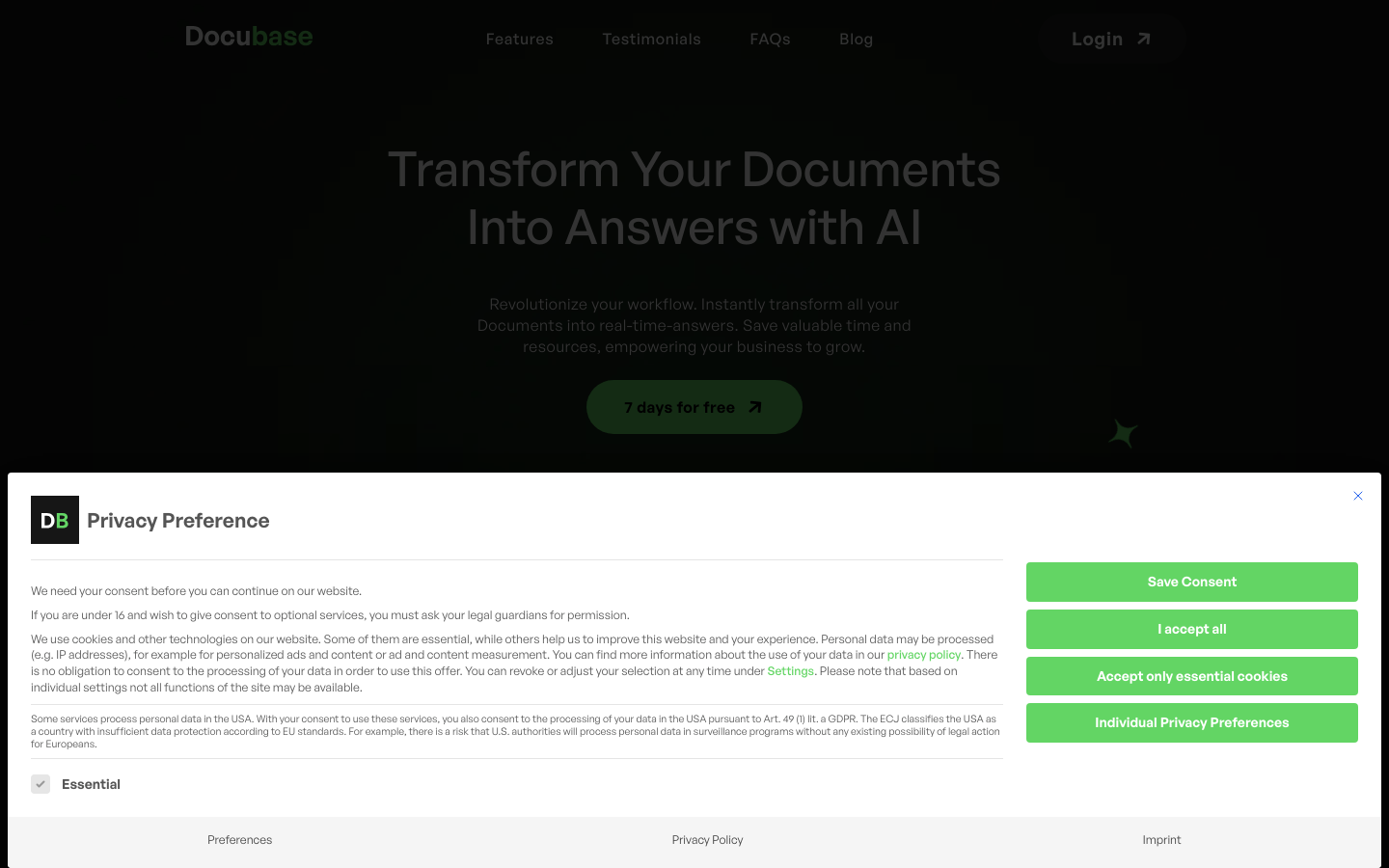
Screenshot archived from the listing page, for preview only.