ChatPPT
One-click AI analysis of PowerPointTurn a PPT into a readable conversation
Highlights
What you can do with it
- Summarising a meeting deck before a call
- Turning course slides into readable notes
- Reviewing classroom PPTs for study
How to use it
- 1 Visit the ChatPPT site and register
- 2 Upload the PPT file
- 3 Click the one-click analyse button
- 4 Read the generated conversational summary
- 5 Edit or share the result as needed
Who it is for
Pros
- A very simple upload and analyse flow
- Faster than reading a long deck end to end
- Free basic use
Limitations
- Summaries can miss nuance in dense slides
- Free limits and pricing can change
- Uploaded files should be checked against your privacy needs
What ChatPPT is
ChatPPT is a tool that reads a PowerPoint file and turns it into a conversation. You upload a deck, click one button, and the AI analyses the content and produces a summary written as dialogue rather than a list of bullet points. The stated aim is to make presentations easier to understand and easier to talk about, especially for people who receive more decks than they have time to read. It supports several PPT file formats and the basic functionality is free.
What you can do with it
- Upload a PPT file and analyse it in one click
- Get a conversational summary of the deck's key points
- Prepare for a meeting by reading a summary instead of every slide
- Edit or share the generated summary with others
Who it is for
- Business professionals who receive presentations constantly
- Teachers converting course slides into something students will read
- Students reviewing classroom decks while revising
What to watch out for
A summary compresses, and dense slides full of figures, caveats or footnotes are exactly where detail gets lost. Use the output as a map of the deck rather than a replacement, and open the original for anything with numbers you need to quote. Uploaded presentations may contain confidential material, so check the privacy position before sending anything sensitive. Free limits and pricing can change, and file compatibility will not cover every deck you encounter. Run one full task end to end first, then expand once you are comfortable with the workflow and the result quality. Behavior may vary across browsers and devices, so test before production use and consult the help docs if errors appear.
FAQ
What does ChatPPT do?
It analyses PPT presentations with one click and generates conversational summaries.
Is it free?
The listing says the basic functionality can be used without charge.
Which formats does it support?
It is described as compatible with multiple PPT file types.
Why it is free
What the official page says: for free
Free limits, trial length and features are decided by the official site and can change at any time.
Product preview
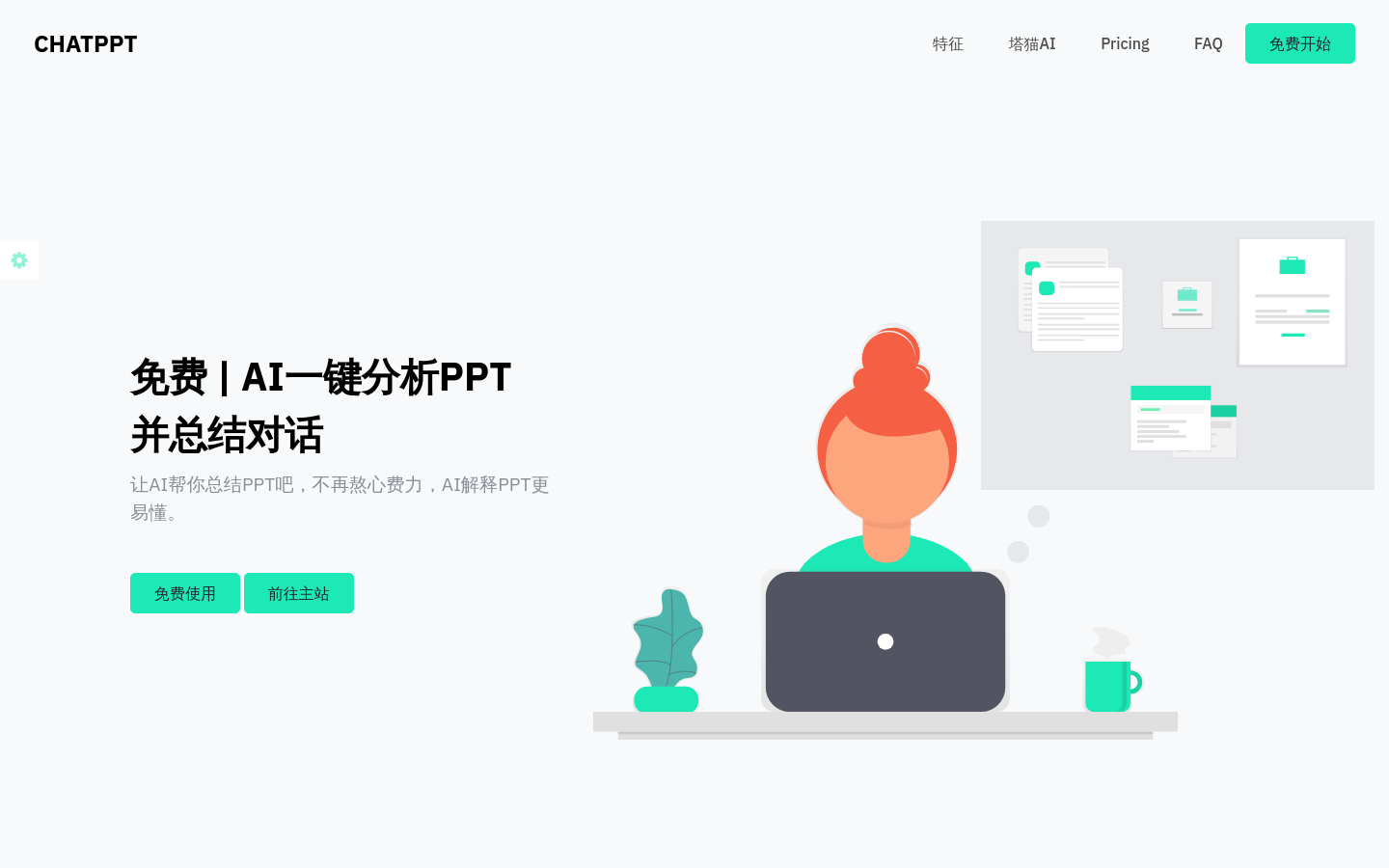
Screenshot archived from the listing page, for preview only.