
Forage Mail
AI email inbox managerClean inbox, daily summaries
Highlights
What you can do with it
- Scan newsletters in seconds each day
- Keep an inbox free of clutter
- Unsubscribe from unwanted senders fast
How to use it
- 1 Register on the Forage Mail site.
- 2 Connect your Gmail account.
- 3 Set custom filtering rules.
- 4 Read the daily summary email.
- 5 Open important items directly in Gmail.
- 6 Use one-click unsubscribe to clean up.
Who it is for
Pros
- Cuts inbox noise with smart filtering
- Daily summaries save reading time
- No need to switch email apps
Limitations
- A free trial only; ongoing use needs a plan
- Built around Gmail, so other providers are out of scope
- Connecting an account means granting access to mail
- The site returned an error during review, so access is uncertain
What Forage Mail is
Forage Mail is an AI email management tool that cleans up your inbox and sends a daily summary. It automatically filters low priority email so only important messages and the summary reach your main view. The pitch is that your inbox becomes a short list instead of a wall. Custom rules let you adjust how mail is handled, one-click unsubscribe clears unwanted senders, and it works inside your existing email app rather than forcing a switch. The listing says it is verified by Google and does not sell data to third parties, and a free trial is available.
What you can do with it
- Filter low priority mail automatically
- Read a daily summary of what was filtered
- Set custom rules for your preferences
- Unsubscribe from unwanted senders in one click
- Keep working inside your current email app
The daily digest is the main habit the tool is trying to build.
Who it is for
- People drowning in newsletters
- Professionals with busy inboxes
- Anyone who wants a tidy inbox fast
- Gmail users who prefer summaries
It suits people who check email several times a day, and teams that share a support inbox may find summaries useful too.
What to watch out for
A free trial only; ongoing use needs a plan, and terms can change. The workflow is built around Gmail, so other providers are out of scope. Connecting an account means granting access to your mail, so review permissions first. The site returned an error during review, so access is uncertain. Filtering mistakes can hide mail you wanted, so start with loose rules, tighten them once you trust the filtering, and check the filtered folder occasionally.
FAQ
What does Forage Mail do?
It filters low priority emails and delivers important mail plus a daily summary.
Which email service does it work with?
The steps describe connecting a Gmail account, and it works inside your existing email app.
Is there a free trial?
Yes, the listing mentions a free trial.
Why it is free
What the official page says: free trial
Free limits, trial length and features are decided by the official site and can change at any time.
Product preview
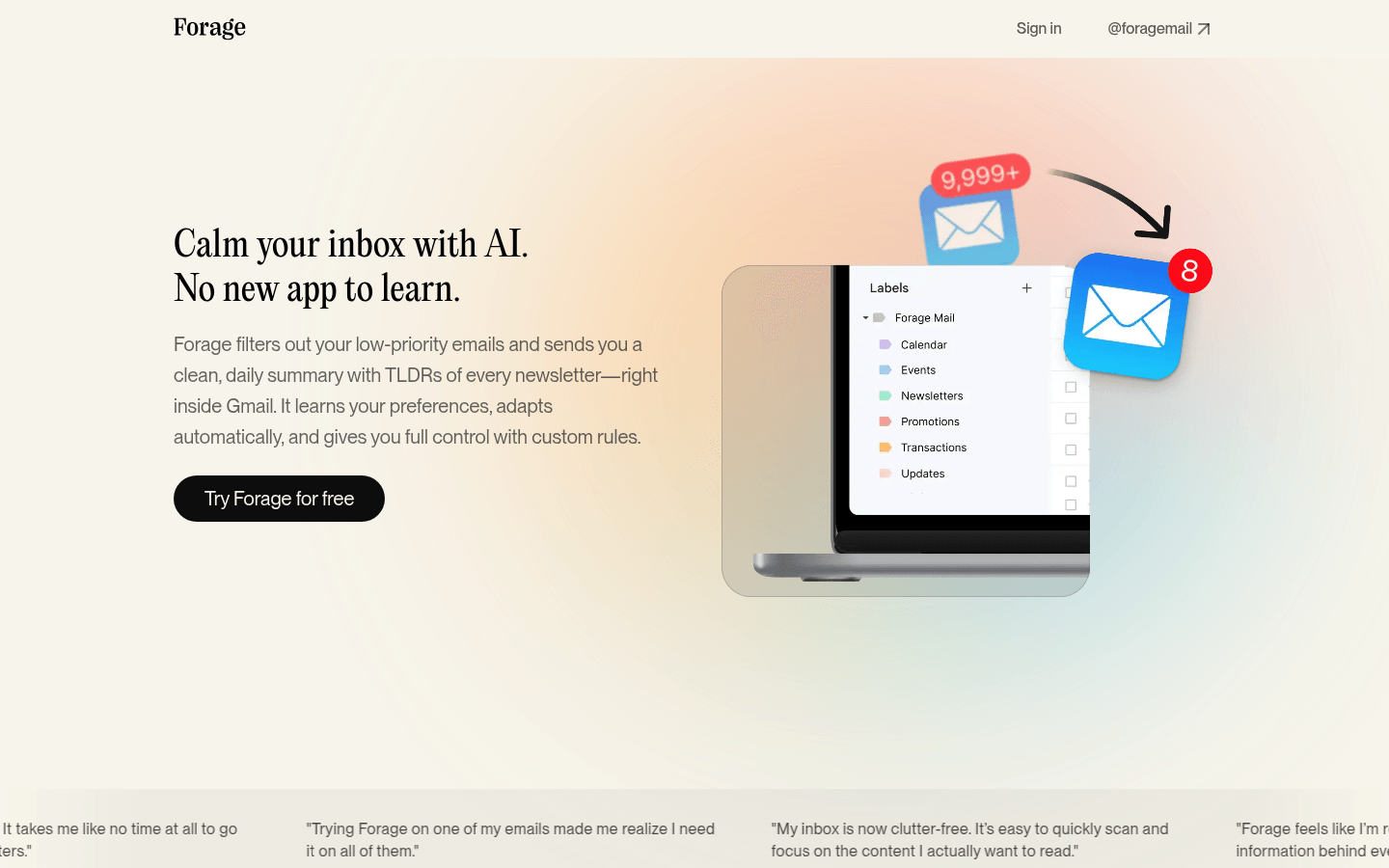
Screenshot archived from the listing page, for preview only.











