Zonos TTS
AI text-to-speech and cloningNatural multilingual speech you can clone
Highlights
What you can do with it
- Education platforms generating natural speech for multilingual courses.
- Game studios creating distinct voices for characters.
- Audiobook creators adding emotional range to narration.
How to use it
- 1 Open the Zonos TTS web interface.
- 2 Upload a short audio sample to clone a voice, or start from a preset.
- 3 Enter the text you want the system to speak.
- 4 Choose the language and set the emotion you want.
- 5 Generate the speech and download the audio file.
Who it is for
Pros
- Clone a usable voice from just a few seconds of audio.
- Emotion and accent control give fine-grained delivery.
- Clean 44kHz audio with real-time processing speed.
Limitations
- It is not entirely free; you need to pick a paid plan for full use.
- Voice cloning can be misused for impersonation, so only clone voices you have the right to use and follow platform and school rules, with any consequences falling on you.
- Top speed figures assume strong hardware such as an RTX 4090.
What Zonos TTS is
Zonos TTS is an AI text-to-speech system that turns written text into natural, expressive speech. It supports several languages, including English, Japanese, Chinese, French, and German, and it adds emotion control so the delivery can sound happy, sad, angry, and more. It also offers zero-shot voice cloning, which builds a personalized voice from a short audio sample of roughly 10 to 30 seconds. The output is high-fidelity audio at 44kHz, and it is designed for uses such as education, audiobooks, games, and voice assistants. It is not entirely free and instead offers flexible pricing plans for different needs.
What you can do with it
- Convert text into speech across multiple languages.
- Clone a voice from a short sample and reuse it for new lines.
- Tune emotion and delivery, including audio prefixes like whispering.
- Generate clear 44kHz audio for courses, stories, games, or assistants.
Who it is for
- Educators who need natural multilingual narration for course material.
- Game and app teams building distinct voices for characters.
- Audiobook and video producers who want expressive, consistent narration.
What to watch out for
Voice cloning can be misused, so only clone a voice when you have the right to use it, and follow any school or platform rules, since the responsibility for misuse falls on you. The tool is not entirely free, so plan around a paid tier for serious or commercial work, and pricing can change. Top speed figures, such as real-time processing on an RTX 4090, assume strong hardware, so results on weaker machines may be slower. For best results, start with a small test file and review the output carefully before working on anything important.
FAQ
Is Zonos TTS free?
It is not entirely free. It offers flexible pricing plans to fit different users and use cases.
How much audio do I need to clone a voice?
Zero-shot cloning works from a short sample of roughly 10 to 30 seconds.
Which languages are supported?
It covers several languages, including English, Japanese, Chinese, French, and German.
Why it is free
What the official page says: 完全免费免费
Free limits, trial length and features are decided by the official site and can change at any time.
Product preview

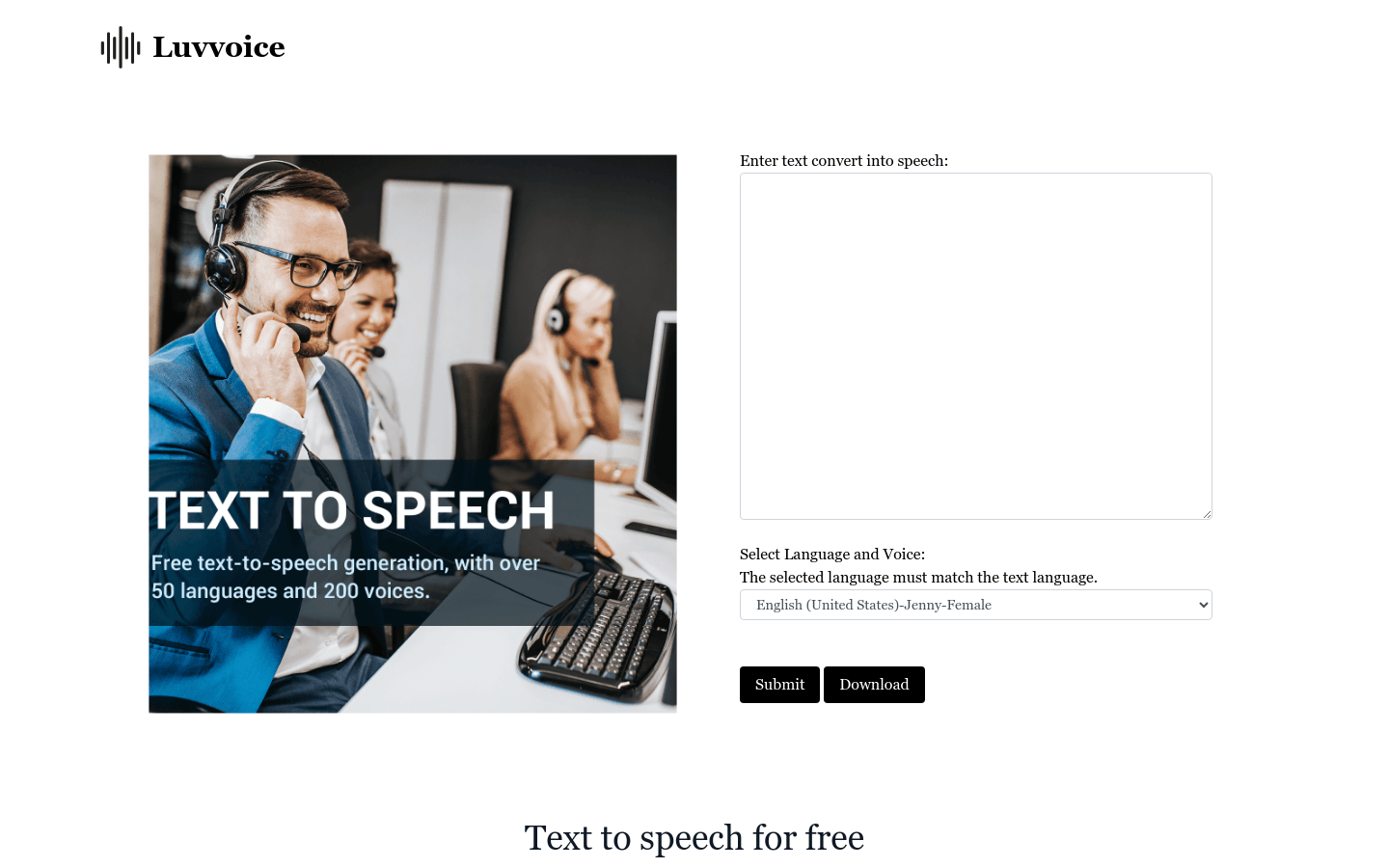
Screenshot archived from the listing page, for preview only.