Freepik Reimagine
AI image variation toolTurn one image into fresh styles
Highlights
What you can do with it
- Designers exploring style variations for a project
- Artists generating new versions of their paintings
- Hobbyists restyling personal photos with art filters
How to use it
- 1 Open Freepik Reimagine in your browser
- 2 Upload the image you want to rework
- 3 Describe the changes you want, such as style or color
- 4 Let the AI generate new versions of the image
- 5 Review and download the variation you like best
Who it is for
Pros
- Free to use during the public beta period
- Simple upload and describe workflow
- Good for generating many ideas quickly
- No professional editing experience needed
Limitations
- Public beta means features and availability can change
- Free access may end when the beta closes
- Output quality depends heavily on the source image
- Less precise control than manual editing software
What Freepik Reimagine is
Freepik Reimagine is an AI-powered image tool from Freepik that takes an existing picture and produces new versions of it. Instead of editing by hand, you upload an image and tell the tool what you want to change, such as a different style, a new composition, or adjusted colors. The AI then generates fresh variations automatically, which makes it easy to collect many creative options in a short time. It is built for people who want inspiration fast, including designers, artists, and hobbyists who do not have professional editing experience. The tool is currently in public beta and available for free, so you can try it without paying anything.
What you can do with it
- Upload an existing image and receive AI-generated variations
- Restyle a picture with different artistic directions
- Change composition and color without manual masks
- Collect several fresh ideas for a single project
- Use the results as drafts or inspiration for further design work
Who it is for
- Designers who need quick style variations for client work
- Artists exploring new versions of their own paintings
- Hobbyists who want to restyle personal photos with different looks
What to watch out for
Because Reimagine is in public beta, features can change or disappear without much notice, and free access may not last once the beta period ends. Output quality depends heavily on the source image, and the tool gives you far less precise control than manual editing in software like Photoshop. Treat generated results as inspiration or drafts rather than final assets, and check the current terms on Freepik's website before using images in client or commercial projects. If you need exact control over a layout, traditional editing tools will still be the better choice.
FAQ
Is Reimagine free?
Yes, it is free to use during the public beta period.
What can I change about an image?
Style, composition, and colors are the main options.
Do I need design skills?
No, the workflow is simply upload an image and describe changes.
What happens after the beta?
Pricing and access may change, so check the current terms on Freepik.
Why it is free
What the official page says: for free
Free limits, trial length and features are decided by the official site and can change at any time.
Product preview
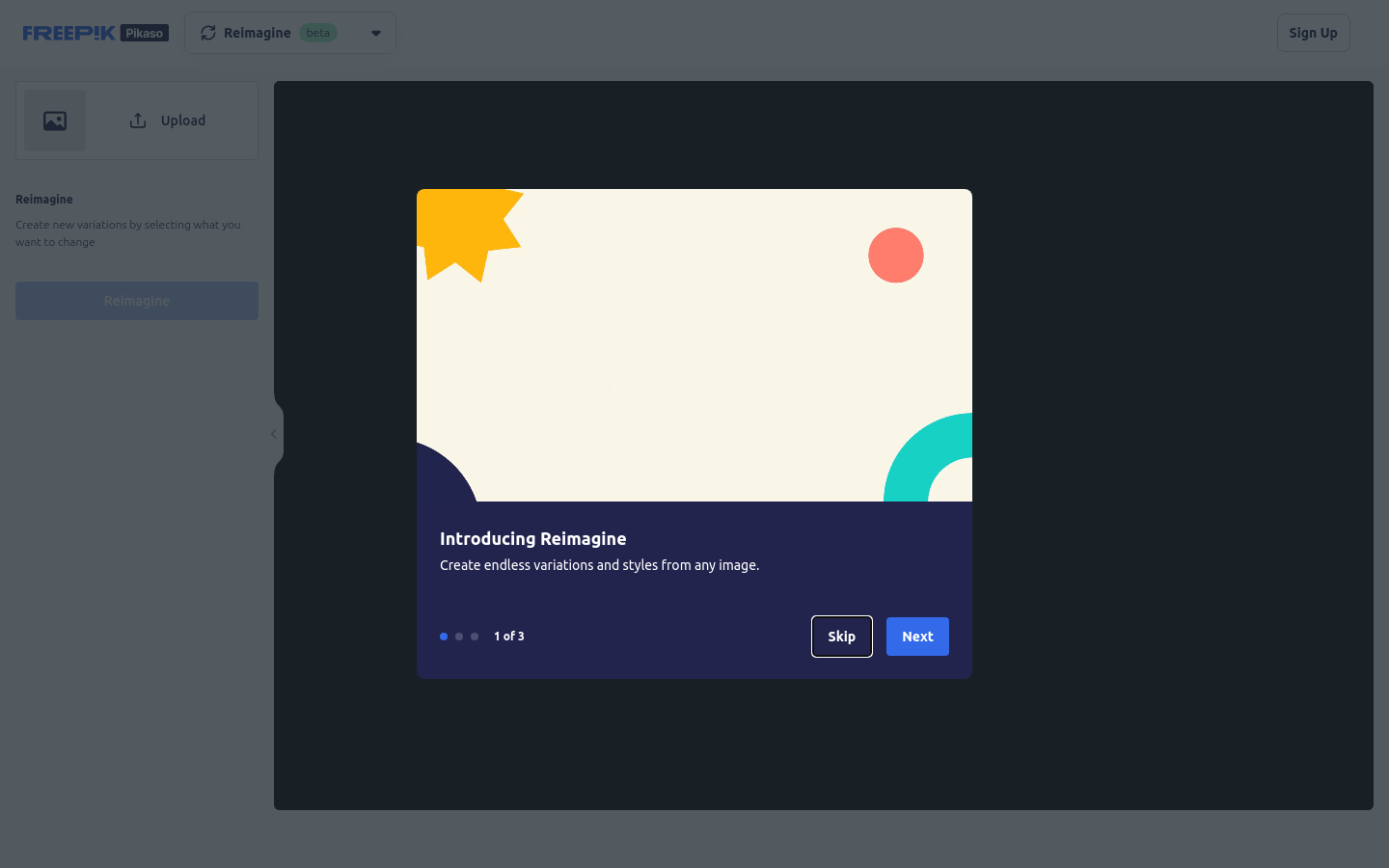
Screenshot archived from the listing page, for preview only.