Pixian.AI
Free background removerCut out backgrounds in HD for free
Highlights
What you can do with it
- Cut out a product photo for a cleaner listing.
- Swap the background on a design project.
- Repair the background on an old photo.
How to use it
- 1 Open the Pixian.AI website.
- 2 Upload the image you want to edit.
- 3 Let the AI remove the background.
- 4 Check the edges and adjust the model if needed.
- 5 Download the cutout image.
Who it is for
Pros
- No registration or subscription.
- Handles difficult edges like hair and fur.
- Works on AI-generated images too.
- Free while in the testing phase.
Limitations
- It is in a testing phase, so free access and features can change or end.
- Complex images may still need manual touch-ups.
- Very large batches may be limited on the free tier.
What Pixian.AI is
Pixian.AI is a free, high-definition image background remover. It handles people, objects, artwork, logos, and scans, and it can deal with tricky edges like hair and fur as well as AI-generated images. There is no registration and no subscription, and the service is described as completely free while it is in its testing phase. You can use customizable AI models tuned for quality and speed. It is a quick option when you need a clean cutout for a product photo, a design project, or a restored old picture.
What you can do with it
- Remove backgrounds in high definition.
- Work with people, objects, art, logos, and scans.
- Handle difficult edges like hair and fur.
- Process AI-generated images as well.
Who it is for
- E-commerce sellers who need clean product shots.
- Designers swapping or replacing backgrounds.
- Anyone restoring or cleaning up old photos.
- Hobbyists cleaning up scans and screenshots.
What to watch out for
The service is in a testing phase, so free access and features can change or end without notice. Complex images may still need manual touch-ups, especially around fine edges like hair and fur. Very large batches may be limited on the free tier, so plan big jobs carefully. Because it runs in testing, save your results locally and keep a backup of your original files. For best results, start with a small test file and review the output carefully before working on anything important. Free tiers can change over time, so it is worth checking the current limits on the official page before you rely on the tool daily. If the result is not quite right, try adjusting your input description or settings and run the task again.
FAQ
Is Pixian.AI free?
Yes, it is described as completely free while it is in its testing phase.
What images can it handle?
People, objects, artwork, logos, scans, images with hair or fur, and AI-generated images.
Do I need to sign up?
No registration or subscription is required.
Why it is free
What the official page says: no registrationcompletely free
Free limits, trial length and features are decided by the official site and can change at any time.
Product preview
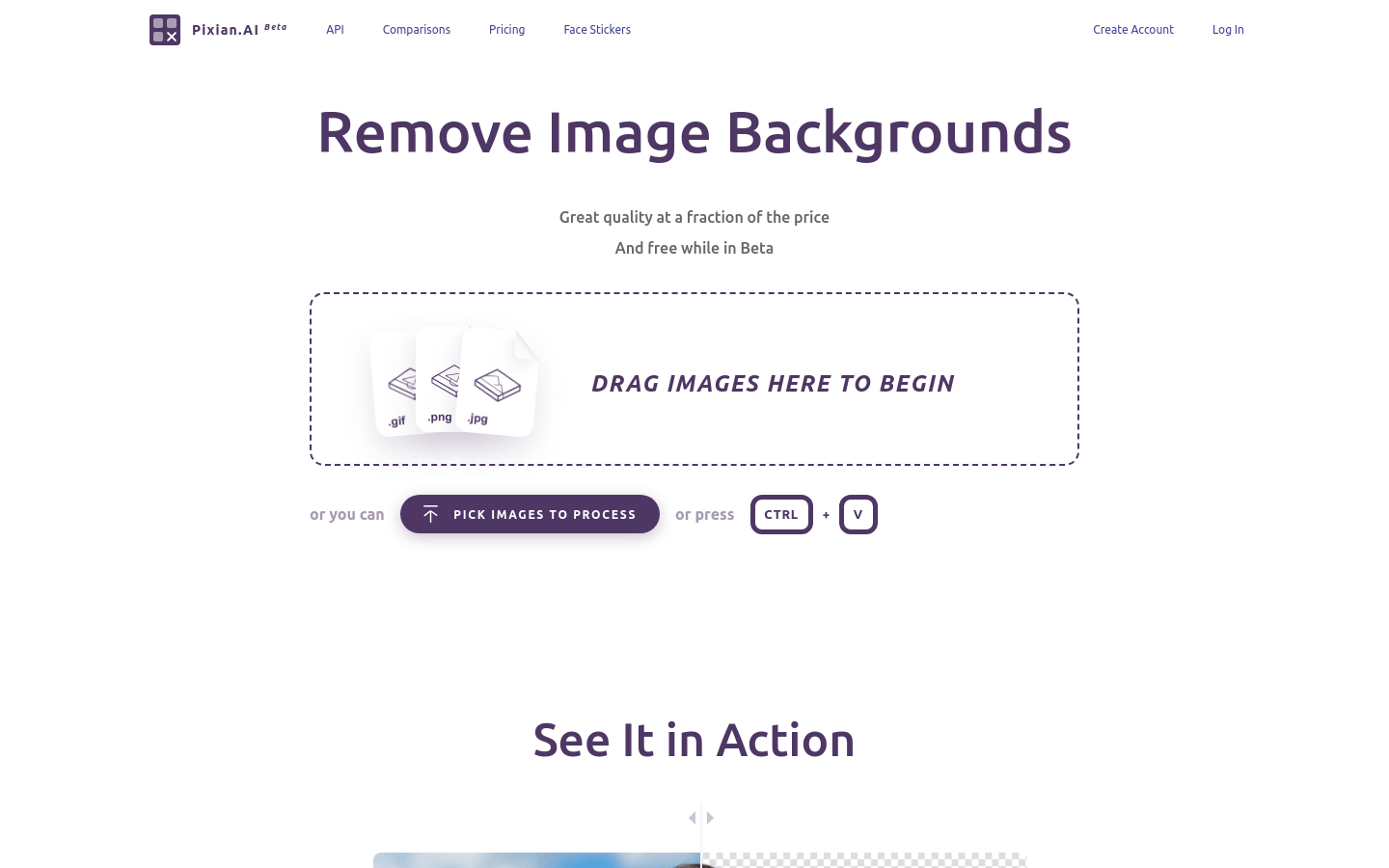
Screenshot archived from the listing page, for preview only.