FutureNotes
AI note and idea summarizerCapture ideas, then share the summary
Highlights
What you can do with it
- Turn a recorded brainstorm into a shareable summary
- Summarize meeting minutes for people who missed the call
- Condense study material into notes to review later
How to use it
- 1 Open FutureNotes in your browser and sign in.
- 2 Upload the audio or video you want summarized.
- 3 Let the AI extract the key points into a document.
- 4 Review and edit the summary before it goes out.
- 5 Share it with the people who need it.
Who it is for
Pros
- Summarizing saves time compared with manual notes
- Works from audio or video, not just text
- Sharing is built into the workflow
Limitations
- Summaries depend on recording quality and clear speech
- The free option has limits, and paid terms can change
- A summary is a starting point, not a verbatim transcript
What FutureNotes is
FutureNotes is an abstract recording and sharing tool. It takes audio or video content and uses AI to summarize it into a document you can pass on to other people. That makes it useful in the moments where ideas move faster than you can type: a brainstorm, a meeting, a lecture, or a study session. The workflow is capture, summarize, share, and each step sits in the same product so you do not have to move files between apps. Pricing is flexible and there is a free option for both individuals and teams, so you can try the basic flow before committing.
What you can do with it
- Turn recorded audio or video into a written summary document
- Condense a long meeting or lecture into its key points
- Edit the summary before it goes out to other people
- Share the finished document with teammates, classmates, or clients
Who it is for
- People in back-to-back meetings who want notes without writing them live
- Students who record lectures and need condensed study material
- Teams that need a shared summary after a brainstorm or planning session
What to watch out for
Summary quality depends on the recording. Background noise, crosstalk, and unclear speech all hurt the result, so a decent microphone matters more than you might expect. The output is a summary, not a full transcript, so if you need exact wording you should keep the original recording as well. There is a free option but the limits and paid terms can change. And because sharing is a core feature, remember that other people will read whatever the AI produced, so review the document before you send it.
FAQ
What formats can I summarize?
The site lists audio and video content as the input for summary documents.
Is it free?
There is a free option, with paid plans for larger needs.
Can I share what I make?
Yes, sharing abstract documents with others is a core feature.
Why it is free
What the official page says: 免费使用免费
Free limits, trial length and features are decided by the official site and can change at any time.
Product preview
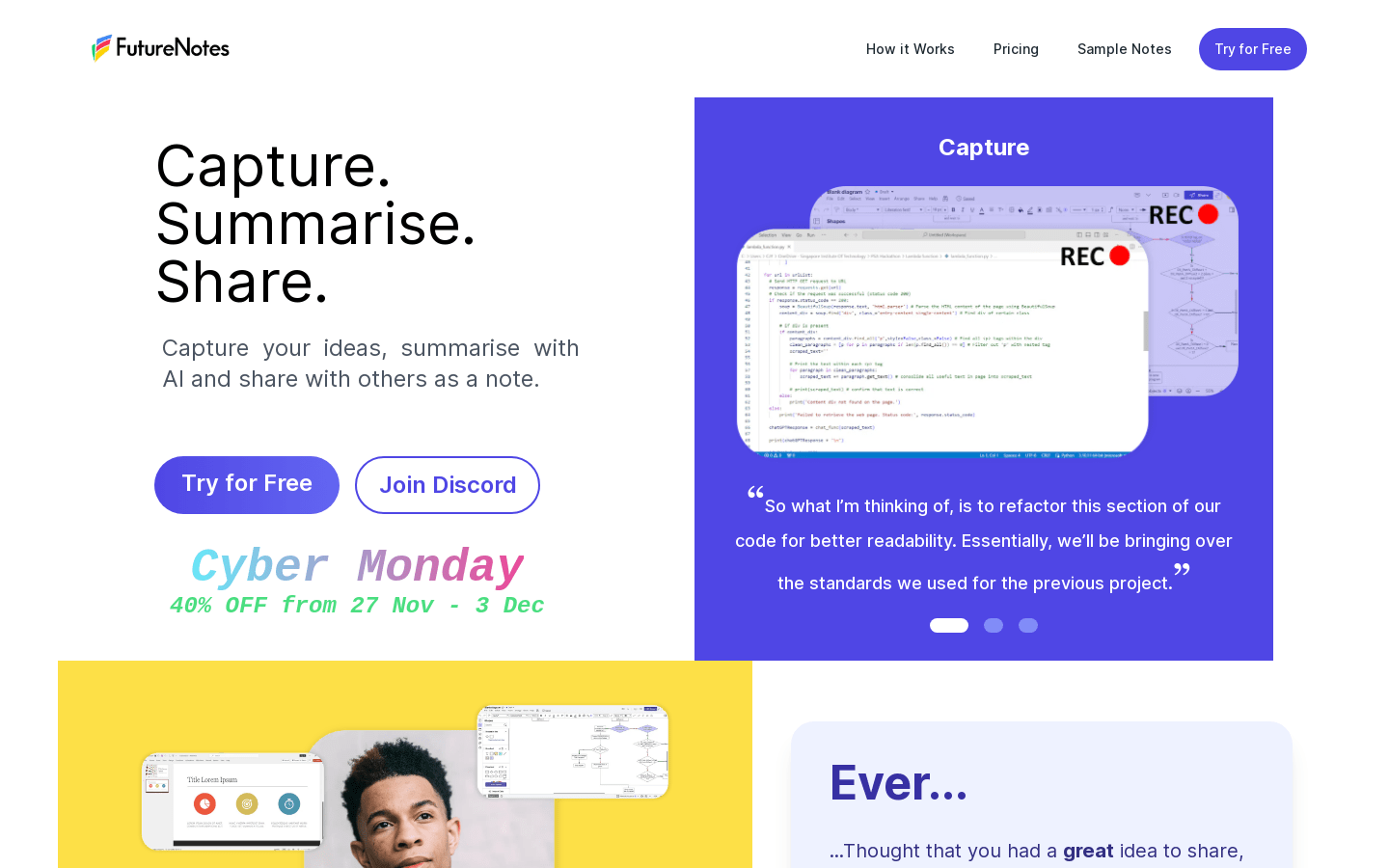
Screenshot archived from the listing page, for preview only.