Klee
Local, private AI assistant for macOS notesNote-taking and search that stay on your Mac
Highlights
What you can do with it
- Consolidate and analyze local research data
- Organize class notes and research materials
- Quickly find writing material and inspiration
How to use it
- 1 Download and install the Klee desktop client
- 2 Create or import local files and knowledge bases
- 3 Link your notes and use RAG to search the base
- 4 Chat with Klee for summaries, and set up team bases if needed
Who it is for
Pros
- Free to use
- Privacy through local processing
- Optimized macOS experience
Limitations
- macOS only, so it will not run on Windows or Linux
- Local models need enough device resources to run well
- Team and advanced features may still be developing
What Klee is
Klee is a native macOS AI assistant for note-taking, search, and knowledge management. It runs locally on your Mac and uses RAG, or retrieval-augmented generation, with open-source models like Llama 3 and Mistral, so your data is processed on your machine for privacy rather than on a remote server. Notes link in both directions, turning a pile of files into a brainstorming and output tool you can move around. It prepares and indexes local documents into vector storage and answers questions from that local knowledge base. It also supports team collaboration and is free to use.
What you can do with it
- Take and link notes into a knowledge base
- Search local files and documents with RAG
- Chat with Klee to get summaries and insights
- Set up team-shared knowledge bases and roles
Who it is for
- Researchers working with local data
- Students managing notes and source material
- Writers who need fast search across their notes
What to watch out for
Klee is a macOS-only app, so it will not run on Windows or Linux, which rules it out if you use another system. Because it processes data locally with AI models, it needs enough device resources to run well, and speed can depend on your hardware and the size of your knowledge base. Team and advanced features may still be developing, so check that the tools you need are ready before you build a daily workflow around them. For best results, start with a small test file and review the output carefully before working on anything important. Free tiers can change over time, so it is worth checking the current limits on the official page before you rely on the tool daily.
FAQ
What is Klee?
It is a native macOS AI assistant for note-taking, search, and knowledge management that runs locally.
Does it send my data to the cloud?
It processes data locally using RAG, so your information is not sent to the cloud.
Which models does it use?
It uses open-source models such as Llama 3 and Mistral.
Why it is free
What the official page says: 免费使用免费
Free limits, trial length and features are decided by the official site and can change at any time.
Product preview
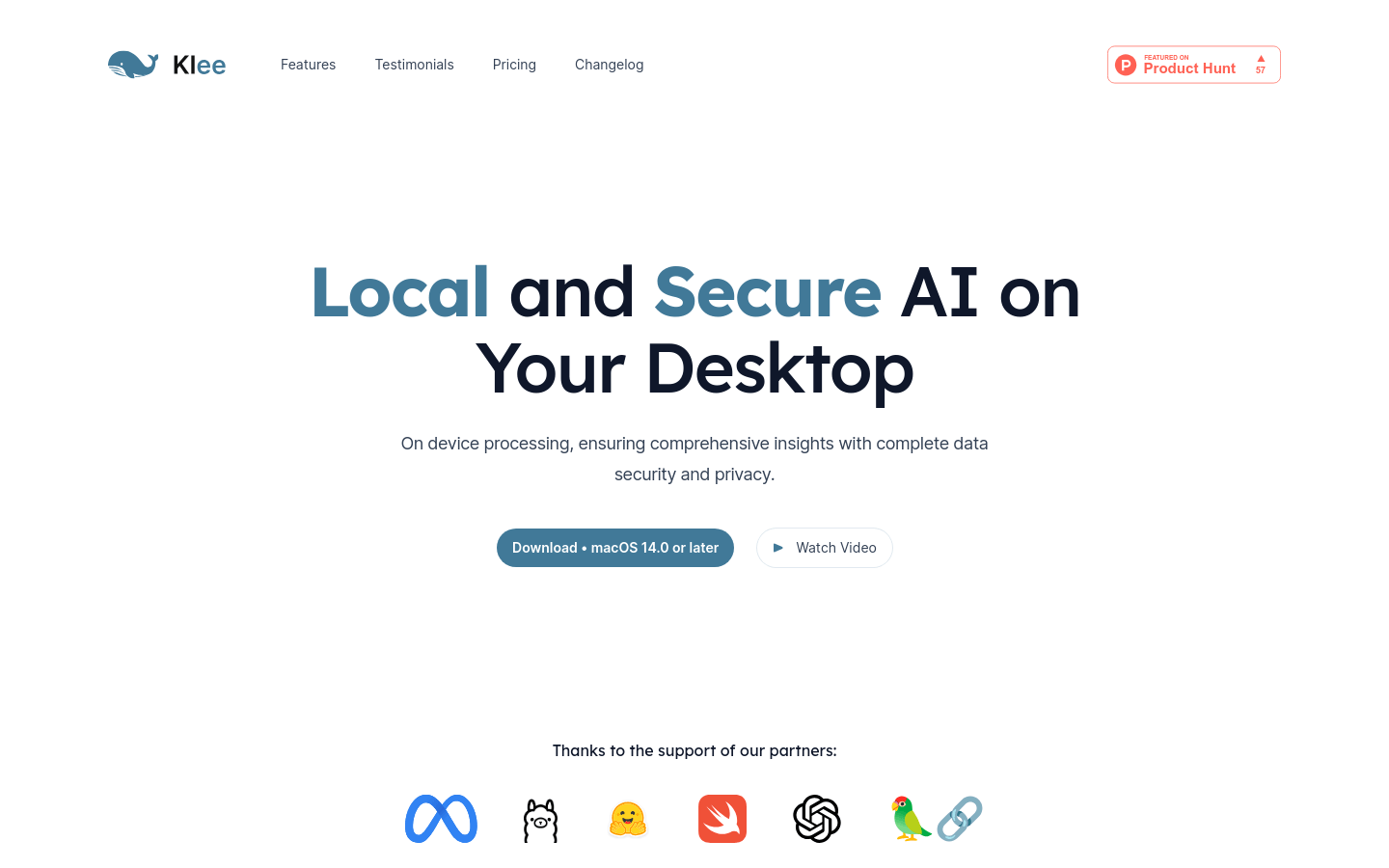
Screenshot archived from the listing page, for preview only.