Genie 4
Free text to 3D world generatorType a scene and explore it live
Highlights
What you can do with it
- Training agents in varied physical environments
- Building a historical 3D scene for a class
- Creating a fictional world from a written idea
How to use it
- 1 Describe the world you want in a few sentences
- 2 Click generate to get a playable 720p scene
- 3 Move through the world and change it with prompts
- 4 Export the build or a short clip, or keep iterating
Who it is for
Pros
- Currently free to use
- No design experience required
- Runs in the browser in real time
Limitations
- Free status can change as the project develops
- 720p and 24 FPS limits visual fidelity
- Scene consistency over long sessions is still limited
What Genie 4 is
Genie 4 is a free AI world model generator backed by Google and DeepMind technology. You describe a scene in a few sentences, and it builds a 3D world you can walk through in the browser at 720p and 24 frames per second. It also works the other way: an image can be converted into a playable world. The page positions it for researchers, educators, and creators, with uses ranging from agent training to immersive teaching and world building. No design experience is needed, and it is currently free to use. The pitch is instant world generation rather than polished production output.
What you can do with it
- Generate an interactive 3D world from a short text prompt
- Convert an image into a playable 3D world
- Explore in real time and change the scene with prompt events
- Use stable environments for agent training and research
- Build explorable scenes for teaching history, geography, and science
Who it is for
- Researchers who need consistent environments for training agents
- Educators who want an immersive 3D lesson
- Creators building fictional worlds without design software
What to watch out for
It is free now, but that can change as the project develops, and early tools often move behind a waitlist or a paid plan. Output is 720p at 24 frames per second, so do not expect production level visuals, and scene consistency over long sessions is still limited. It runs in the browser, which means a decent connection and machine help. For research or classroom use, verify that a generated scene is accurate before you rely on it for teaching, and record your prompts so you can rebuild a world you liked.
FAQ
What does Genie 4 do?
It turns text or images into interactive 3D worlds you can explore in the browser.
What are the technical limits?
Worlds run at 720p and 24 frames per second.
Is it free?
Yes, the page says it is currently available for free use.
Why it is free
What the official page says: for free
Free limits, trial length and features are decided by the official site and can change at any time.
Product preview
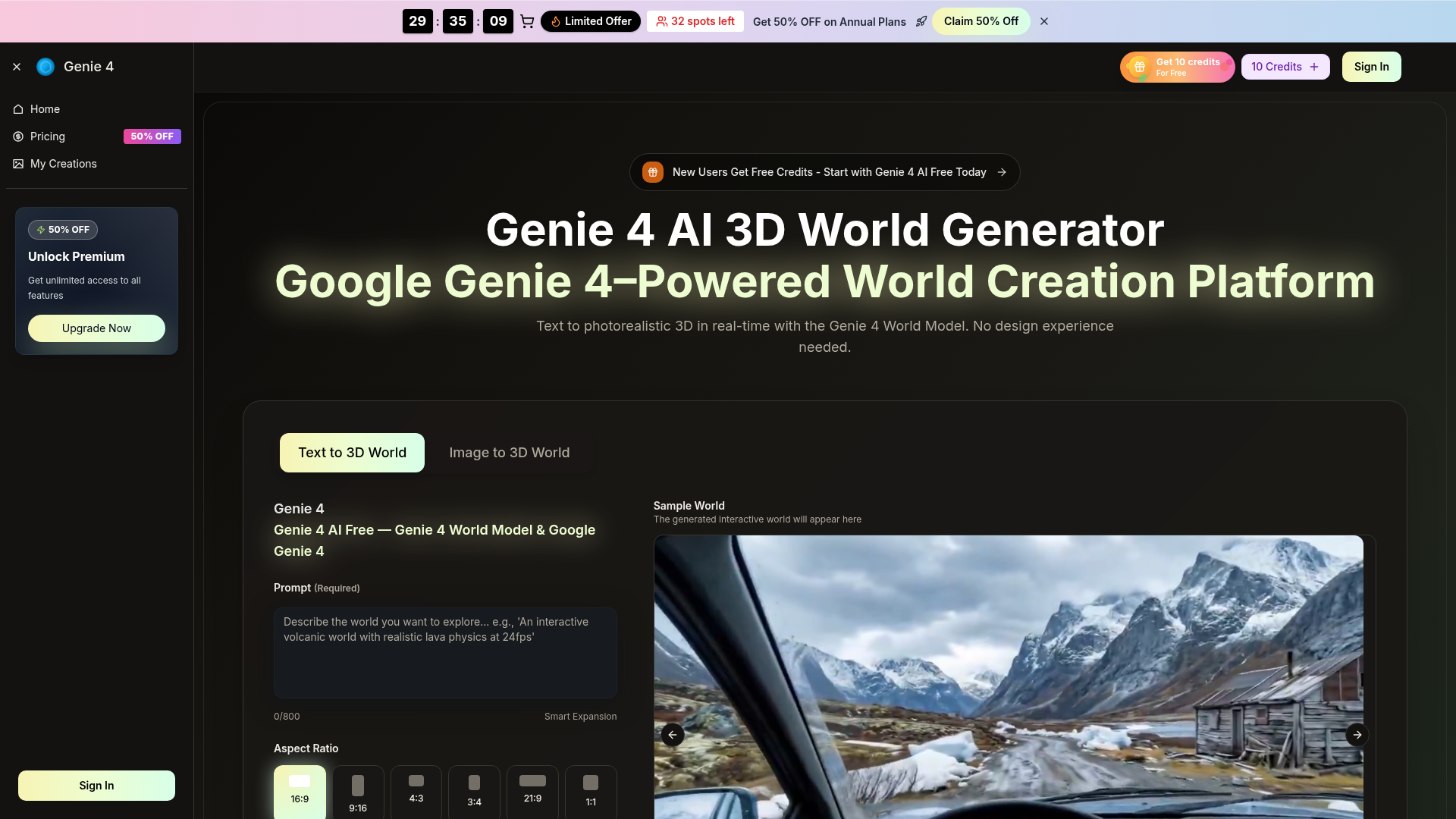
Screenshot archived from the listing page, for preview only.