
Instagram Video Downloader
Free Instagram video and photo downloaderSave public Instagram posts without login
Highlights
What you can do with it
- A traveler saves scenic videos and photos for trip planning
- A video editor pulls audio from Instagram clips for editing
- A student backs up their own posted content to avoid losing it
How to use it
- 1 Open Instagram and copy the link of a public post
- 2 Go to the downloader website and paste the link
- 3 Click Download and pick the format or content type
- 4 Wait for the file to save to your browser's download folder
Who it is for
Pros
- Free and quick, with no account or app required
- Handles many content types, including Reels and Stories
- Works in any modern browser on any device
Limitations
- Only public content can be saved, and private posts are out of reach
- Downloading other people's content may raise copyright issues, so use it responsibly
- Depends on Instagram's page structure, which can change and break the tool
What Instagram Video Downloader is
Instagram Video Downloader is a free online tool that saves public Instagram content to your device. It runs entirely in the browser, so there is no need to log in to Instagram, create an account, or install an app. The downloader supports a wide range of content types, including Reels, videos, photos, Stories, carousel posts, and profile pictures, and it can pull the audio track out of a video when you only need the sound. Because it is web-based, it works on phones, tablets, and computers alike. You simply copy a public post link, paste it into the site, choose a format, and download. The saved file usually appears in your browser's default download folder, ready to open or share.
What you can do with it
- Save Reels, videos, photos, and Stories for offline viewing.
- Download entire carousel posts in one go.
- Extract the audio track from a video for editing or reference.
- Grab profile pictures and back up your own posted content.
Who it is for
- Social media users who want to keep public posts on their device.
- Content creators gathering reference clips, images, and audio.
- Anyone who wants a local backup of their own Instagram uploads.
What to watch out for
The tool only works with public posts, so anything from a private account is out of reach. It also relies on Instagram's current page structure, and when that structure changes the downloader can stop working until it is updated. Most importantly, saving someone else's photo or video does not give you the right to republish it, so respect copyright and only reuse content you have permission to use. Downloading at very high volume may also run against Instagram's own terms, so keep your use reasonable and personal. Treat it as a convenience for personal archiving rather than a content source for commercial projects.
FAQ
Do I need an Instagram account?
No. The tool works with public post links and does not ask you to log in or register.
What can I download?
Reels, videos, photos, Stories, carousel posts, profile pictures, and the audio track from a video.
Can I download private posts?
No. It only works with public content that has a shareable link, so private accounts are not supported.
Why it is free
What the official page says: for freefree of charge
Free limits, trial length and features are decided by the official site and can change at any time.
Product preview
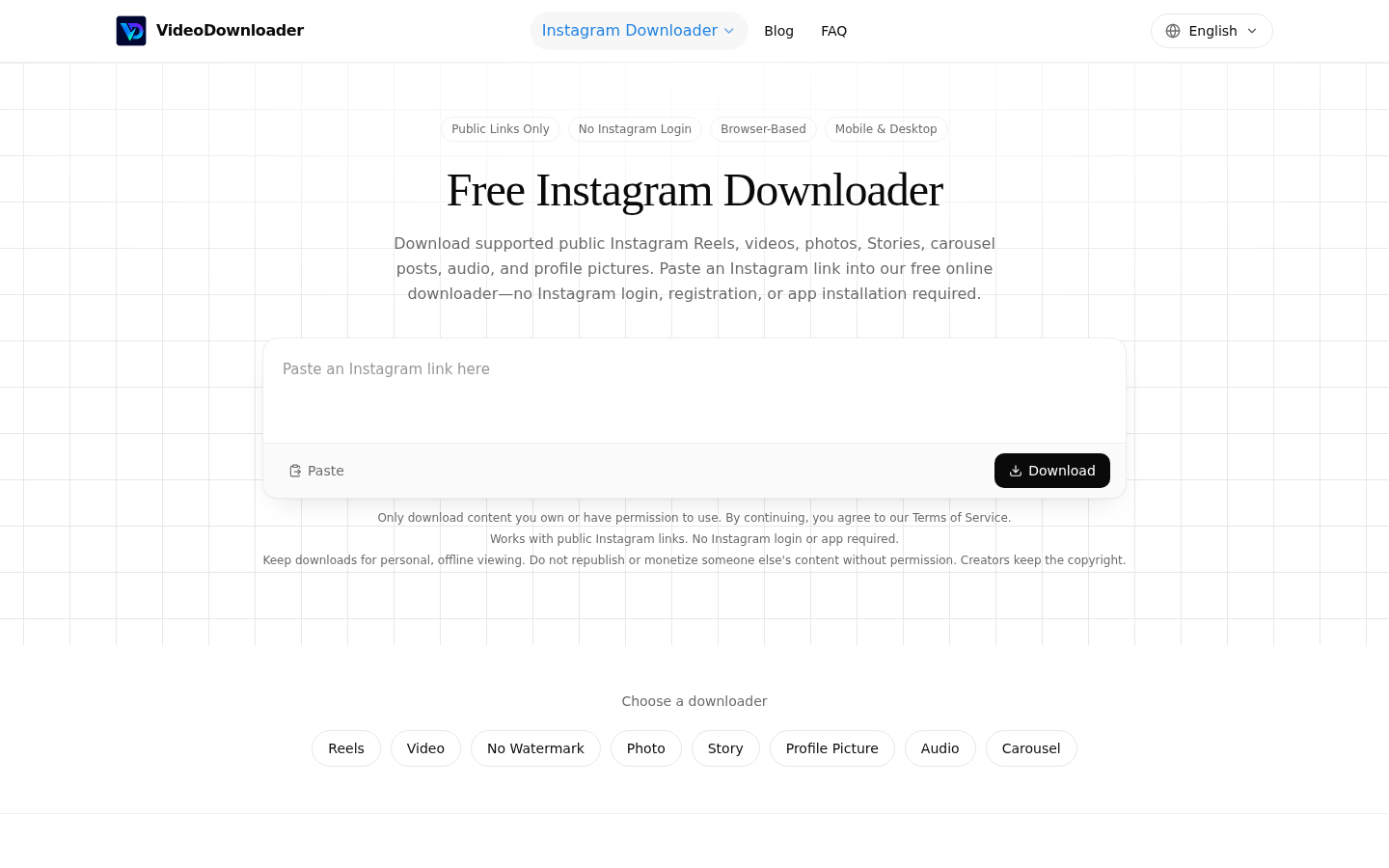
Screenshot archived from the listing page, for preview only.











