LiveFaceSwap AI
Real-time face swapping in your browser, no GPU neededSwap faces live for streaming and video calls
Highlights
What you can do with it
- A streamer swapped their face with a cartoon character and drew a lot of audience interaction.
- A video call user became a fantasy game character, making the call more playful.
- A content creator made a series of face-swapped clips that earned high views and likes.
How to use it
- 1 Open livefaceswap.ai in your browser.
- 2 Allow the page to access your camera for real-time swapping.
- 3 Choose the reference face image you want to use, such as a cartoon or game character.
- 4 Turn on face swapping, watch the live result, and adjust as needed.
- 5 Optional: install the desktop app and set it up with OBS if you want the effect in a live broadcast.
Who it is for
Pros
- No GPU required, so it runs on more machines
- Live preview lets you tune the effect while you stream or call
- Works in the browser, with an OBS-ready desktop app for broadcasts
- Many character styles to choose from
Limitations
- Face swapping is easy to misuse: replacing your face with someone else's can be used to impersonate, mislead, or mock, which may break the rules of streaming platforms, social sites, workplaces, or schools, and the consequences fall on you as the user
- Pricing is not stated on the page, so any free trial or paid terms should be confirmed on the site, and free offers can change
- It needs camera access and a steady connection because it processes video live
- Quality depends on your lighting and the reference image you pick
What LiveFaceSwap AI is
LiveFaceSwap AI is a tool for real-time face swapping. You point your camera at your face, pick a reference image, and it replaces your face on the live video feed in the browser or through a desktop app, with no GPU required. It supports many styles, from cartoon and anime characters to fantasy game figures, armors, and voxels, and it shows the AI result in real time so you can adjust as you go. A desktop version can plug into software like OBS for live streaming. The page does not state pricing, so a free trial or paid model is something to confirm on the site.
What you can do with it
- Swap your face live in the browser using just a camera, with no GPU.
- Turn yourself into cartoon, anime, game, armor, or voxel characters.
- Preview the effect in real time and tune it while you stream or call.
- Use the desktop app with OBS to bring the effect into a live broadcast.
Who it is for
- Live streamers who want a fun, unusual look to stand out and drive interaction.
- People on video calls who want a more playful, visual conversation.
- Content creators making face-swapped clips for social media.
What to watch out for
Face swapping is easy to misuse. Replacing your face with someone else's can be used to impersonate, mislead, or mock, and that may break the rules of streaming platforms, social sites, workplaces, or schools, with the consequences falling on you as the user. Use it on your own image and with the consent of everyone involved. The tool also needs camera access and a steady connection, since it processes video live, and quality depends on your lighting and the reference image. Pricing is not listed, so confirm any free trial and paid terms before you rely on it, and remember free offers can change.
FAQ
What is LiveFaceSwap AI?
It is a tool for real-time face swapping on camera video, in the browser or through a desktop app, with no GPU needed.
Do I need a GPU?
No, it runs online without extra GPU support, and there is a desktop app for OBS.
What styles can I use?
Cartoon characters, fantasy game characters, humans, armors, anime, voxels, and more.
Is face swapping safe to use?
Be careful. Swapping faces can be misused to impersonate or mislead people, which may violate platform or school rules, and any consequences are yours to carry. Use it on your own image and with the consent of everyone involved.
Why it is free
What the official page says: free trial
Free limits, trial length and features are decided by the official site and can change at any time.
Product preview
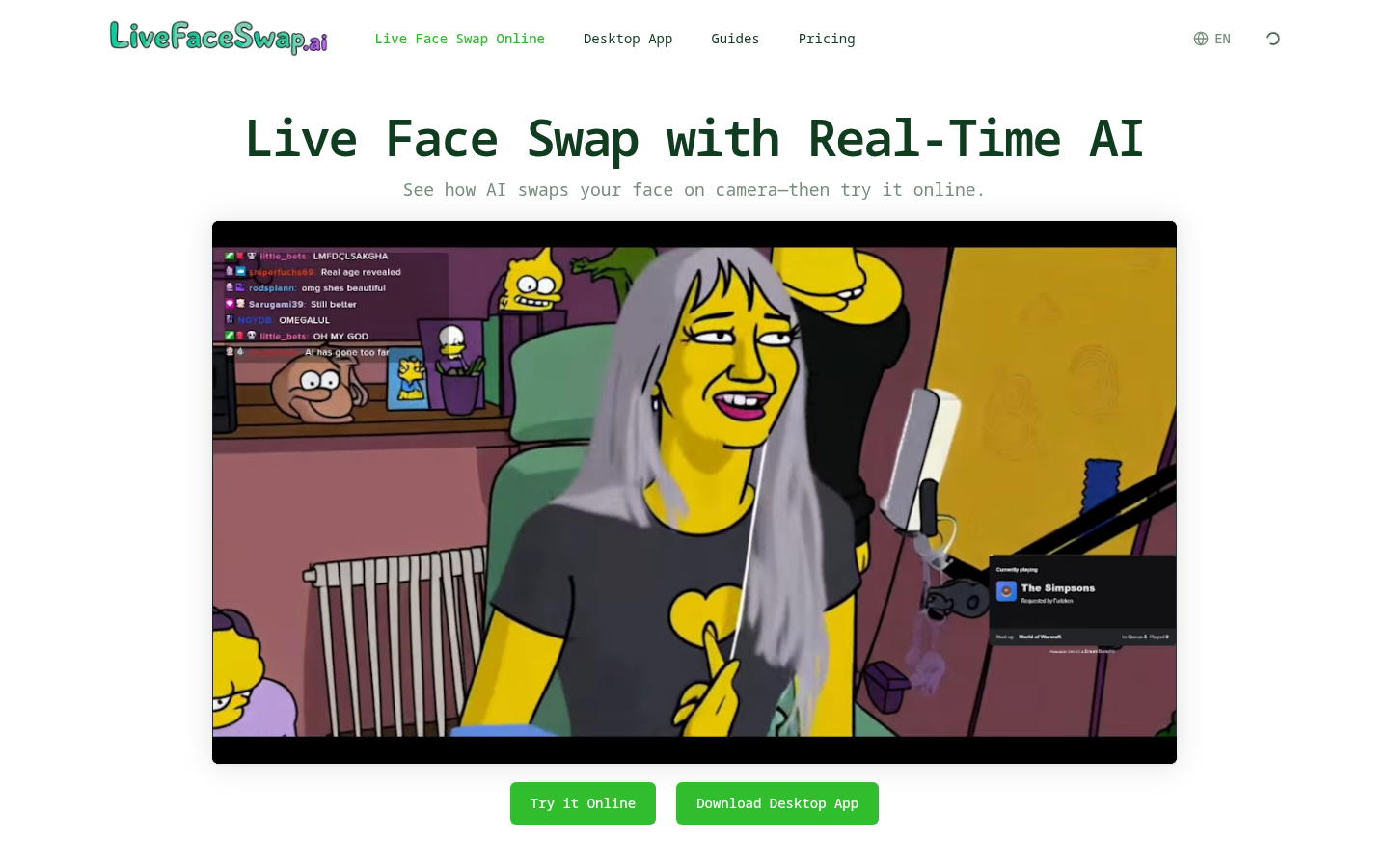
Screenshot archived from the listing page, for preview only.