LongTerMemory AI Study tool
Turn study material into questions and a review planUpload notes, get AI questions and spaced repetition
Highlights
What you can do with it
- A medical student builds a plan from textbooks and class notes
- An IT professional drills AWS certification material
- A law student works through statutes and cases for the bar exam
How to use it
- 1 Open https://longtermemory.com and start using it for free.
- 2 Upload notes, photos, slides, books, PDFs, documents, or links.
- 3 Let the system analyze the content and generate a study plan with questions.
- 4 Follow the plan as the spaced repetition scheduler sets reviews.
- 5 Use the built-in AI chat when a question about the material comes up.
Who it is for
Pros
- Works from your own material rather than generic question banks
- Free to use according to the site
- Handles images and charts through OCR
Limitations
- Question quality depends on how clear your source material is
- Free access can change, so check the site before relying on it long term
- It supports study but does not replace a course, tutor, or instructor
What LongTerMemory AI Study tool is
LongTerMemory is a study tool built around two ideas: AI generated question and answer pairs, and spaced repetition scheduling. You upload your own material, such as textbook pages, infographics, personal notes, slides, PDFs, documents, or links, and the platform reads it, using OCR for images and charts. From that it builds a personalized study plan with practice questions, then schedules reviews at the point where you are most likely to forget. A built-in AI chat answers questions about the imported content, so you are not stuck when a term does not make sense. The site says it can be used for free.
What you can do with it
- Turn textbook photos, slides, and notes into practice questions
- Get a study plan aimed at a specific exam or certification
- Review on a spaced repetition schedule instead of cramming
- Ask the AI chat about anything inside your imported material
Who it is for
- Medical, law, and other students facing large memorization loads
- IT professionals preparing for certifications such as AWS or CompTIA
- Anyone with a folder of PDFs and notes they need to actually retain
What to watch out for
Question quality tracks the quality of your source material; a blurry photo or a messy scan produces weak questions that waste your review time. The site says the tool is free, but free access can change without notice, so check before you plan a long study program around it. It also supports study rather than replacing a course or instructor, and the AI chat answers from your material only, so it will not fill gaps that were never uploaded. Review the generated questions yourself at the start to catch errors early.
FAQ
What can I upload?
Notes, photos, slides, books, PDFs, documents, and URLs. Photos, infographics, and textbook pages are read through OCR.
How does it decide when to review?
It uses spaced repetition, scheduling each question based on how well you have mastered it.
Is it free?
The site says it can be used for free, but free terms can change, so check before you depend on it.
Why it is free
What the official page says: for free
Free limits, trial length and features are decided by the official site and can change at any time.
Product preview
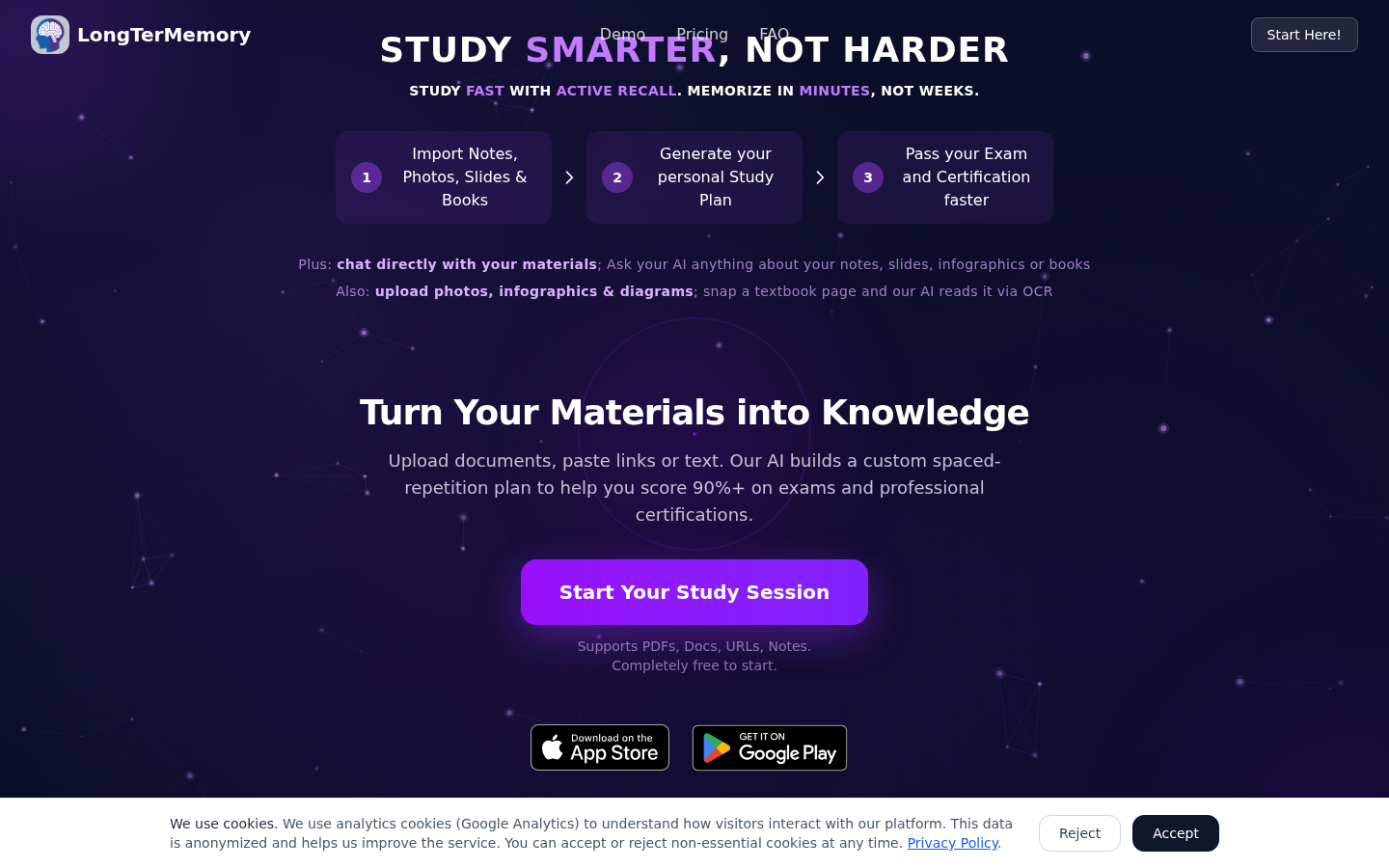
Screenshot archived from the listing page, for preview only.