
MailWarm.io
Email warming toolWarm up inboxes, land in primary
Highlights
What you can do with it
- A marketer warming multiple domains
- A founder improving cold email delivery
- A team monitoring reputation before a campaign
How to use it
- 1 Start the free trial on the website
- 2 Register and log in to the dashboard
- 3 Connect your mailbox and provider
- 4 Set daily volume and warm-up schedule
- 5 Start warm-up and watch the statistics
Who it is for
Pros
- Simple setup with one click
- Works with the major email providers
- Free trial before paying
Limitations
- Warm-up takes time, often weeks
- Delivery still depends on your content and list quality
- Paid plan limits differ by account volume
What MailWarm.io is
MailWarm.io is an email warm-up tool. Its core function is helping cold emails reach the inbox instead of the spam folder. The service simulates real human email behavior, so messages are opened, marked as read, and answered in a pattern that looks natural to email servers. Over time that builds a relationship between your domain and the server, which improves delivery rates. The tool connects with up to 10 email service providers, offers an intuitive dashboard with clear statistics, and supports automatic scheduling so warm-up continues without manual effort.
What you can do with it
- Warm up mailboxes with one click and automatic scheduling
- Connect providers such as Google, Outlook, Yahoo, Gmail, ProtonMail, and Zoho
- Monitor progress and delivery statistics in a dashboard
- Set daily sending volume and warm-up timing
Who it is for
- Marketers who send large volumes of cold email
- Enterprises that need to protect sender reputation
- Entrepreneurs promoting projects through outreach
What to watch out for
Warm-up is slow, often taking weeks before delivery improves, so plan campaigns around that timeline. Even a warmed mailbox will struggle if your content is poor or your list is low quality, so warm-up is one part of deliverability, not the whole answer. Paid plans differ by account volume and daily limits, so pick the tier that matches your sending volume, and check current pricing since plan details can change. For team use, agree on naming and editing conventions in advance to avoid version conflicts or duplicated work. Name and archive exported files consistently so you can find and reuse them, and keep a backup copy of key data.
FAQ
What is email warm-up?
It is the gradual process of building sender reputation so that cold emails land in the inbox instead of the spam folder.
How many providers are supported?
Up to 10 email service providers, including Google, Outlook, Yahoo, AOL, Gmail, ProtonMail, Zoho Mail, Apple Mail, and FastMail.
What do the plans cost?
The Basic package is $90 per year for 50 accounts and up to 40 emails per day, and the Professional package is $190 per year with unlimited accounts and up to 80 emails per day.
Why it is free
What the official page says: free trial
Free limits, trial length and features are decided by the official site and can change at any time.
Product preview
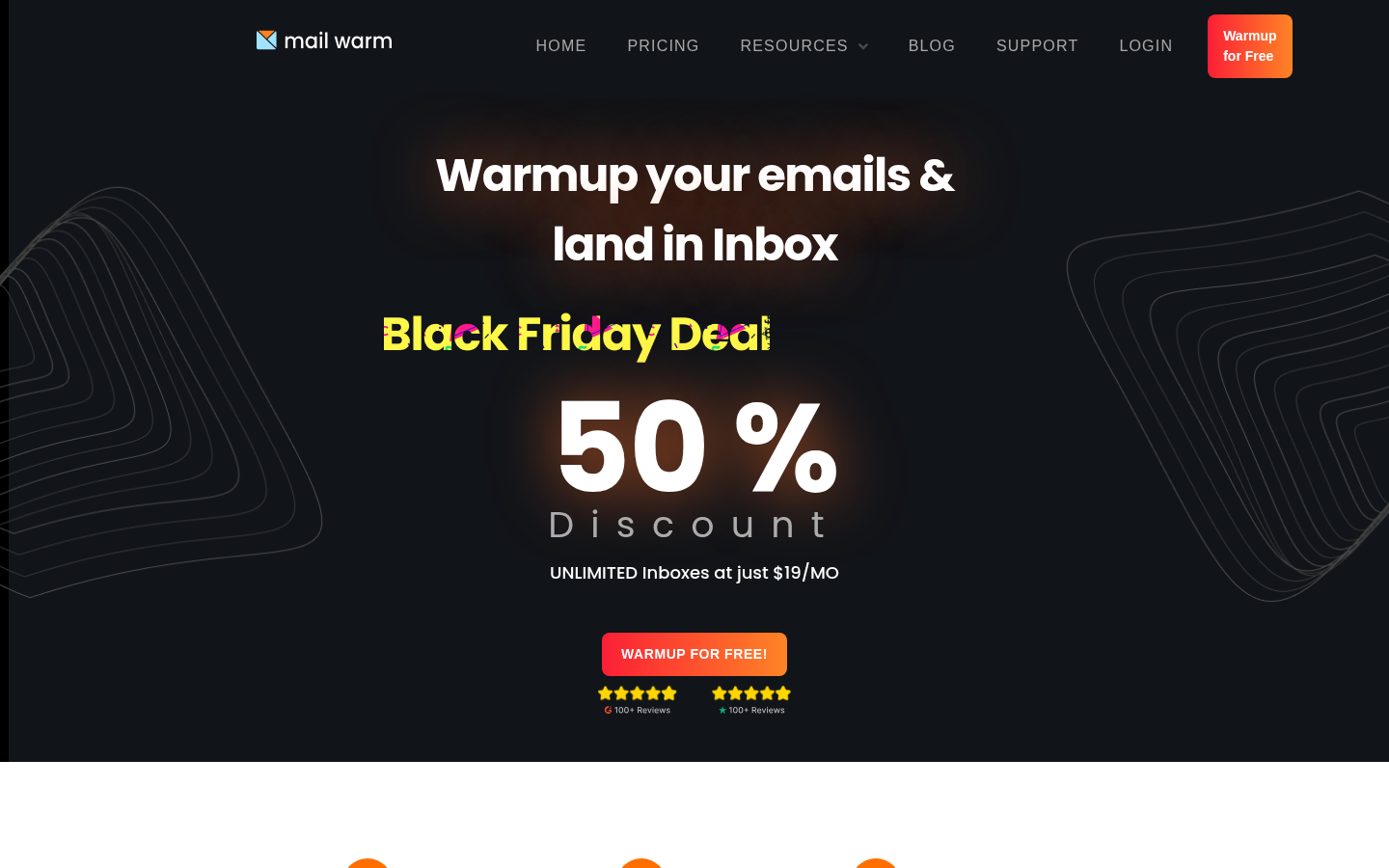
Screenshot archived from the listing page, for preview only.











