Norton Neo Browser
Free AI browser with privacy built inBrowse smarter, keep data yours
Highlights
What you can do with it
- Students research academic material with smart search
- Office workers find pages and AI chat records instantly
- Everyday users browse with ad blocking and anti-fingerprinting
How to use it
- 1 Visit neobrowser.ai and download the browser
- 2 Install it and adjust privacy and browsing settings
- 3 Type into the Magic Box for results, AI answers, or suggestions
- 4 Use Universal Search and Split View from the interface
- 5 Turn on VPN, anti-fingerprinting, or ad blocking anytime
Who it is for
Pros
- Completely free to use
- Strong privacy defaults with zero retention
- Security tools built in without extra subscriptions
Limitations
- Privacy practices are set by the company and may change
- As a new browser, some extensions or habits may not carry over
- Free access today does not guarantee the same terms later
What Norton Neo Browser is
Norton Neo is an AI-native browser from Gen Digital, the team behind Norton. It brings intelligent navigation, conversational AI, and search together in one window, with privacy protection as the default. The browser follows a zero-retention policy and does not use user data for model training, and AI requests are routed on the server side so providers cannot see your IP address or browser headers. Security features such as a built-in VPN, anti-fingerprinting, and ad blocking work without extra settings or extensions. The idea is to make browsing faster without turning your data into training material. The browser is completely free for users.
What you can do with it
- Search with the Magic Box, which adapts to what you type
- Find pages, history, and AI chat records with Universal Search
- Compare two pages side by side with Split View and Peek
- Turn on VPN, anti-fingerprinting, and ad blocking anytime
Who it is for
- Students doing research and coursework
- Office workers juggling many tabs and AI conversations
- Everyday users who want a cleaner, safer browsing experience
What to watch out for
Privacy promises are set by the company and can change, so read the current policy if data handling matters to you. As a newer browser, it may not support every extension or workflow you are used to, and moving habits over takes time. The product is completely free today, but free access does not guarantee the same terms later. Some AI features also depend on a working internet connection. Check that the sites and tools you rely on daily behave normally before you switch your main browser.
FAQ
Is Norton Neo free?
Yes, the browser is completely free for users.
How does it protect privacy?
It uses a zero-retention policy, keeps data out of model training, and routes AI requests server-side.
Does it include a VPN?
Yes, a built-in VPN encrypts browsing traffic with one click.
Who makes it?
Gen Digital, the team behind Norton.
Why it is free
What the official page says: completely free
Free limits, trial length and features are decided by the official site and can change at any time.
Product preview
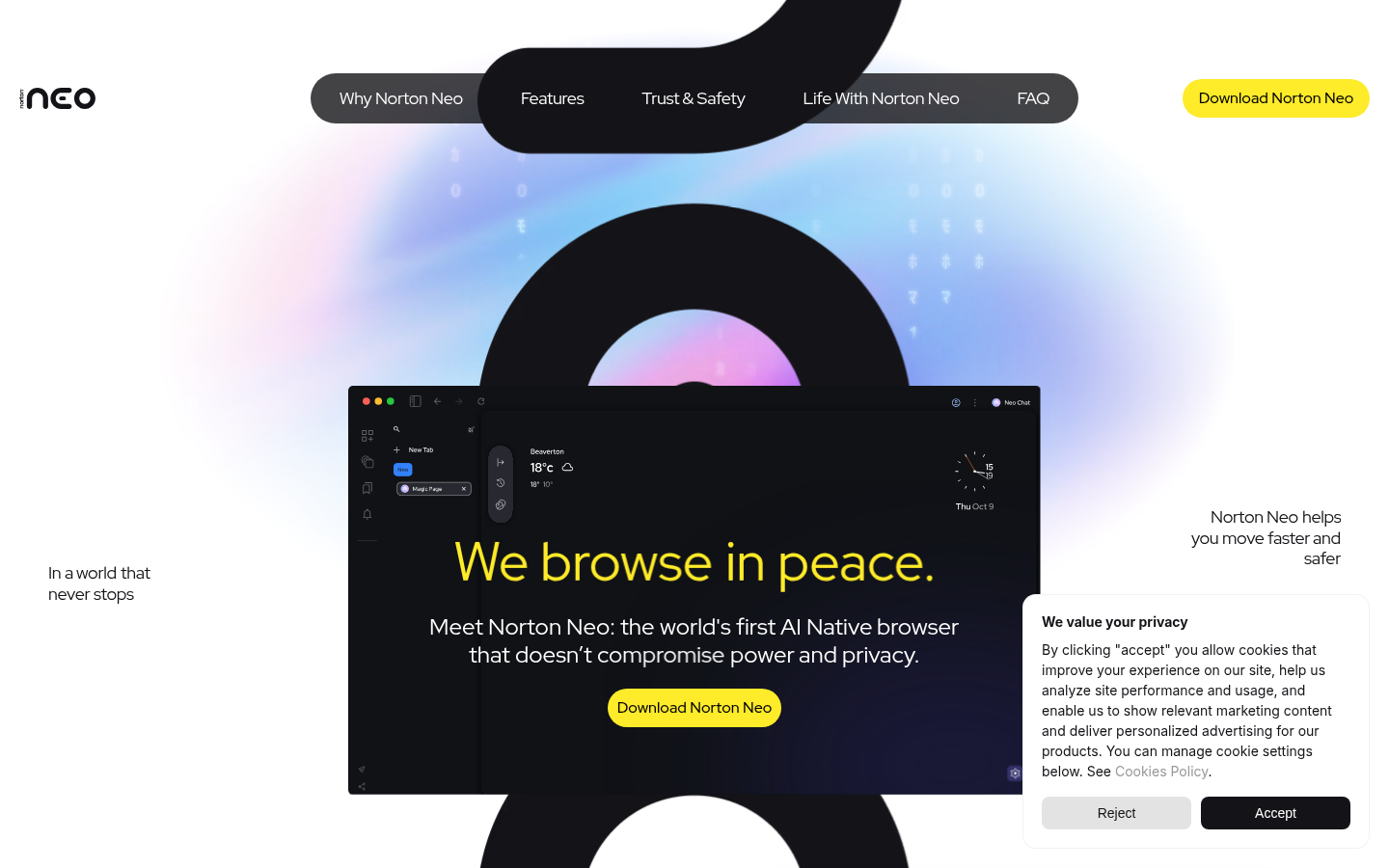
Screenshot archived from the listing page, for preview only.