NoteAI.co
Smart note taking assistantOrganize notes and find them fast
Highlights
What you can do with it
- Meeting minutes are tidied into decisions and action items
- A student organizes class notes and finds concepts by keyword
- A researcher compiles a large material library and searches it fast
How to use it
- 1 Create an account on the NoteAI website
- 2 Upload or type in the notes you want organized
- 3 Use the intelligent search to locate information by keyword
- 4 Turn voice recordings into text when you cannot type
- 5 Access and manage notes across your devices
Who it is for
Pros
- Extraction and keyword tagging make old notes findable
- Voice recognition covers moments when typing is not practical
- Sync across devices means notes are available anywhere
Limitations
- Free access is a trial rather than a permanent tier
- Extracted keywords and summaries need review for accuracy
- Encryption protects storage, but you still trust the vendor
What NoteAI.co is
NoteAI.co is an intelligent note assistant for people who handle a lot of written material. It takes meeting minutes, lecture notes and similar documents, arranges them, and pulls out key information so the important parts are not buried. Keywords are tagged automatically, which makes old notes findable instead of archived and forgotten. Search runs on AI algorithms to return more precise results than a plain text match, and voice recognition turns recordings into text when typing is not practical, such as during a meeting or a walk. Notes sync across devices so they are available wherever you are, and the site says encryption is used to protect stored data. The interface is kept simple on purpose. A free trial is offered.
What you can do with it
- Arrange meeting minutes and lecture notes automatically
- Extract key information from a long document
- Tag keywords so notes are easy to locate later
- Search with AI algorithms for more precise results
- Convert voice recordings into text
- Sync and access notes across multiple devices
Who it is for
- Professionals who sit through many meetings and need the outcomes captured
- Students organizing lecture notes and reading material
- Researchers managing a large body of documents and references
What to watch out for
Free access is a trial rather than a permanent free tier, so ongoing use is a paid commitment. Extracted keywords and summaries need review, because automatic extraction can miss context or highlight the wrong sentence in a nuanced document. The site says data is encrypted, but a cloud note tool still means trusting the vendor with your material, so review the terms before storing confidential business or personal information. Voice recognition accuracy also varies with audio quality and accent, so plan on cleaning up transcripts for anything that matters.
FAQ
What does NoteAI.co do with my notes?
It arranges them, extracts key information, tags keywords for easier locating, and supports intelligent search across what you have stored.
Can I dictate instead of typing?
Yes. Voice recognition converts voice input into text, which is useful when you cannot type, such as during a walk or a meeting.
Is my data secure?
The site says it employs encryption to protect user data. As with any cloud note tool, review the terms to understand what is stored and who can access it.
Is there a free option?
A free trial is offered. Beyond the trial it is a paid product, so check the current plans on the site.
Why it is free
What the official page says: free trial
Free limits, trial length and features are decided by the official site and can change at any time.
Product preview
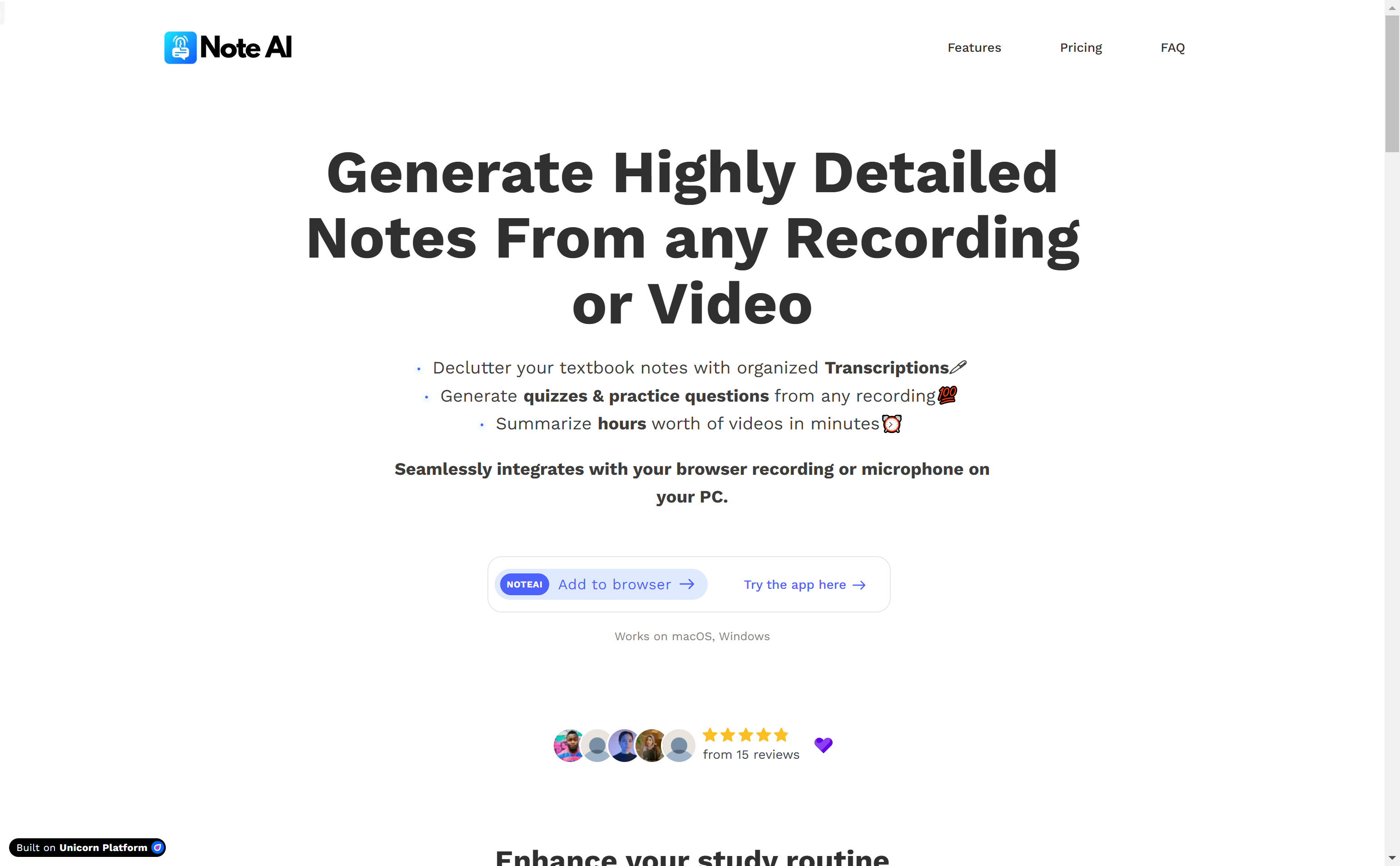
Screenshot archived from the listing page, for preview only.