omni-moderation-latest
OpenAI multimodal content moderation modelFlag harmful text and images through one API
Highlights
What you can do with it
- Screen user-generated text before it is published
- Check uploaded images for harmful content
- Add a safety layer to an AI product pipeline
How to use it
- 1 Read the OpenAI Moderation API documentation.
- 2 Register and obtain an API key.
- 3 Send text or image content to the omni-moderation-latest model.
- 4 Read the returned categories and probability scores.
- 5 Apply your own moderation rules to the result.
Who it is for
Pros
- One endpoint covers both text and images
- Free for developers within published rate limits
- Stronger non-English and low-resource language coverage
Limitations
- Rate limits apply across usage tiers
- Automated flags still need human review
- Depends on OpenAI continuing to offer the model
What omni-moderation-latest is
omni-moderation-latest is OpenAI's next-generation multimodal content moderation model, built on GPT-4o. It takes text or image input and assesses whether the content falls into harmful categories such as hate speech, violence, and self-harm. The site describes improved accuracy, particularly for non-English content, and says the goal is helping developers build more robust moderation systems.
Two new categories were introduced for text, covering illegal and violent illegal content. Non-English coverage extends to 40 languages, and the site claims a 70 percent improvement in detection for low-resource languages such as Khmer and Swahili. Results come back as calibrated probability scores reflecting how likely content is to match a category. The model is free for all developers, subject to rate limits across usage tiers.
What you can do with it
- Classify text and images for harmful content in one call.
- Apply the new illegal content categories to text.
- Screen non-English content across 40 supported languages.
- Use probability scores to tune your own thresholds.
- Build a safety layer into an AI product pipeline.
Who it is for
It suits developers building platforms that host user content, teams shipping AI products that need a safety layer, and operators handling multilingual content at volume. Companies already cited by the site include Grammarly, for keeping its AI writing assistance safe, and ElevenLabs, for scanning audio AI output. Anyone running a public community will still need human review alongside it.
What to watch out for
Rate limits apply and vary by usage tier, so plan capacity accordingly. The model flags categories and returns scores, it does not make your policy decisions, and thresholds set too tight will produce false positives that frustrate users. Automated moderation should always sit alongside human review for edge cases and appeals. As a hosted OpenAI model, availability and behaviour can change, so pin the version you test against.
FAQ
What is omni-moderation-latest?
A next-generation multimodal content moderation model built on GPT-4o that classifies harmful text and images.
Does it cost anything?
The site says it is available to all developers free of charge, with rate limits across usage tiers.
How many languages does it cover?
The site states support for 40 languages, with improved performance on low-resource languages.
Does it replace human moderators?
No. It returns categories and probability scores that you combine with your own policies and human review.
Why it is free
What the official page says: 免费
Free limits, trial length and features are decided by the official site and can change at any time.
Product preview
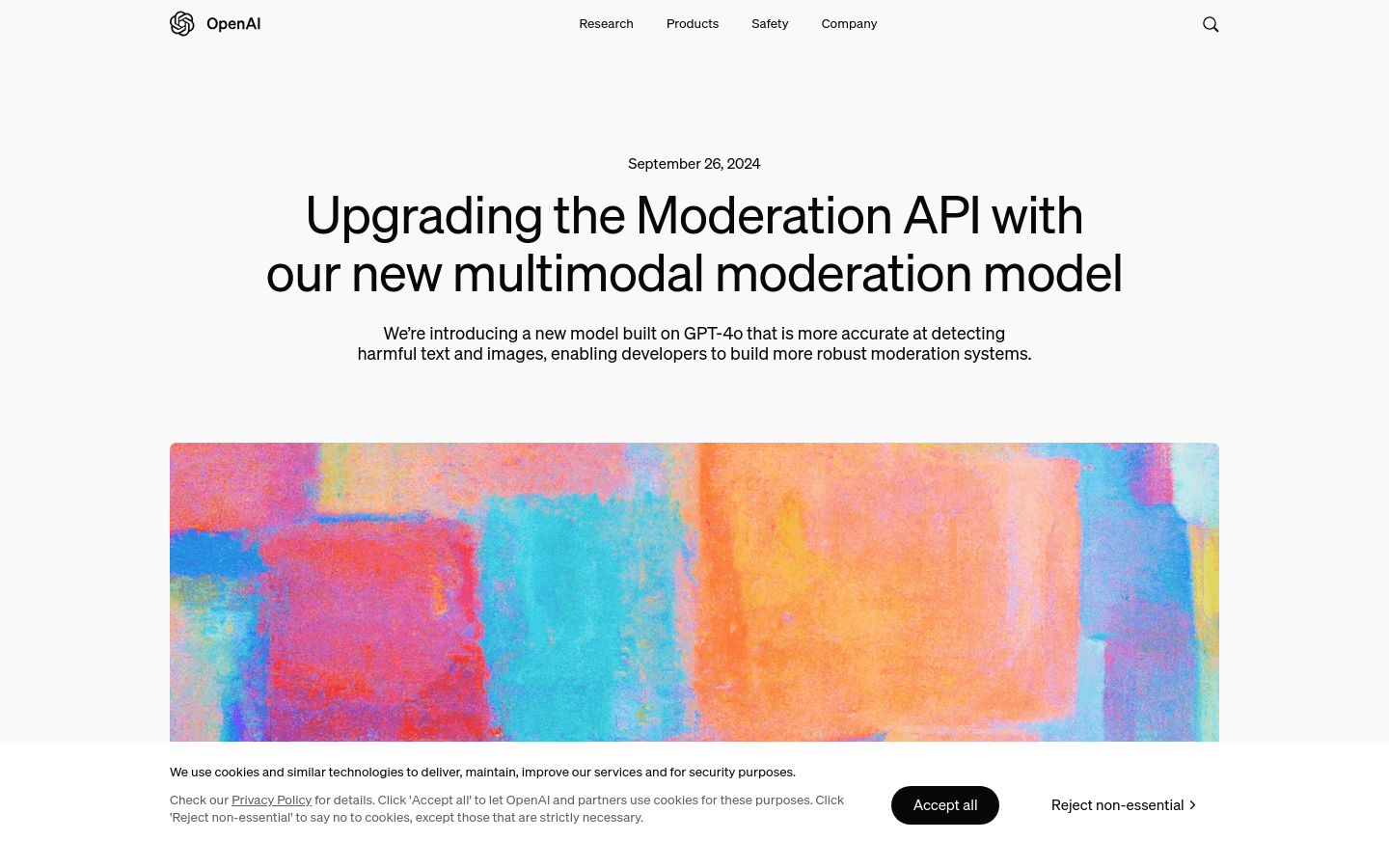
Screenshot archived from the listing page, for preview only.