
OmniTranscript
Free TikTok video to text transcripts onlineTurn a TikTok link into timestamped text
Highlights
What you can do with it
- Turn a TikTok video into a blog post or script
- Add subtitles to a video for other platforms
- Analyze video text for research or trend spotting
How to use it
- 1 Copy the share link of a public TikTok video.
- 2 Paste it into the input area on the site.
- 3 Click Get transcript and wait for the audio to be processed.
- 4 Copy the result or export it as SRT, WebVTT or TXT.
Who it is for
Pros
- Free with no account required
- Unlimited use is advertised
- Subtitle-ready export formats
- No video content retained after processing
Limitations
- It only handles public TikTok links, so private or removed videos fail
- Transcription accuracy drops with music, accents and cross-talk
- Free services can add limits or accounts later without much notice
- Output still needs editing before publication
What OmniTranscript is
OmniTranscript is a free web tool that converts a TikTok video into text. You copy the share link of a public video in the app, paste it into the site, and click one button. The service pulls the audio, transcribes it and returns text with timestamps, so each line shows where it was spoken. There is no signup and the site says usage is unlimited. Output can be exported as SRT, WebVTT or TXT, which means the same file can become subtitles on YouTube or Vimeo, source material for an article, or a text set for analysis. Privacy is handled by processing the video in memory and discarding it afterwards rather than keeping a copy. It runs in mobile browsers as well as on desktop.
What you can do with it
- Convert a public TikTok link into a timestamped transcript.
- Copy the text with or without time markers for quick pasting.
- Export SRT, WebVTT or TXT files for subtitles and documents.
- Read and analyze video content as plain text.
Who it is for
- Creators turning video into blog posts, scripts and newsletters.
- Marketers who need subtitles or a fast read of a video's message.
- Researchers who want video content in a searchable text form.
What to watch out for
Only public videos work. If a clip is private, deleted or region-locked, transcription will fail, and there is nothing the tool can do about it. Accuracy depends on the audio: background music, multiple speakers, accents and slang all degrade the result, so treat the output as a draft rather than a finished transcript. The service is free today, but free tools frequently add accounts, caps or paywalls later, so keep a copy of anything important. Since you are pasting links to other people's videos, respect their content and only reuse it in ways you have the right to use.
FAQ
Do I need an account?
No, the site states that registration is not required.
Is there a usage limit?
The site describes usage as unlimited.
What formats can I export?
SRT, WebVTT and plain TXT.
Are my videos stored?
The service says video content is processed in memory and discarded, not retained.
Why it is free
What the official page says: for freeno registration
Free limits, trial length and features are decided by the official site and can change at any time.
Product preview
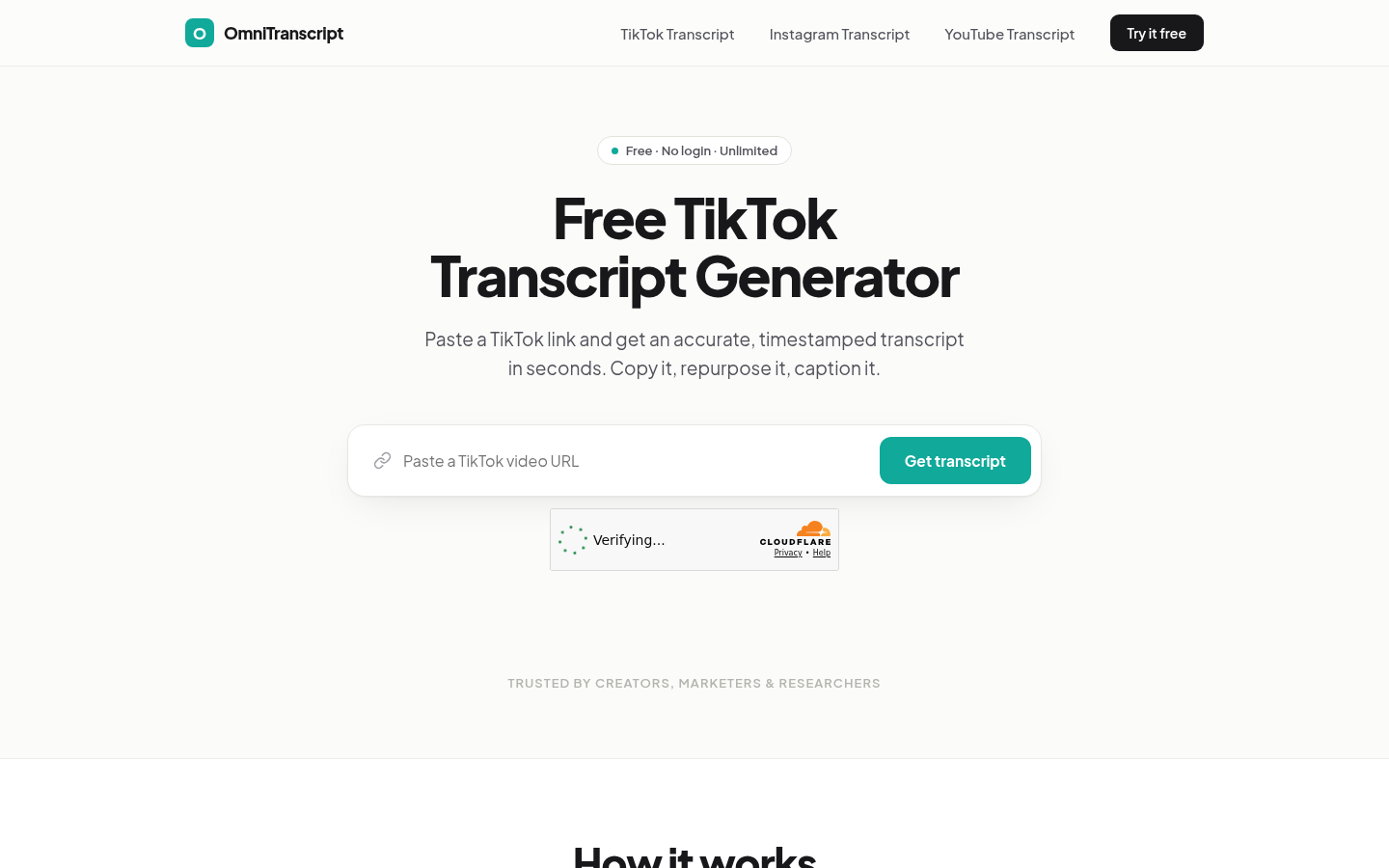
Screenshot archived from the listing page, for preview only.











