OneTwo Resume
AI resume builder with ATS checksATS-ready resumes and cover letters in seconds
Highlights
What you can do with it
- A job changer uploads an old resume, optimizes it for a target role, and downloads it
- A fresh graduate builds a first resume and revises it from the score suggestions
- A designer uses a creative template that still parses in screening systems
How to use it
- 1 Open the OneTwo Resume website
- 2 Upload a PDF or Word resume, or start from scratch with the guided form
- 3 Paste the target job description and turn on AI customization
- 4 Let AI rewrite weak bullet points, then check the action verbs and metrics
- 5 Choose a template, review the score and fixes, then download the PDF
Who it is for
Pros
- The tool states it never fabricates experience
- Free version covers three slots, one template, and preview
- Multi-version management keeps tailored resumes per job
Limitations
- The free version is limited to one template and three slots
- High-quality PDF downloads require Pro
- Passing an ATS check does not guarantee interviews
What OneTwo Resume is
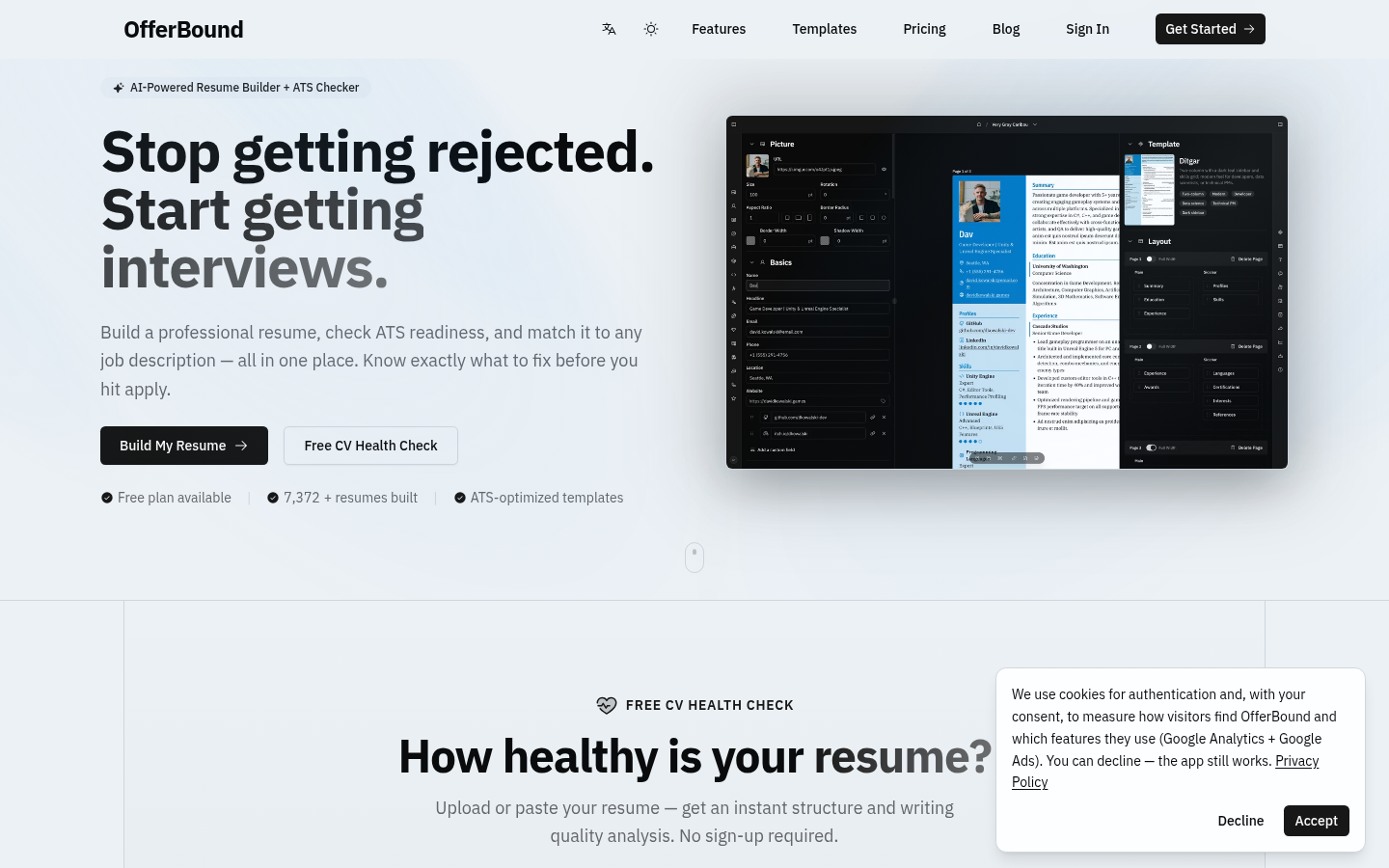
OneTwo Resume is an AI resume and job application generator. You can upload an existing PDF or Word file, or build a resume from scratch through a guided form, and the system parses experience, education, skills, and certificates. From there it rewrites vague bullet points into achievement statements with action verbs and quantified results, working only from the facts and numbers you supply. When you paste a job description, it aligns keywords, highlights the most relevant experience, and reorders skills by employer priority inside a clean, parseable layout. A free version covers three resume slots, one template, and preview, while Pro unlocks more templates, unlimited editing, and high-quality PDF downloads.
What you can do with it
- Parse an existing PDF or Word resume, or create a new one section by section.
- Turn weak bullet points into achievement statements with clear impact.
- Paste a job description to align keywords and reorder skills for that employer.
- Review a competitiveness score across five dimensions with the three most important fixes.
- Save multiple versions per position and generate a matching cover letter from a job URL.
Who it is for
- Job seekers and career changers who need a current, submission-ready resume fast.
- Fresh graduates who have projects and internships but no resume structure yet.
- Designers and creatives who want a distinctive layout that still parses in screening systems.
- Executives and people applying to several roles who need tailored versions.
What to watch out for
The free version is narrow: one template, three slots, and preview only, so most people will want Pro for PDF downloads and the full template set. Alignment with a job description improves the odds of passing automated screening, but it does not guarantee interviews, and the score is guidance rather than a verdict. The tool states it never fabricates experience, yet you should still read every rewritten line to confirm the claims match what you actually did. Check the privacy terms before uploading a resume with personal contact details.
FAQ
What does the free version include?
The free version supports 3 resume slots, 1 template, and preview; Pro unlocks more templates, unlimited editing, and PDF downloads.
Does it invent experience?
No, it rewrites your real facts and numbers and the page emphasizes that experiences are never fabricated.
How many templates are there?
There are 9 professional templates: 1 free and 8 included with Pro.
Can it write cover letters?
Yes, paste a job URL and it generates a personalized cover letter from your resume and the posting.
Why it is free
What the official page says: free version
Free limits, trial length and features are decided by the official site and can change at any time.
Product preview
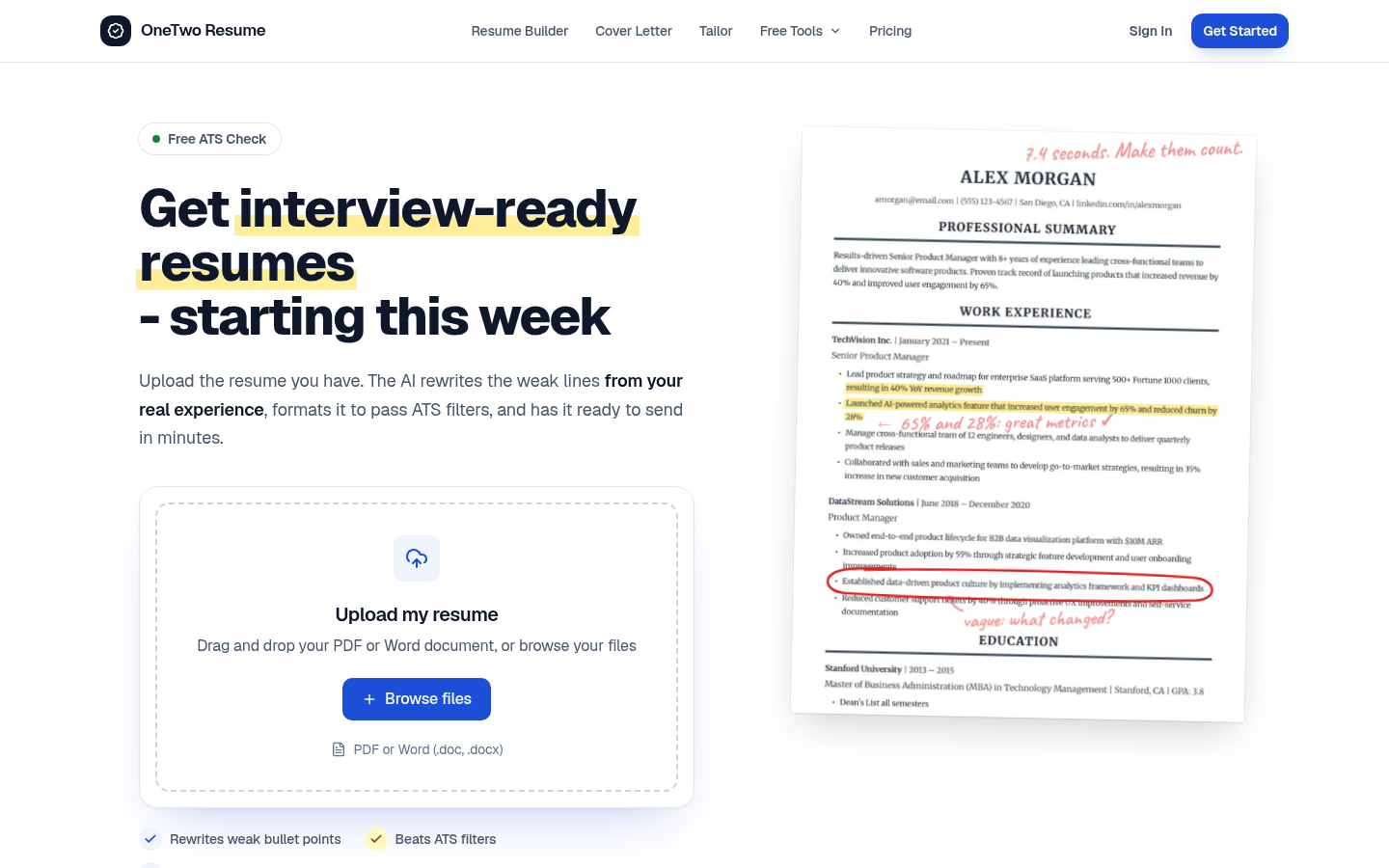
Screenshot archived from the listing page, for preview only.