PlotStudio AI
Agentic, code-free data analysis platformUpload data and ask questions in plain English
Highlights
What you can do with it
- Marketers analyze user behavior to guide campaign changes
- Financial analysts get market trend and risk reports fast
- Enterprise teams jointly analyze sales to find bottlenecks
How to use it
- 1 Download and install the PlotStudio AI desktop app
- 2 Open it and upload the dataset to analyze
- 3 Ask your question in plain English or pick a prompt
- 4 Wait for the agents to plan, code, execute, and synthesize
- 5 Review the report, edit code if needed, then export or share
Who it is for
Pros
- No coding needed to get analysis
- Publishable reports with charts and narration
- Transparent code you can edit
- A free plan to start
Limitations
- Free plan limits and pricing can change over time
- Needs a desktop install and clean data to work well
- Complex questions may need several rounds
- Results still need a human check before you publish
What PlotStudio AI is
PlotStudio AI is an agent analysis platform that turns data into publishable analysis pages. You do not need Python or SQL: you upload a dataset and ask questions in plain English, and a team of AI agents plans, codes, executes, and narrates a multi-step analysis, then produces a report with code, visual charts, statistics, and a written summary. It automates data visualization with interactive charts such as Plotly, gives real-time insights, and lets data scientists check and edit the generated code. It has three plans: free, professional, and team, sized from individual exploration up to enterprise collaboration. It targets data scientists, enterprise teams, marketers, salespeople, and financial analysts who want answers without writing code.
What you can do with it
- Upload a dataset and ask questions in plain English
- Get a report with charts, statistics, and a written narration
- Inspect and edit the code behind the analysis
- Share or export results with your team
Who it is for
- Data scientists who want to inspect and adjust the code
- Enterprise teams doing collaborative analysis
- Marketers, salespeople, and financial analysts without coding time
- Anyone who needs a publishable analysis page from raw data
What to watch out for
It needs a desktop install and reasonably clean data, so messy files can lead to weak or wrong analysis, and complex questions may take several rounds to get right. The AI does the work, but you still need to check the results before you publish or act on them, since a confident-looking chart can still be wrong. The free plan is a starting point, and free limits and paid pricing can change over time, so confirm current terms. Large or sensitive datasets should be handled with your own data rules and privacy needs in mind before you upload them.
FAQ
What is PlotStudio AI?
It is an agent analysis platform that turns uploaded data and plain-English questions into publishable analysis pages.
Do I need to code?
No, the AI agents handle the code, though data scientists can check and edit it.
What plans exist?
There are three plans: free, professional, and team.
Why it is free
What the official page says: 免费
Free limits, trial length and features are decided by the official site and can change at any time.
Product preview
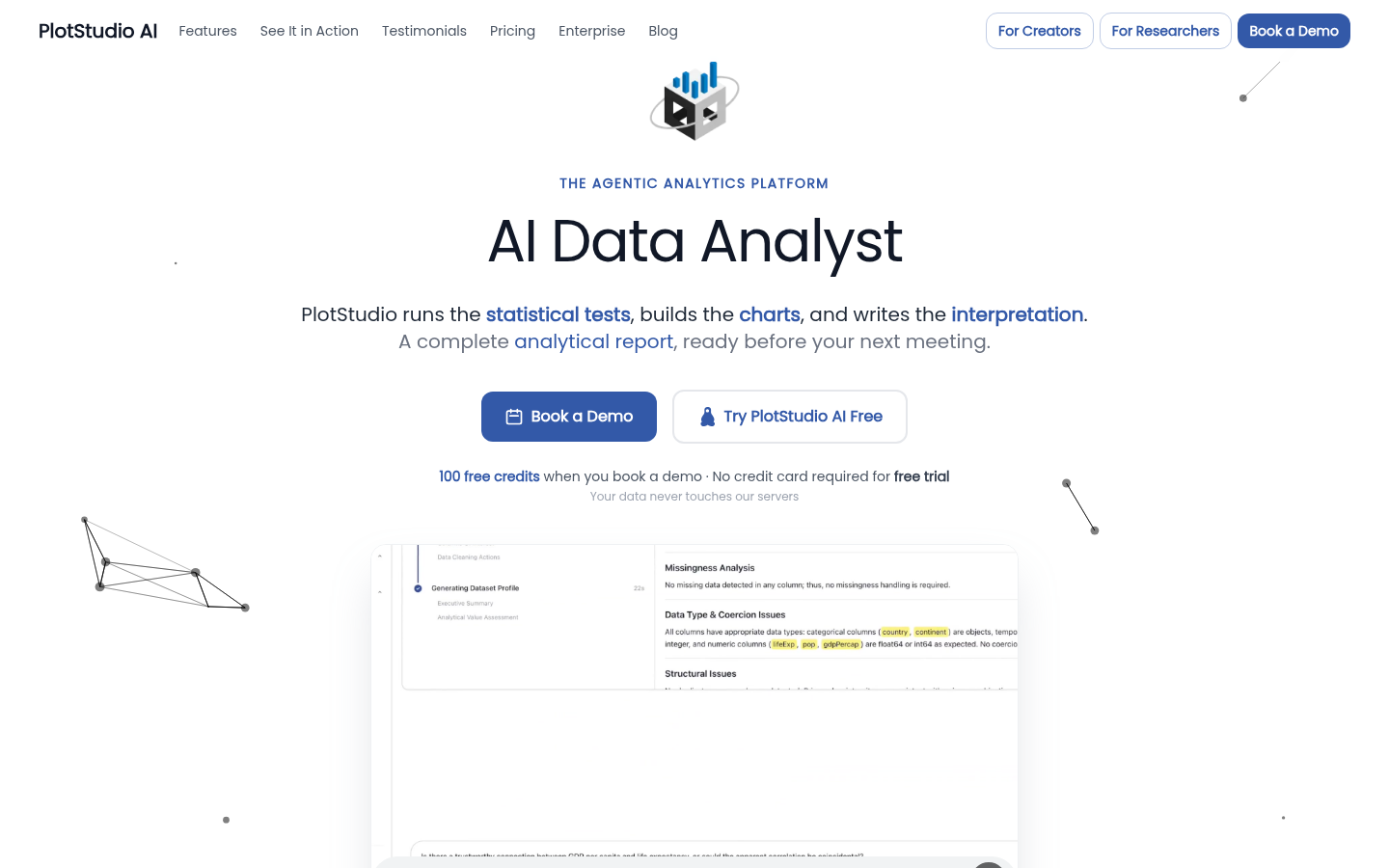
Screenshot archived from the listing page, for preview only.