PodcastsToText
Turn podcast links into text transcriptsTranscribe Spotify and Apple Podcasts in minutes
Highlights
What you can do with it
- Podcast creators turning episodes into text for blog posts
- Students transcribing lecture audio for notes and review
- Researchers transcribing interview audio for content analysis
How to use it
- 1 Paste a podcast URL or upload a local audio file.
- 2 Optionally set the language for higher accuracy.
- 3 Let the AI process the audio and identify speakers.
- 4 Download the transcript as TXT, SRT, VTT, or JSON.
Who it is for
Pros
- Works directly from podcast links, no download needed
- Multiple output formats including subtitle files
- The free package includes 30 minutes per month
Limitations
- The free package is limited to 30 minutes per month and TXT only
- Accuracy depends on audio quality and the language setting
- Package prices and limits may change over time
What PodcastsToText is
Podcasts To Text is a transcription tool based on AI technology. It supports transcribing podcast links from Spotify and Apple Podcasts, or local audio files, into text and other formats. You can paste a podcast URL or upload common audio formats such as MP3, WAV, M4A, and AAC, then optionally specify the language so the system transcribes more accurately. The AI identifies speakers automatically, marks who said what, and converts speech into text quickly. When processing is finished, you can download the result as TXT, SRT, VTT, or JSON. The product uses a secure processing mechanism for audio files and deletes them after transcription, and it works across platforms. There are three packages: free, professional, and advanced, where the free package offers 30 minutes of transcription time per month and only supports TXT, the professional package costs $9.99 per month with 20 hours, and the advanced package costs $29.99 per month with 100 hours. It is targeted at podcast creators, students, and researchers who need accurate transcripts from audio.
What you can do with it
- Turn a podcast episode into text for a blog post or show notes
- Transcribe lecture audio for note taking and review
- Convert interview audio into text for research analysis
- Export subtitles in SRT or VTT for video use
Who it is for
- Podcast creators who want text versions of their episodes
- Students who record lectures and course content
- Researchers who analyze large amounts of audio material
What to watch out for
The free package is limited to 30 minutes of transcription per month and only outputs TXT, so longer projects will need a paid package. Accuracy depends on audio quality, the number of speakers, and whether you set the correct language, so noisy recordings need review. Package prices and monthly limits may change over time, and any interview or lecture audio should be used in line with the permissions you have for that recording. Speaker labels separate voices, but they do not add real names, so you may need to fill those in yourself.
FAQ
What sources can it transcribe?
It accepts podcast links from Spotify and Apple Podcasts as well as local audio files in common formats.
What formats can I download?
You can download TXT, SRT, VTT, or JSON.
Is there a free plan?
Yes. The free package offers 30 minutes of transcription per month in TXT format.
Why it is free
What the official page says: 免费免费套餐
Free limits, trial length and features are decided by the official site and can change at any time.
Product preview
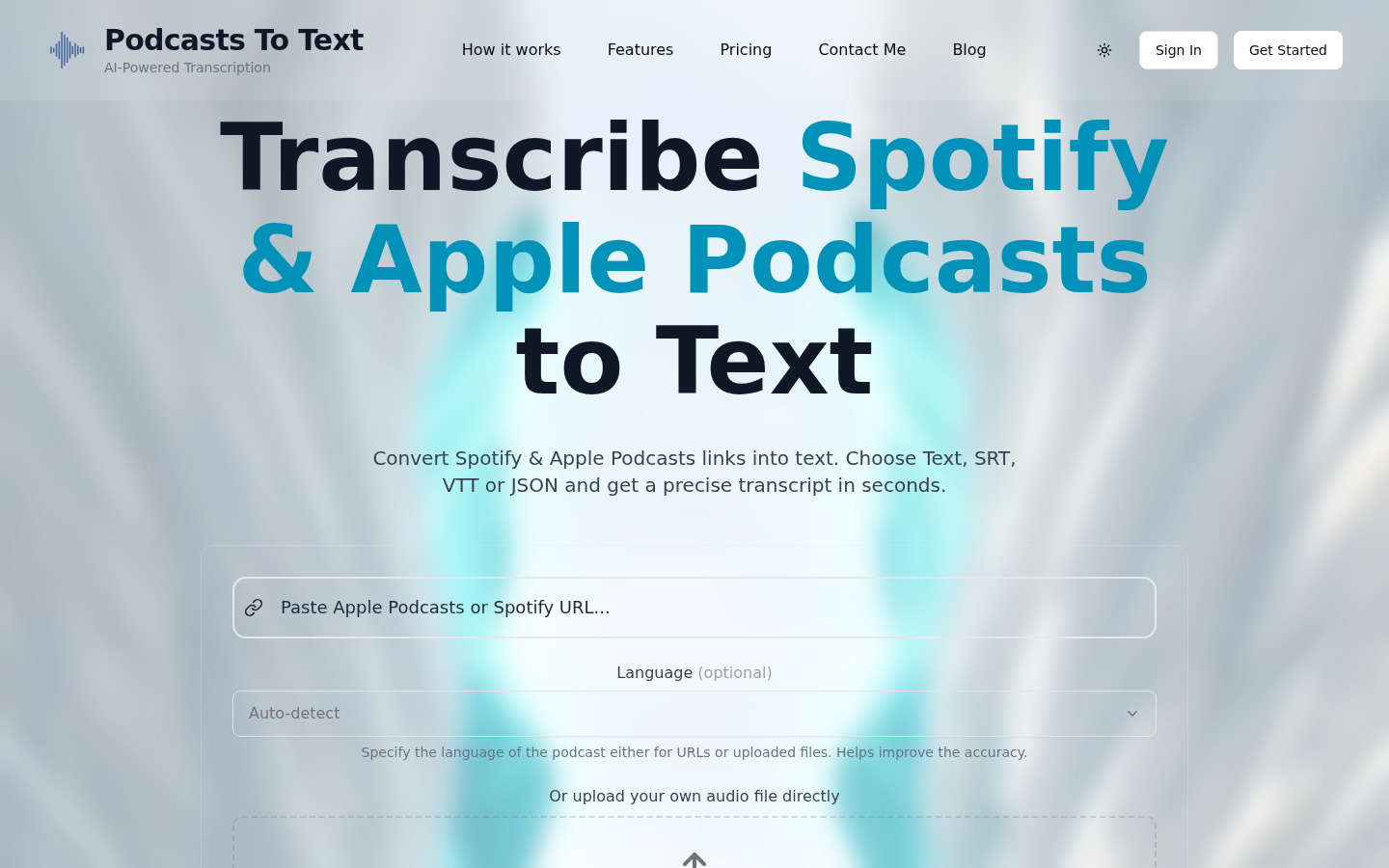
Screenshot archived from the listing page, for preview only.