Quino
AI learning assistant for documents and papersLearn easier, learn faster
Highlights
What you can do with it
- Summarize a long research paper before reading it in full
- Generate practice questions to test your understanding
- Organize notes and assess what you actually know
How to use it
- 1 Upload a document, book, or research paper
- 2 Read the summary and generated key points
- 3 Ask questions in the dialogue to clarify difficult sections
- 4 Generate questions and take a knowledge assessment
- 5 Organize your notes for later review
Who it is for
Pros
- Works with many document types in one place
- Summaries and key points speed up first-pass reading
- Question generation supports active recall
- A free plan exists alongside paid student plans
Limitations
- Summaries can miss nuance, so check the source for detail
- AI answers are not always accurate and need verification
- Paid plans unlock more than the free tier
- Free plan limits and pricing can change, so confirm terms
What Quino is
Quino is an AI-powered learning assistant built around your own documents. You upload any document, book, or research paper, and it summarizes the content, generates key points, answers questions in a dialogue, and creates questions you can practice with. Semantic search helps you find passages across your material, and you can organize notes and run knowledge assessments to see where you actually stand. Pricing plans include a free option alongside student and professional student plans, so you can start without paying and only upgrade if you need more capacity.
What you can do with it
- Summarize long documents and extract key points.
- Ask questions in a dialogue about difficult sections.
- Generate practice questions to test your understanding.
- Search semantically across your material and organize notes.
Who it is for
- Students working through dense course material.
- Researchers processing large volumes of papers.
- Self-learners who want structure and review from their reading.
- Anyone who wants a second pass over material they have already read.
What to watch out for
AI summaries compress material and can miss nuance, so check the original source before you rely on a summary for anything important, especially for research or exams. Answers and generated questions are not guaranteed to be correct, and you should verify them, because a confident wrong answer is worse than no answer when you are studying. The free plan has limits compared with the student and professional student plans, and those limits and prices can change, so confirm current terms. As with any study aid, it supports your learning rather than replacing the work of understanding the material yourself.
FAQ
What can I upload to Quino?
Any document, book, or research paper.
Is there a free plan?
Yes. Pricing plans include a free option alongside student and professional student plans.
How does it help me study?
It summarizes material, generates key points and questions, answers questions in a dialogue, and assesses your knowledge.
Can I search my documents?
Yes. It includes semantic search along with note organization.
Why it is free
What the official page says: 免费
Free limits, trial length and features are decided by the official site and can change at any time.
Product preview
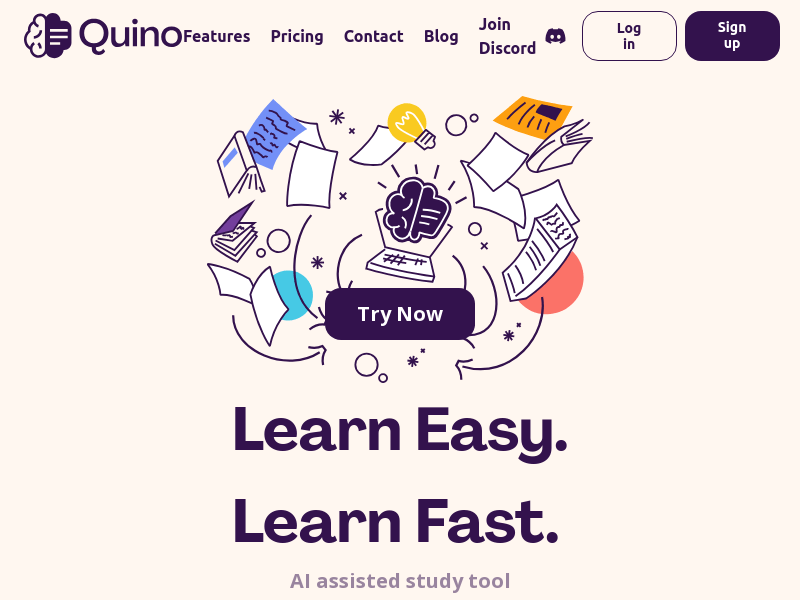
Screenshot archived from the listing page, for preview only.