Readbox
Turn articles and links into podcast episodesListen to any written content in your podcast app
Highlights
What you can do with it
- Convert a long-form article into a podcast for your commute
- Transform a blog post into audio for listening during workouts
- Turn a news report into a podcast to enjoy while doing chores
How to use it
- 1 Submit a URL or forward an email to [email protected]
- 2 Wait for the platform to convert the content into audio
- 3 Open your preferred podcast player
- 4 Subscribe through the custom RSS feed if you use Pro
- 5 Listen to the generated episode
Who it is for
Pros
- Simple email or URL submission
- Works with standard podcast apps
- Free during the early access period
Limitations
- The free experience is tied to early access and includes ads, so terms can change later
- Pro costs $10 per month, which matters if you plan heavy use
- Audio quality depends on the source text and the voice you choose
- Check that you have the right to convert the material you send
What Readbox is
Readbox is a platform that turns written content into podcasts using advanced AI models. You add material by submitting a URL or by forwarding an email to [email protected], and the service produces audio you can listen to in your preferred podcast player. During the early access period it is free to use, with ad-supported features, premium voices, custom RSS subscriptions, and unlimited submissions. A Pro version is available for $10 per month if you want an ad-free experience. It is built for people who would rather listen to articles, blog posts, and news than read them on a screen.
What you can do with it
- Convert articles and links into podcast episodes
- Submit content by URL or by forwarding an email
- Listen in your favorite podcast app, including custom RSS feeds
- Use premium voices, with an ad-free option on Pro
Who it is for
- Commuters who want to listen during travel
- Fitness enthusiasts who prefer audio while working out
- Anyone who finds it easier to consume content by listening
What to watch out for
The free experience is tied to early access and includes ads, so terms can change once the product moves beyond that stage. Pro costs $10 per month, which is worth considering if you plan heavy use. Audio quality depends on the source text and the voice you choose, and some content may read better than it listens. Because submissions happen through email and URLs, check that you have the right to convert the material you send. Features and interface details may change between versions, so review the latest notes on the page before you start.
FAQ
Is Readbox free?
During the early access period it is free to use with ad-supported features. Pro costs $10 per month.
How do I add content?
You submit a URL or forward an email to [email protected].
Where can I listen?
You can listen in your preferred podcast player, including custom RSS subscriptions.
Why it is free
What the official page says: free to use
Free limits, trial length and features are decided by the official site and can change at any time.
Product preview
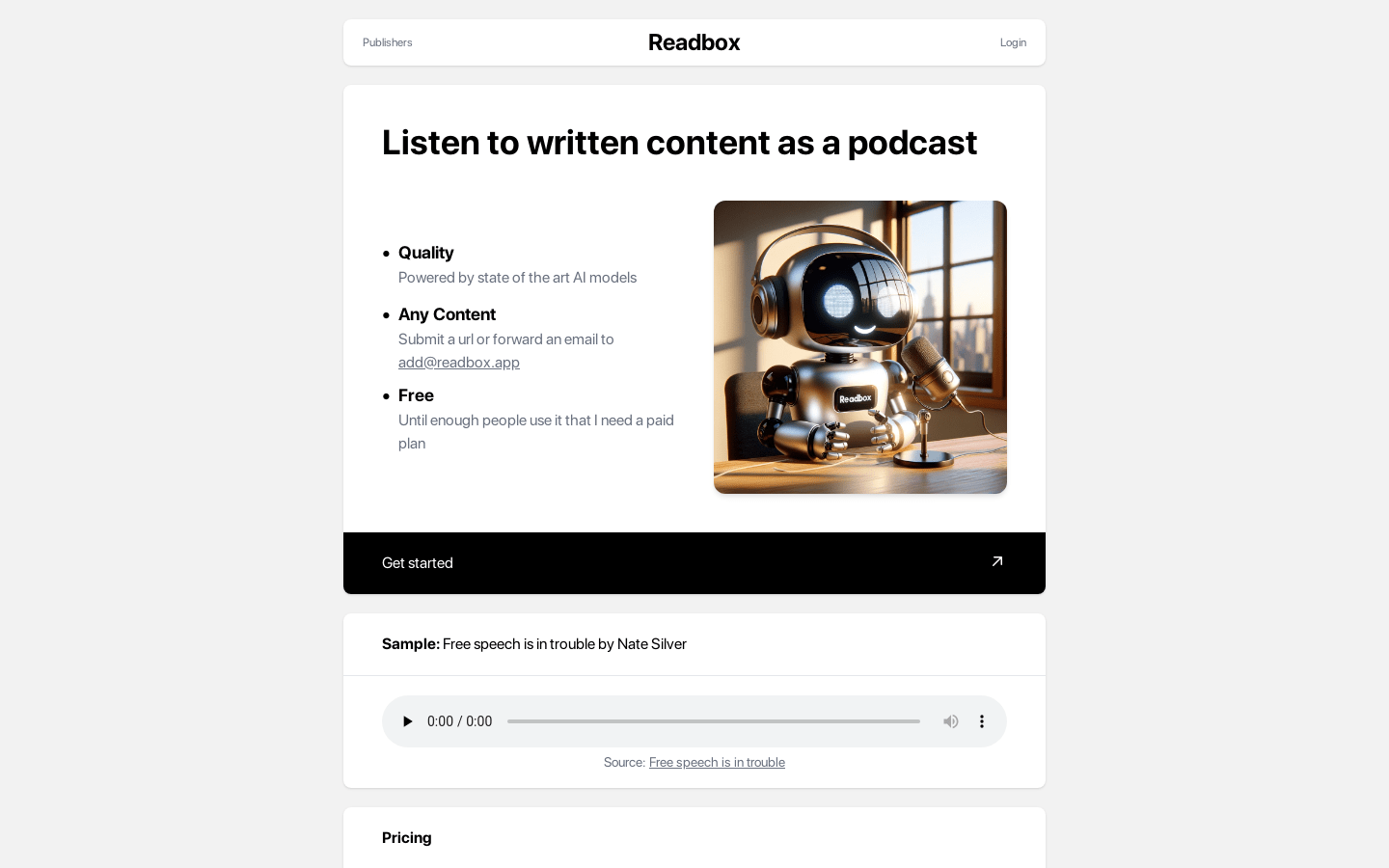
Screenshot archived from the listing page, for preview only.