ReadLater AI
Article summarizer by URLSummarize any article from a link
Highlights
What you can do with it
- A reader summarizes a long article before deciding to read it
- A user finds a saved article again through the searchable archive
- Someone removes ads from an article for easier reading
How to use it
- 1 Open the ReadLater AI website and start the 7 day trial.
- 2 Paste the URL of the article you want to summarize.
- 3 Read the generated summary.
- 4 Save the article to your searchable archive.
- 5 Use ad removal if you want a cleaner view.
Who it is for
Pros
- 7 day free trial of premium membership
- Fast summaries straight from a URL
- Searchable archive helps you find saved articles
Limitations
- Free trial is short and premium costs a monthly fee
- Summaries may miss nuance in complex articles
- Ad removal and archive depend on the paid tier
What ReadLater AI is
ReadLater AI is an intelligent article summarization tool. It offers a 7 day free trial of premium membership, and after that premium costs a small monthly fee. The core action is simple: you paste the URL of an article and it quickly produces a summary, so you can decide whether the full piece is worth your time. Beyond summaries, you can save articles to a searchable archive so you can find them again later instead of losing them in browser bookmarks. It can also remove ads from articles for a cleaner reading view. It is built for people who save a lot of reading and want a faster way to triage and revisit it.
What you can do with it
- Summarize any article from a URL link.
- Save articles to a searchable archive.
- Remove ads for a cleaner reading experience.
- Triage long reads before committing to them.
Who it is for
- Readers who want to skim long articles fast.
- Researchers who save and revisit many sources.
- Anyone who wants a tidier, ad free reading view.
What to watch out for
The free trial is only 7 days, and the useful features like the searchable archive and ad removal sit behind a small monthly premium fee. Summaries are a shortcut, not a substitute for reading, so nuance and detail in complex articles can be missed. If accuracy matters, open the original article rather than relying only on the summary. When quality matters, export a small draft first to confirm the result before producing the final file. Generated suggestions are for reference only, so verify anything that affects professional judgment or important data.
FAQ
Is there a free trial?
Yes, ReadLater AI offers a 7 day free trial of premium membership.
How do I summarize an article?
You paste the article's URL and it generates a summary.
What does premium add?
Premium adds features like a searchable archive and ad removal, for a small monthly fee.
Why it is free
What the official page says: free trial
Free limits, trial length and features are decided by the official site and can change at any time.
Product preview
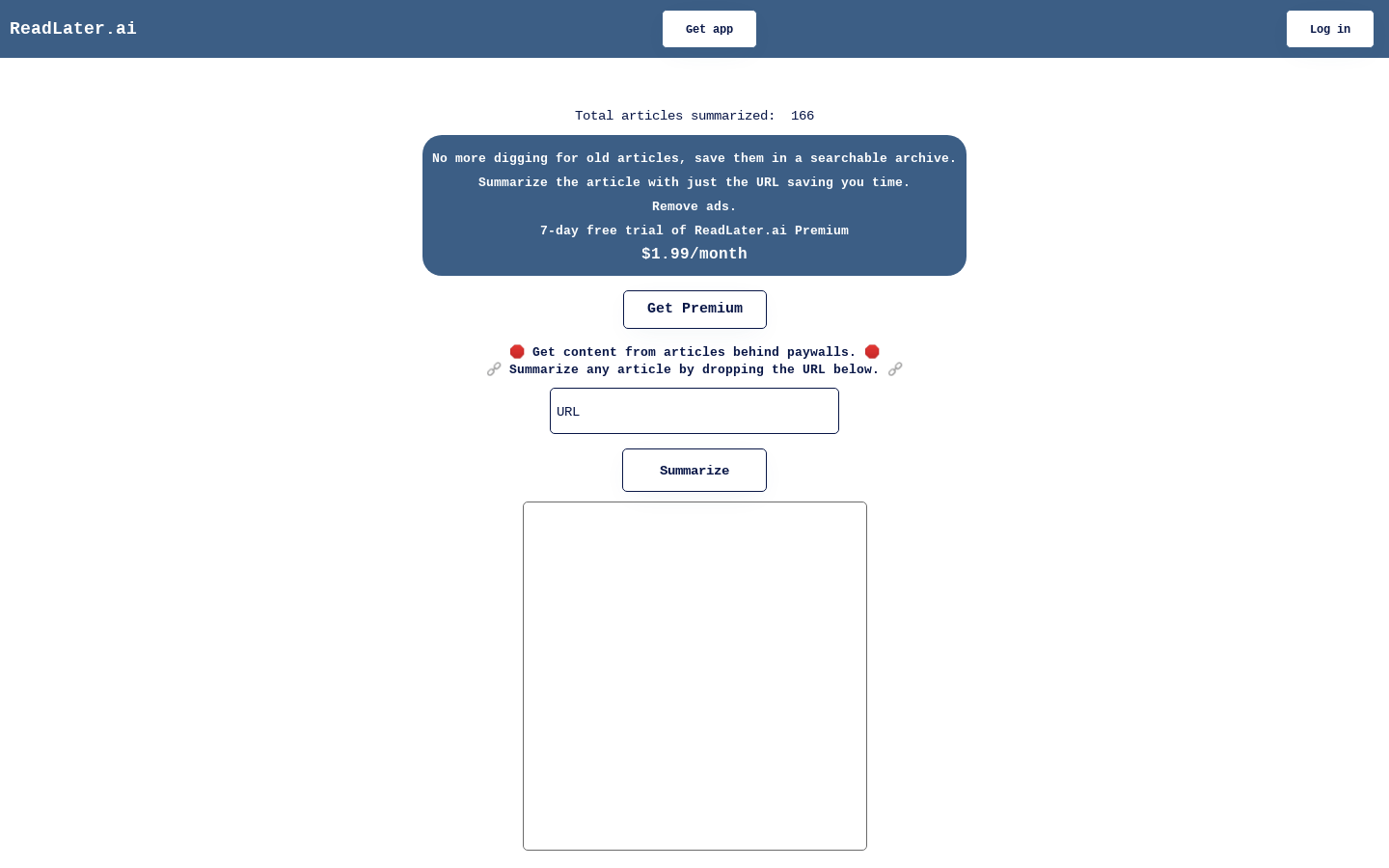
Screenshot archived from the listing page, for preview only.