Rox
AI sales productivity platform for enterprise teamsUnify customer data and act on it with AI agents
Highlights
What you can do with it
- Sales teams unify scattered customer information to respond to accounts faster
- Marketing teams create personalized emails and LinkedIn posts for targeted outreach
- Sales managers review generated briefs and analytics to sharpen strategy
How to use it
- 1 Register an account on the Rox website
- 2 Set up your corporate data warehouse and integration options as prompted
- 3 Use the monitoring features to track and analyze customer data
- 4 Create targeted campaigns with the personalized marketing tools
- 5 Review field summaries, pre-meeting briefs, and CRM updates regularly
Who it is for
Pros
- Pulls external and internal customer information into a single monitored view
- Automated briefs and CRM updates cut down on manual reporting work
- Built to enterprise security and compliance standards
Limitations
- White-glove deployment, training, and the full monitoring stack sit behind corporate plans, so the free trial covers only part of the offering
- Setup assumes you have a data warehouse and tech stack to connect, which takes planning
- Built for enterprise needs, so smaller teams may find it heavier than they require
- Free trial terms and availability can change over time
What Rox is
Rox is an AI-driven sales productivity platform that uses agent technology to help businesses grow their most important customer relationships. The core idea is straightforward: unify every piece of external and internal information about a customer, process it, and keep monitoring it, so anything a person could find by digging through separate systems becomes accessible and actionable in one place. The platform is built to high security and compliance standards and is aimed at enterprise-level needs. Rox offers free trials and corporate plans, so a team can try the workflow before committing to a paid deployment. In practice that means less time chasing information across tools and more time acting on it.
What you can do with it
- Unify and monitor all customer information so your team responds faster
- Create personalized marketing emails and LinkedIn posts to drive engagement
- Receive field summaries, pre-meeting briefs, follow-ups, and CRM updates automatically
- Use analytics that turn account activity into concrete next steps for each account
Who it is for
- Sales teams that need a single, monitored view of customer information
- Marketing teams building personalized outreach campaigns
- Sales managers who want regular briefs and per-account analytics to guide strategy
What to watch out for
The main thing to understand is that the enterprise features are not all inside the free trial. White-glove deployment, training, and the full monitoring and analytics stack sit behind corporate plans, so the trial gives you a look at the workflow rather than the complete package. Setup also assumes you have a data warehouse and tech stack to connect to, which means internal coordination before the platform becomes useful. Because it is built for enterprise needs, smaller teams may find it heavier than they require. Free trial availability and terms can also change, so confirm current conditions on the official site before relying on them.
FAQ
Is Rox free to try?
Rox offers a free trial alongside corporate plans. Trial scope can change, so check the official site for current terms.
What does Rox do with customer data?
It unifies, processes, and monitors external and internal information about customers so teams can act on it quickly.
Who handles deployment?
Corporate plans include white-glove technical support for deployment and training.
Why it is free
What the official page says: free trial
Free limits, trial length and features are decided by the official site and can change at any time.
Product preview
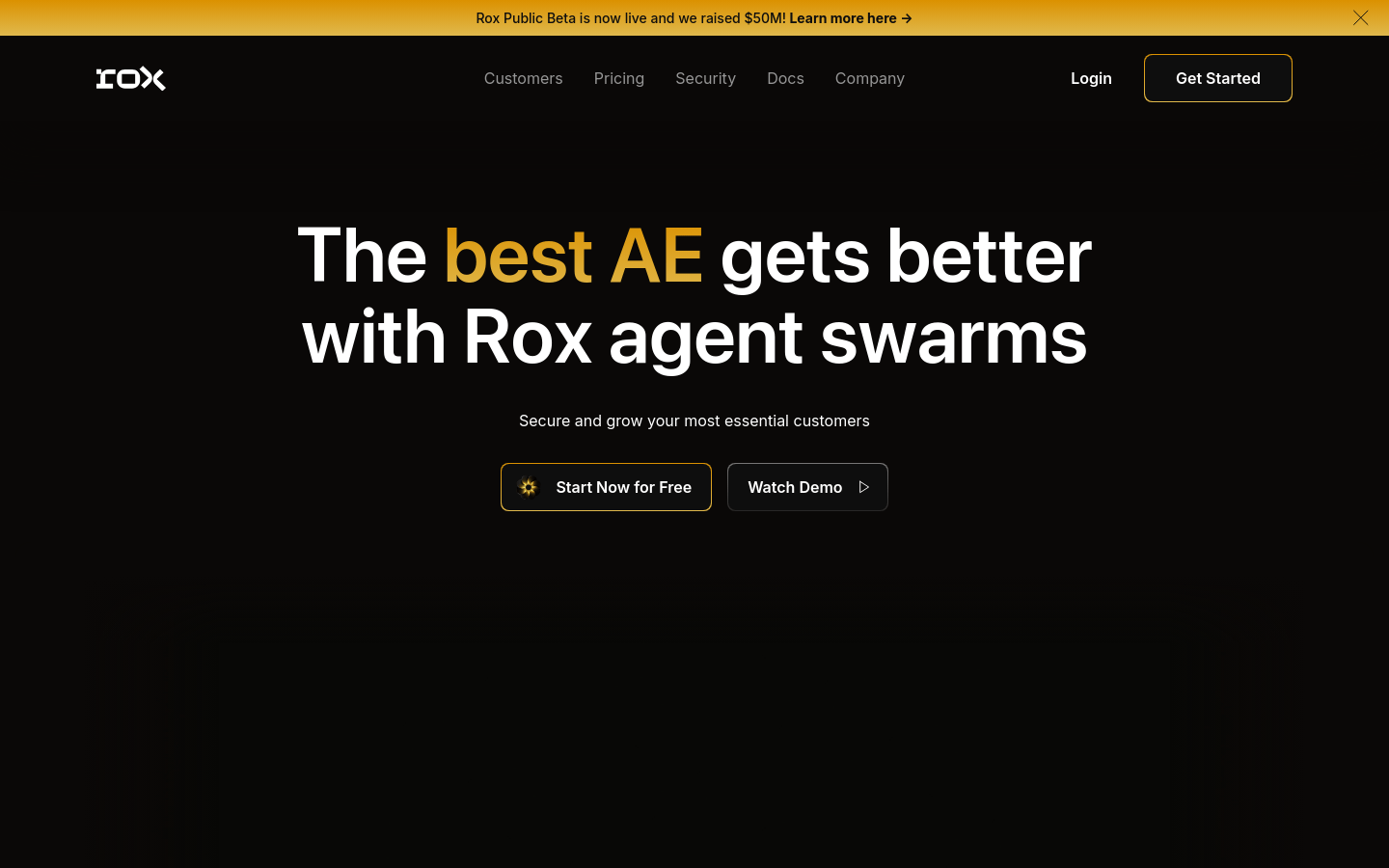
Screenshot archived from the listing page, for preview only.