SeaArt.AI
AI painting app for mobile and desktopTurn a sketch or prompt into finished art
Highlights
What you can do with it
- Turning a rough sketch into a finished illustration
- Upscaling a small image for print or web
- Removing a background for a clean cut-out
How to use it
- 1 Install SeaArt.AI on your phone or open it on PC
- 2 Choose AI painting, sketch to image or another tool
- 3 Enter a prompt or upload your sketch
- 4 Adjust settings and generate
- 5 Save or export the result
Who it is for
Pros
- Available across mobile and desktop
- A good spread of tools beyond plain generation
- Free basics let you try before buying
Limitations
- Best results usually need prompt practice
- Advanced features and quotas sit behind payment
- Free and paid rules can change
What SeaArt.AI is
SeaArt.AI is an AI painting application available on Android, iOS and PC. It uses intelligent algorithms and machine learning to generate images, and the feature list goes past simple generation: intelligent super-resolution, background removal, AI portraits, AI filters, HD repair and sketch to image. Pricing is flexible in the sense that the basic functions can be used free, while advanced functions and additional services are paid. The listing names artists, designers, photographers and other creative professionals as the intended users.
What you can do with it
- Generate paintings from text prompts or uploaded sketches
- Upscale a low-resolution image and repair detail
- Remove or replace a background cleanly
- Apply portrait and filter effects for a quick style test
Who it is for
- Illustrators and comic artists testing colour and style options
- Designers who need a fast visual prototype
- Photographers cleaning up and enlarging existing shots
What to watch out for
Results depend heavily on how you write the prompt and how clean your input is, so budget time for retries rather than expecting a perfect first image. Advanced features and generation quotas sit behind payment, and the split between free and paid can change. Mobile and desktop versions may not offer an identical tool set, so check the platform you actually use. As with any generative tool, confirm the usage rights on anything you plan to publish or sell. Features and interface details may change between versions, so review the latest notes on the page before you start. For team use, agree on naming and editing conventions in advance to avoid version conflicts or duplicated work. Save a backup of the original file before large batch jobs, and keep an exported copy of key results in case the page or service becomes temporarily unavailable.
FAQ
Which platforms does SeaArt.AI support?
The listing mentions Android, iOS and PC.
Is it free?
Basic functions can be used free, with advanced functions and extra services available for purchase.
What tools are included?
AI painting, intelligent super-resolution, background removal, AI portrait, AI filter, HD repair and sketch to image.
Why it is free
What the official page says: for free
Free limits, trial length and features are decided by the official site and can change at any time.
Product preview
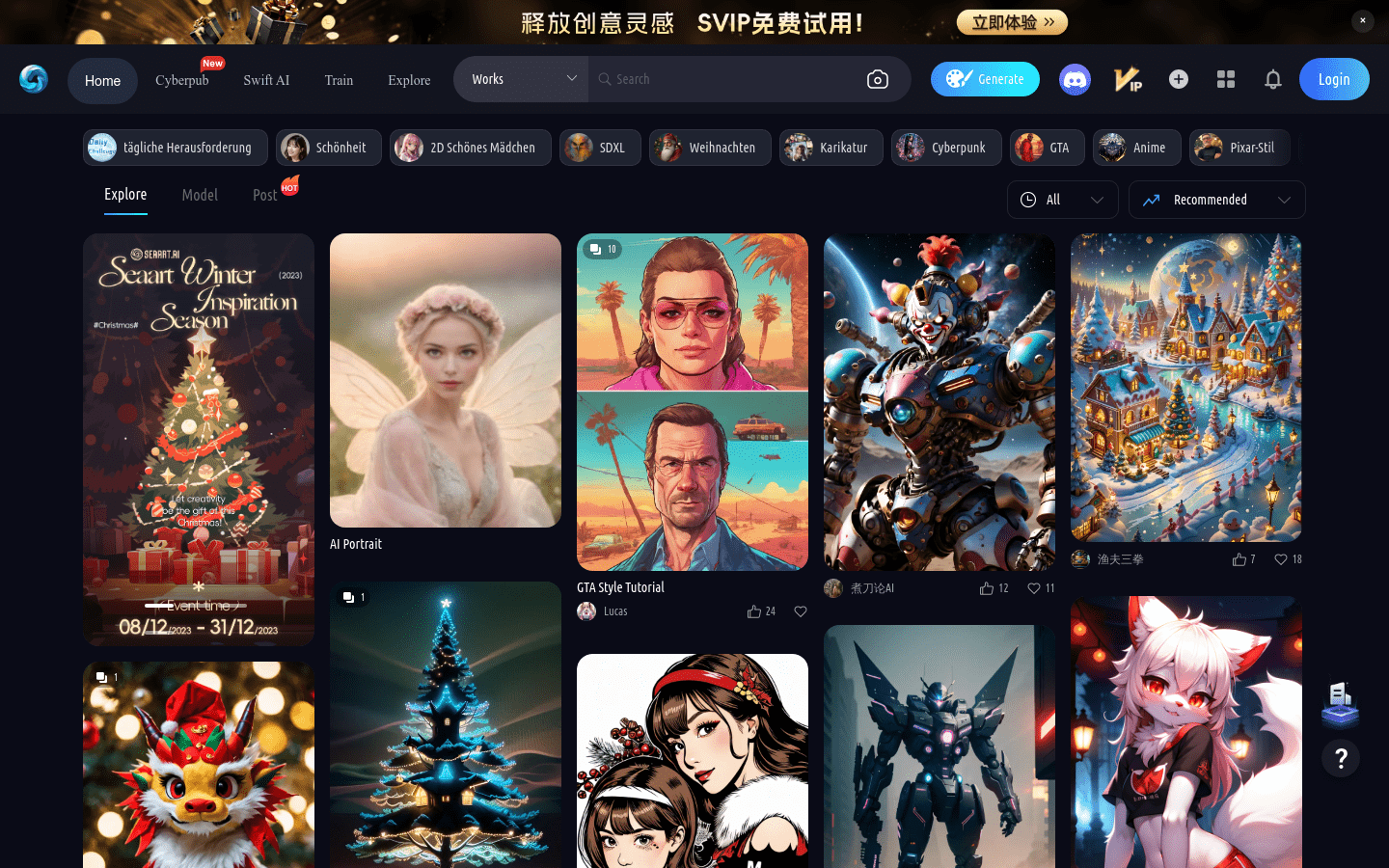
Screenshot archived from the listing page, for preview only.