seedrouter
One key, many AI modelsLanguage, image, video, audio behind one API
Highlights
What you can do with it
- A story app chains a language model, an image model, and a voice model
- A video platform submits generation tasks and receives results by webhook
- An internal chatbot runs two models side by side for comparison
How to use it
- 1 Register an account on the SeedRouter site and verify your email
- 2 Create an API key in the console and top up a USD balance
- 3 Read the model page for the request format and parameters you need
- 4 Call language models with the OpenAI SDK and the SeedRouter base URL
- 5 Submit image and video requests over REST, then poll or set a webhook
- 6 Watch request logs and billing in the console to control spend
Who it is for
Pros
- Single integration point instead of many provider accounts
- No subscription and no minimum monthly charge
- Failed requests are not billed
- Model switching needs little or no code change
Limitations
- You must keep a paid balance, so it is not free to run
- Costs scale directly with request volume
- Coverage is limited to the models on the platform catalogue
- Async video work needs polling or webhook handling in your code
What SeedRouter is
SeedRouter is a unified API aggregation platform. It pulls image, video, language, and audio models behind one key and one request format, so a developer integrates once instead of negotiating with every provider separately. The workflow is straightforward: register, create a key, top up a USD balance, and start calling models. There is no subscription fee and no minimum monthly charge, and billing is per request, which means a failed request is free to use. Compatibility is a core design goal: language models can be called through the OpenAI SDK by changing the base URL, and Anthropic-compatible endpoints are also offered, so migrating existing code is close to a no-op. Time-consuming work such as video generation runs as asynchronous tasks that return a task ID, resolved by polling or a webhook callback.
What you can do with it
- Call language, image, video, and audio models through one key
- Switch models by changing a model ID rather than rewriting code
- Submit video jobs asynchronously and collect results by polling or webhook
- Read per-model pricing, parameters, docs, and an online playground before calling
- Keep a single balance across every model instead of many provider accounts
- Review request logs and billing detail in the console
Who it is for
AI application developers who need text, image, and voice in one product get the most obvious value, because the integration surface collapses to a single endpoint. Startups and independent developers avoid contract negotiation, invoicing, and multiple billing relationships. Enterprise platform teams use it to standardise internal AI access and keep audit trails in one place. Multimodal products such as ad generators and video editors, plus education and research groups comparing model behaviour, also fit the model.
What to watch out for
This is an aggregation layer, not a free tier: you maintain a paid balance, and cost scales linearly with volume, so a busy application needs budget discipline. Coverage is limited to whatever the catalogue currently lists, so a niche or newly released model may not be there yet. Async video work is genuinely asynchronous, which means your code needs polling or webhook handling and retry logic rather than a single blocking call. Prices are per model and can change as new versions are added, so pin the models you depend on and monitor the catalogue.
FAQ
Do I need a separate account for each model?
No. One key and one balance cover every supported model on the platform.
Are failed requests charged?
No. Billing applies only when results are successfully delivered.
Is it compatible with the OpenAI SDK?
Yes. Language models can be called with the OpenAI SDK by pointing the base URL at SeedRouter, and Anthropic-compatible endpoints are also available.
How are video jobs handled?
Video generation is submitted as an asynchronous task that returns a task ID; you then poll for status or set a webhook callback.
Why it is free
What the official page says: 不收费
Free limits, trial length and features are decided by the official site and can change at any time.
Product preview
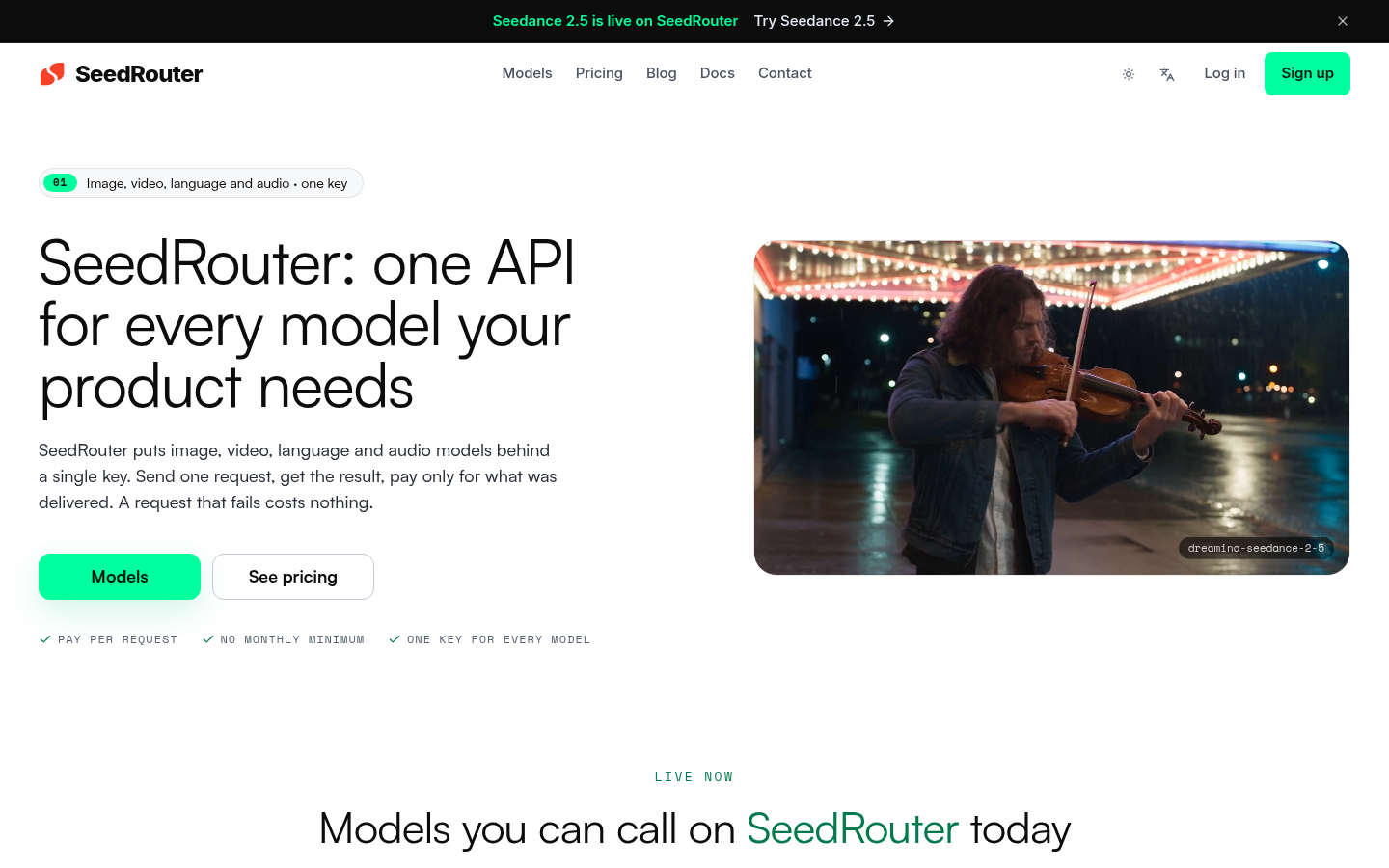
Screenshot archived from the listing page, for preview only.