
SocialPika
Social media scheduling toolPlan, publish, and analyze posts
Highlights
What you can do with it
- Schedule a week of posts for several client accounts
- Check which posts drove the most engagement
- Answer comments without switching between apps
How to use it
- 1 Create an account and connect your social profiles.
- 2 Upload photos, videos, and design assets.
- 3 Build a post, using an AI template if you want a starting point.
- 4 Preview it, then place it on the publishing calendar.
- 5 Check analytics and reply to comments from the dashboard.
Who it is for
Pros
- Scheduling plus analytics in one tool
- Templates and saved tags cut repeat work
- Free plan available alongside paid tiers
Limitations
- The free plan limits accounts or posting volume
- Platform API changes can break features
- Analytics depend on what each network exposes
What SocialPika is
SocialPika is a social media management tool. You use it to create content, schedule it, and automate posting across your social accounts, which saves the time you would spend logging into each network separately. It offers real-time previews so you can see a post before it goes live, AI generated templates to start from, a publishing calendar to keep a steady rhythm, and analytics that cover both individual posts and overall account performance. Comments can be answered from the same dashboard, and saved signatures and tags can be reused. Both free and paid plans are available.
What you can do with it
- Schedule and automate posts across multiple social accounts
- Preview a post before it publishes
- Start from an AI generated template and adjust it
- Reply to comments and check analytics in one dashboard
Who it is for
- Social media managers who handle several client or brand accounts
- Small teams that need a scheduler but not a full marketing suite
- Creators who want posting and comment replies in one place
What to watch out for
The free plan limits what you can do, most likely in accounts or posting volume, so check the limits before you migrate a workflow. Social platforms change their APIs regularly, and those changes can break features in any scheduler, so keep a fallback for time sensitive posts. Analytics are only as deep as each network allows, so cross-platform comparisons will not be exact. If you automate posting, keep an eye on the calendar, because scheduled content still needs a human check before it goes out. For best results, start with a small test file and review the output carefully before working on anything important.
FAQ
Can I manage several accounts?
Yes, it is built for creating and scheduling content across social accounts.
Does it include analytics?
Yes, it analyzes post performance and account data.
Is there a free plan?
Yes, free and paid plans are both offered.
Why it is free
What the official page says: 免费免费套餐
Free limits, trial length and features are decided by the official site and can change at any time.
Product preview
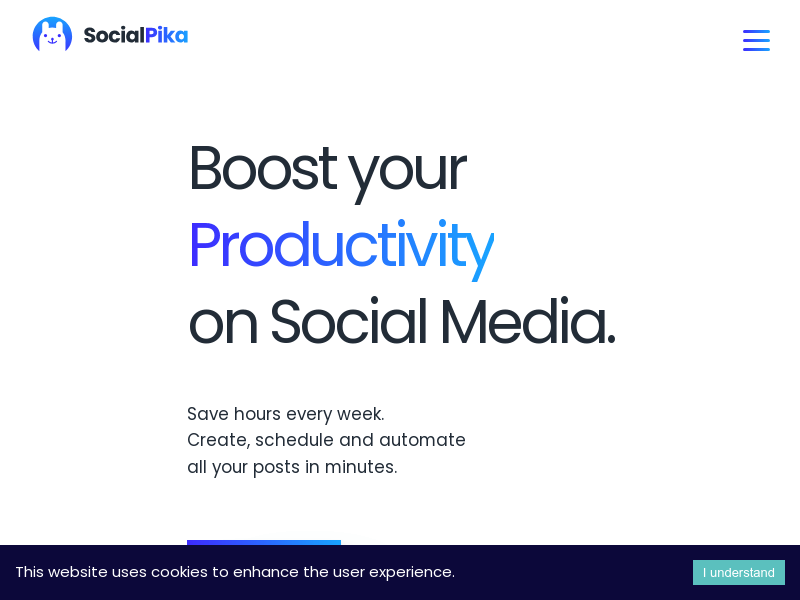
Screenshot archived from the listing page, for preview only.











