Sora AI Video Gallery
Text to video with SoraFree text to video online
Highlights
What you can do with it
- Turning a written idea into a short clip to see how it looks
- Testing prompt writing for video models
- Making a simple visual story without an editing suite
- Exploring text to video output before paying for a tool
How to use it
- 1 Open the Sora AI Video Gallery site
- 2 Write a description of the video you want
- 3 Run the generation and wait for the clip
- 4 Review the result and adjust the prompt if needed
- 5 Save the clip if the site offers a download
Who it is for
Pros
- Very low barrier: write text, get a clip
- Listed as free for online use
- No editing timeline to learn
- Useful for quick visual concepts
Limitations
- Very thin public information about limits and output
- Free status can change without notice
- Generated video can look convincing while being wrong on detail
- Unclear from the listing who operates the service
What Sora AI Video Gallery is
Sora AI Video Gallery is listed as a free online tool for turning text into video. The listing describes it as a way to bring ideas to life as visual stories, and it names OpenAI Sora in its description. The site is catalogued under AI video generation and AI content generation, and its stated pitch is short: you write text, and you get video. No pricing page, feature list, or account requirements appear in the material available for this entry, so the only confirmed facts are the text to video function, the storytelling angle, and the claim of free online use. Because it is presented as a gallery as well as a generator, the site may also show example output, though the material does not say so. Everything else about the workflow has to be verified on the site itself.
What you can do with it
- Turn a written description into a short video clip.
- Build a simple visual story from a text prompt.
- Try text to video generation in the browser without paying.
- Explore whatever sample output the site publishes to judge quality.
Who it is for
- People who want to try text to video without a paid plan.
- Creators testing prompt writing for video models.
- Anyone curious about how a text prompt becomes moving images.
- Writers who want a rough visual of a scene before filming.
What to watch out for
The listing is thin, so treat every claim with care. It calls itself free, but free status can change, and the material does not say whether output carries a watermark, how long clips run, or what the usage limits are. The description names OpenAI Sora, yet the listing does not present the site as an official OpenAI page, so check who actually operates the service before you upload anything sensitive or personal. Generated video can look convincing while being factually wrong or off brief, so review every clip before you publish it. Text to video also costs computing time, so queues and waiting are common on free tools of this type. Assume nothing about commercial rights until you read the terms on the site.
FAQ
What does this tool do?
The listing describes it as a free online tool that transforms text into engaging videos.
Is it free?
The description states free online use, but no further pricing detail is available in the material.
Is it an official OpenAI product?
The description names OpenAI Sora, but the listing does not state that the site is operated by OpenAI, so verify before uploading anything.
What should I check first?
Check output length, watermark rules, and any usage limits directly on the site.
Why it is free
What the official page says: 免费
Free limits, trial length and features are decided by the official site and can change at any time.
Product preview
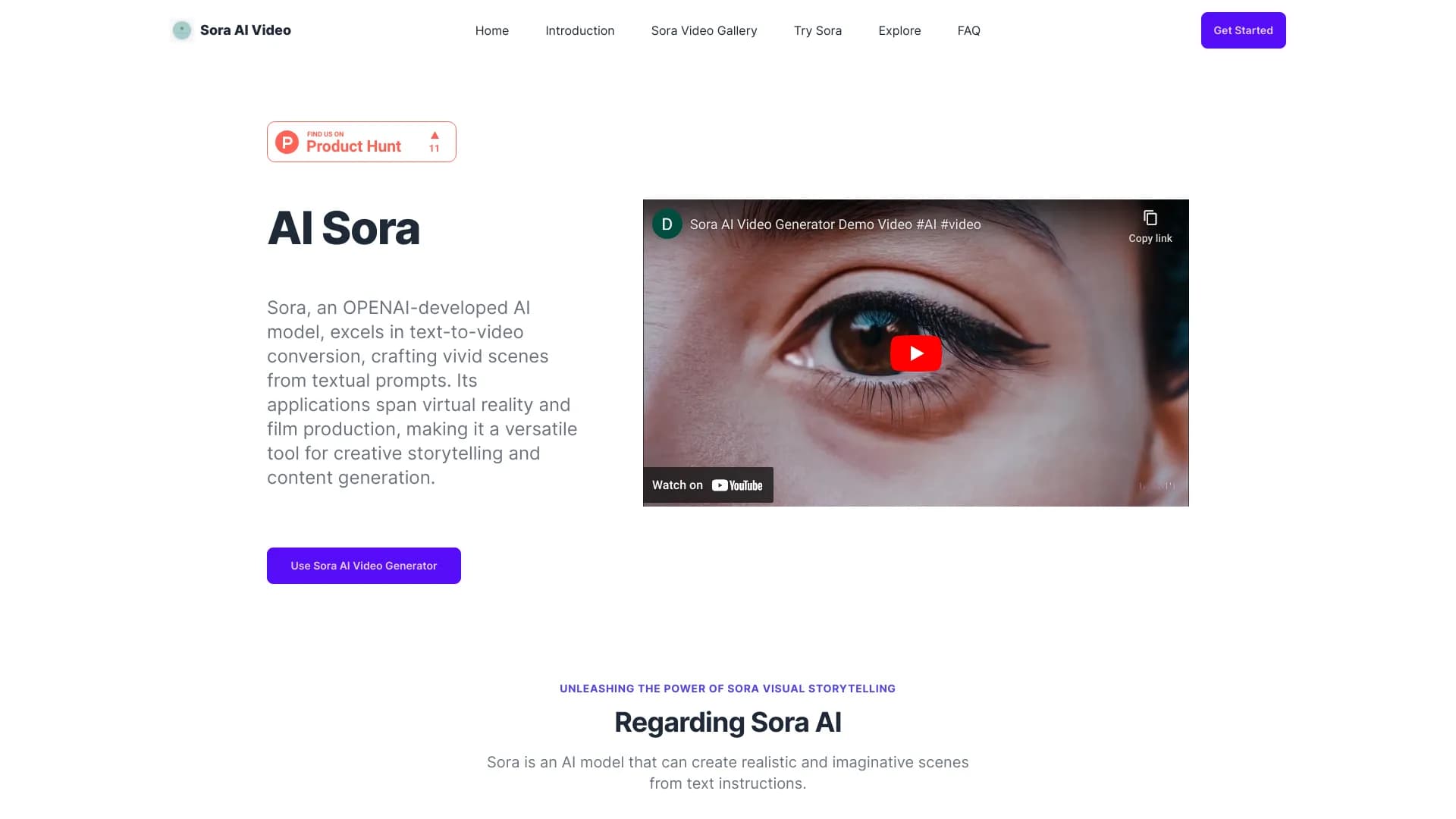
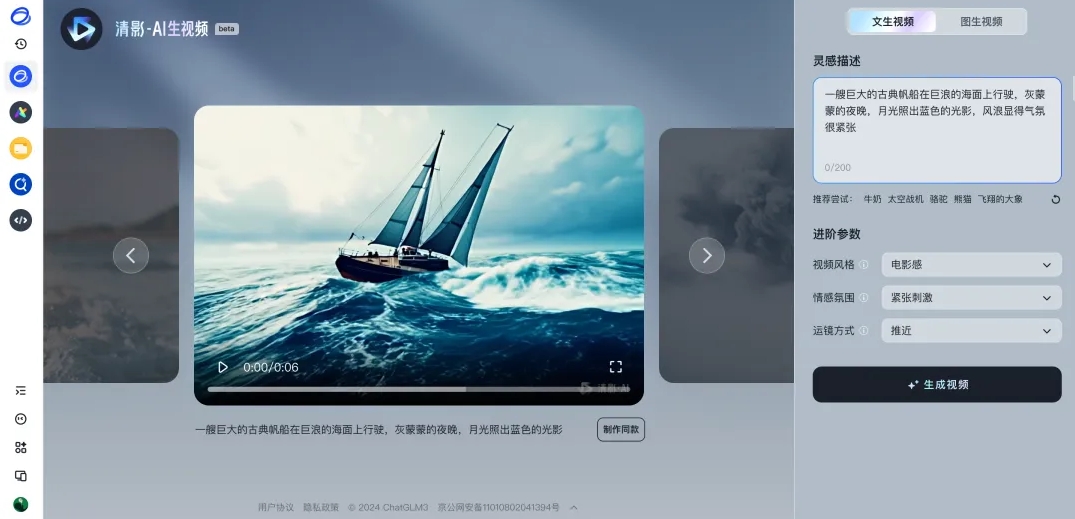
Screenshot archived from the listing page, for preview only.