Pipio | Video Dubbing
AI video dubbing with automatic voiceover and lip-sync.Translate your videos with AI dubbing and lip-sync.
Highlights
What you can do with it
- Localize a training video for a new region.
- Create multilingual sales demo versions.
- Dub an ad into another language.
How to use it
- 1 Open Pipio Video Dubbing and start a trial.
- 2 Upload the video you want to dub.
- 3 Pick the target language.
- 4 Let the AI generate voiceover and lip-sync.
- 5 Review the result before you publish.
Who it is for
Pros
- Combines dubbing and lip-sync in one tool.
- Aims to keep original audio quality.
- Free trial to test the output.
Limitations
- A free trial only, with a paid pro version.
- Auto-dub quality and timing may need fixes.
- Only use video you have rights to localize.
What Pipio Video Dubbing is
Pipio Video Dubbing is an AI tool that translates videos and adds automatic voiceover with lip-sync. It aims to keep the original audio quality while producing multilingual versions, and the site claims lip-sync accuracy comparable to manual work along with lossless video resolution. It targets corporate training, sales, marketing teams, and content creators who need localized video without recording new voice takes. A free trial and a paid professional version are available, so you can test the quality before you commit.
What you can do with it
- Translate a video into another language.
- Add automatic AI voiceover to the clip.
- Apply lip-sync so mouths match the new audio.
Who it is for
- Training teams localizing internal video.
- Sales and marketing teams going multilingual.
- Creators adapting content for new audiences.
What to watch out for
Only dub video you have the rights to localize, since unauthorized translation or voice replacement can raise permission issues. The free option is a trial, and the professional version is paid, with pricing subject to change. Auto-generated dubbing and lip-sync are not perfect, so review timing, pronunciation, and tone before you publish. Lossless output and sync quality can vary by source clip, so test on a short sample first. Run one full task end to end first, then expand once you are comfortable with the workflow and the result quality. Behavior may vary across browsers and devices, so test before production use and consult the help docs if errors appear. Save a backup of the original file before large batch jobs, and keep an exported copy of key results in case the page or service becomes temporarily unavailable.
FAQ
What does Pipio Video Dubbing do?
It translates video and adds AI voiceover with lip-sync for multilingual versions.
Is there a free option?
It offers a free trial alongside a paid professional version.
Can I dub any video?
Only video you have the rights to localize, and always review the output first.
Why it is free
What the official page says: free trial
Free limits, trial length and features are decided by the official site and can change at any time.
Product preview
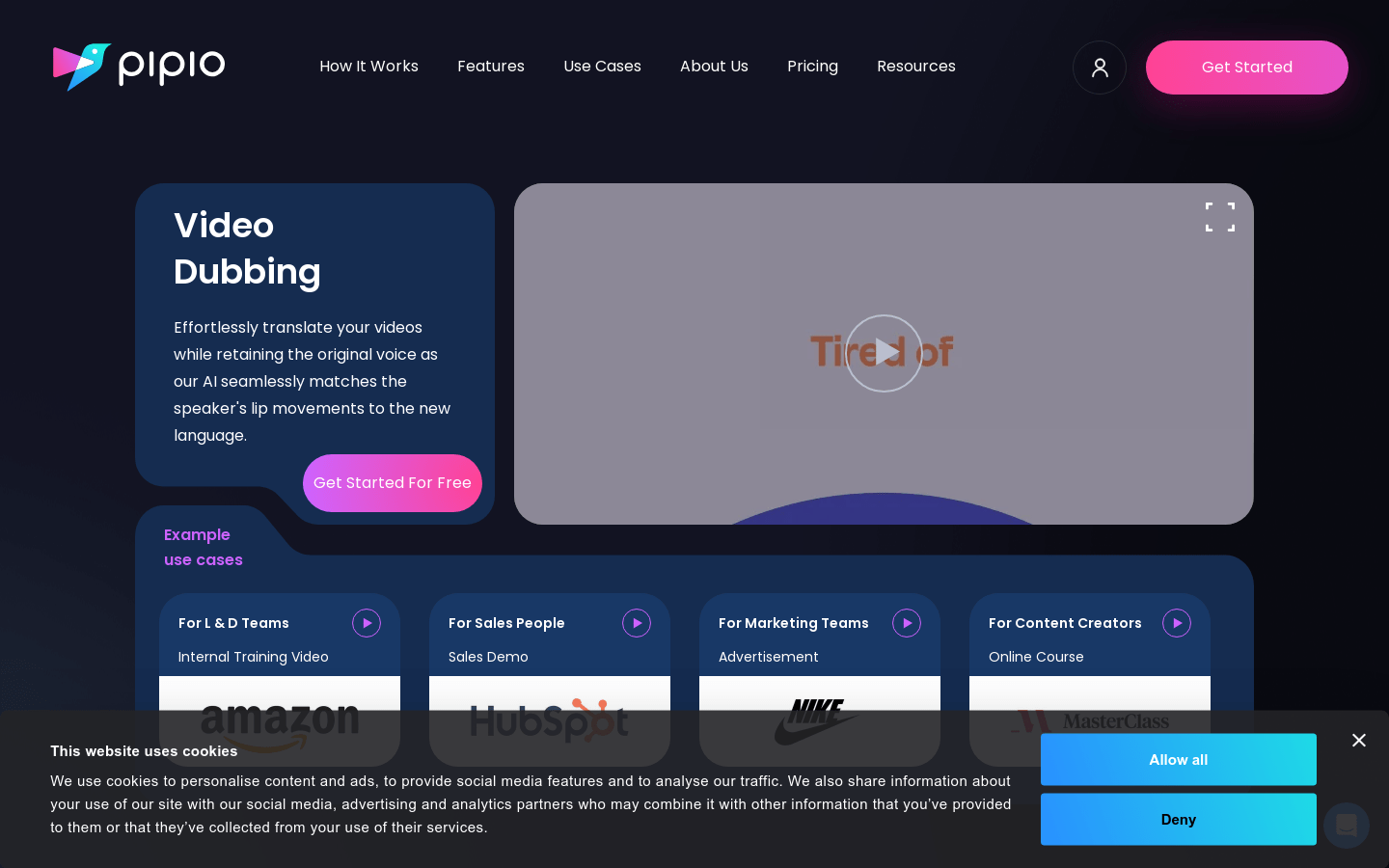
Screenshot archived from the listing page, for preview only.