Speechforms
Voice input for filling out formsSpeak your answers instead of typing
Highlights
What you can do with it
- Complete long registration or application forms by voice
- Fill surveys and feedback forms while doing something else
- Reduce typing strain during repetitive data entry
How to use it
- 1 Open the Speechforms site and start the free trial
- 2 Open the form you need to complete
- 3 Speak your answers into each field
- 4 Review the filled form before you submit it
Who it is for
Pros
- Voice input is faster than typing for long forms
- Simple idea with an easy workflow
- Free trial to check fit
Limitations
- Free use is limited to the trial period
- Speech recognition accuracy varies with accent and noise
- Best for straightforward forms; complex layouts may need edits
What Speechforms is
Speechforms is an application that fills out forms using voice input. Instead of typing into every field, you speak your answers and the app handles the entry, which turns form filling into something closer to a conversation. The product is aimed at people who fill in forms regularly and would rather not sit at a keyboard for the whole task, and the vendor describes it as a more intuitive way to work. The product's own summary is short and to the point: speak your choices, and let the app do the typing. Setup is straightforward, since you open the form, speak into each field, and review the result before submitting. A free trial is offered, and current pricing details sit on the official website.
What you can do with it
- Fill out forms by speaking instead of typing
- Work through long or repetitive forms faster
- Reduce keyboard use during data entry tasks
- Test the workflow with a free trial
Who it is for
- People who complete long forms on a regular basis
- Anyone looking to cut down on typing during the workday
- Teams that handle repetitive, form-based intake
What to watch out for
Free use is limited to the trial period, and continued access needs a paid plan. Speech recognition accuracy varies with accent, microphone quality, and background noise, so quiet surroundings help a lot. Straightforward forms work best, and complex layouts may still need manual review before you submit anything official. Since pricing is not stated in the product description, check the official site for current costs and supported form types. When quality matters, export a small draft first to confirm the result before producing the final file.
FAQ
How does Speechforms work?
You speak your answers and the app fills the form fields for you.
Is there a free trial?
Yes, a free trial is offered.
Does it work with any form?
It is built for form filling, though complex layouts may still need manual review.
Why it is free
What the official page says: free trial
Free limits, trial length and features are decided by the official site and can change at any time.
Product preview
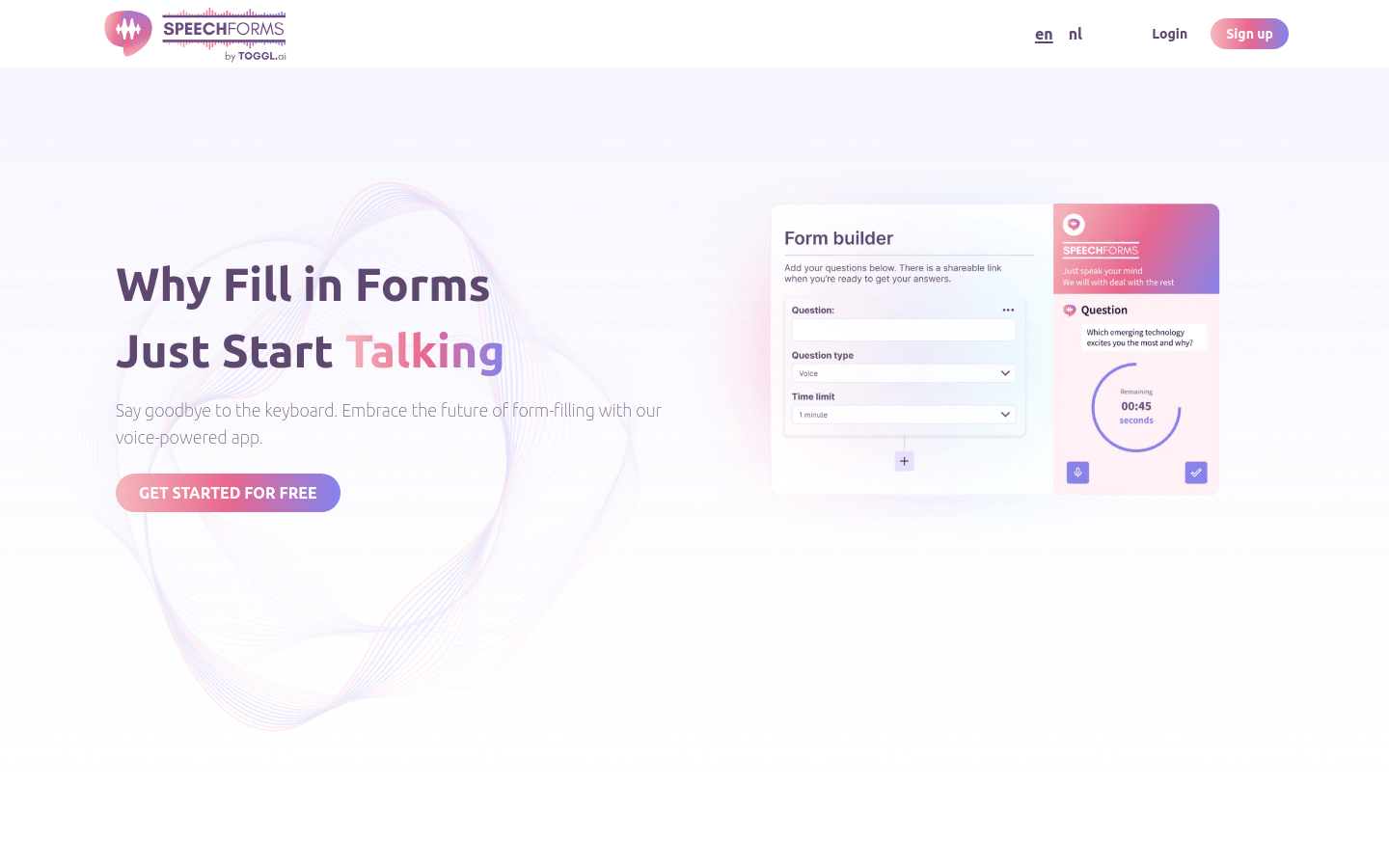
Screenshot archived from the listing page, for preview only.