Stable Diffusion Web
Free online AI image generatorText to image, free to use in the browser
Highlights
What you can do with it
- Create illustrations and concept art from a text prompt
- Extend an existing image to change its framing
- Explore prompt styles before committing to a paid tool
How to use it
- 1 Open the Stable Diffusion Web site
- 2 Enter a text description of the image you want
- 3 Run the generation and wait for the result
- 4 Use resize and extend to add or replace parts of the image
- 5 Save the output you want to keep
Who it is for
Pros
- Free online access with no local install needed
- Text to image output from a short description
- Resize and extend gives control beyond a single square image
Limitations
- Free online access can change or add limits without notice
- Quality depends heavily on how the prompt is written
- Online queues and upstream availability affect wait times
What Stable Diffusion Web is
Stable Diffusion Web offers free online access to the Stable Diffusion AI image generator. The underlying model is a deep learning, text to image system: you describe what you want and it produces the picture, with high quality output from fairly simple text input and fast generation speed. Beyond plain generation, it can resize and extend an image, which lets you add or replace parts of a picture rather than starting again from scratch. The latest version of the model, Stable Diffusion XL, uses a larger UNet backbone network to generate higher quality images than earlier releases. Because access is through the website, there is nothing to install and you can start with a single prompt.
What you can do with it
- Generate images from a text description
- Get results quickly without installing software
- Resize and extend an image to add or replace parts of it
- Use the newer XL version for higher quality output
Who it is for
- Illustrators and concept artists testing ideas quickly
- Anyone who wants a free text to image option in the browser
- People exploring prompts and styles before paying for a tool
- Users who need to extend or reframe an existing image
What to watch out for
Free online access can change or gain limits without notice, and capacity depends on the service staying up, so do not build a deadline critical workflow on it alone. Output quality depends heavily on how the prompt is written, and short vague prompts tend to produce vague images. Resize and extend works well for simple areas but can produce visible seams on detailed subjects. As with any image generator, check the terms on how output can be used before you publish it.
FAQ
Is it free?
The site presents the AI image generator as free to use online.
What is Stable Diffusion XL?
It is the latest version of the model and uses a larger UNet backbone network to generate higher quality images.
Can I change the size of an image?
Yes. The model can resize and extend an image, which allows parts of it to be added or replaced.
Why it is free
What the official page says: for free
Free limits, trial length and features are decided by the official site and can change at any time.
Product preview
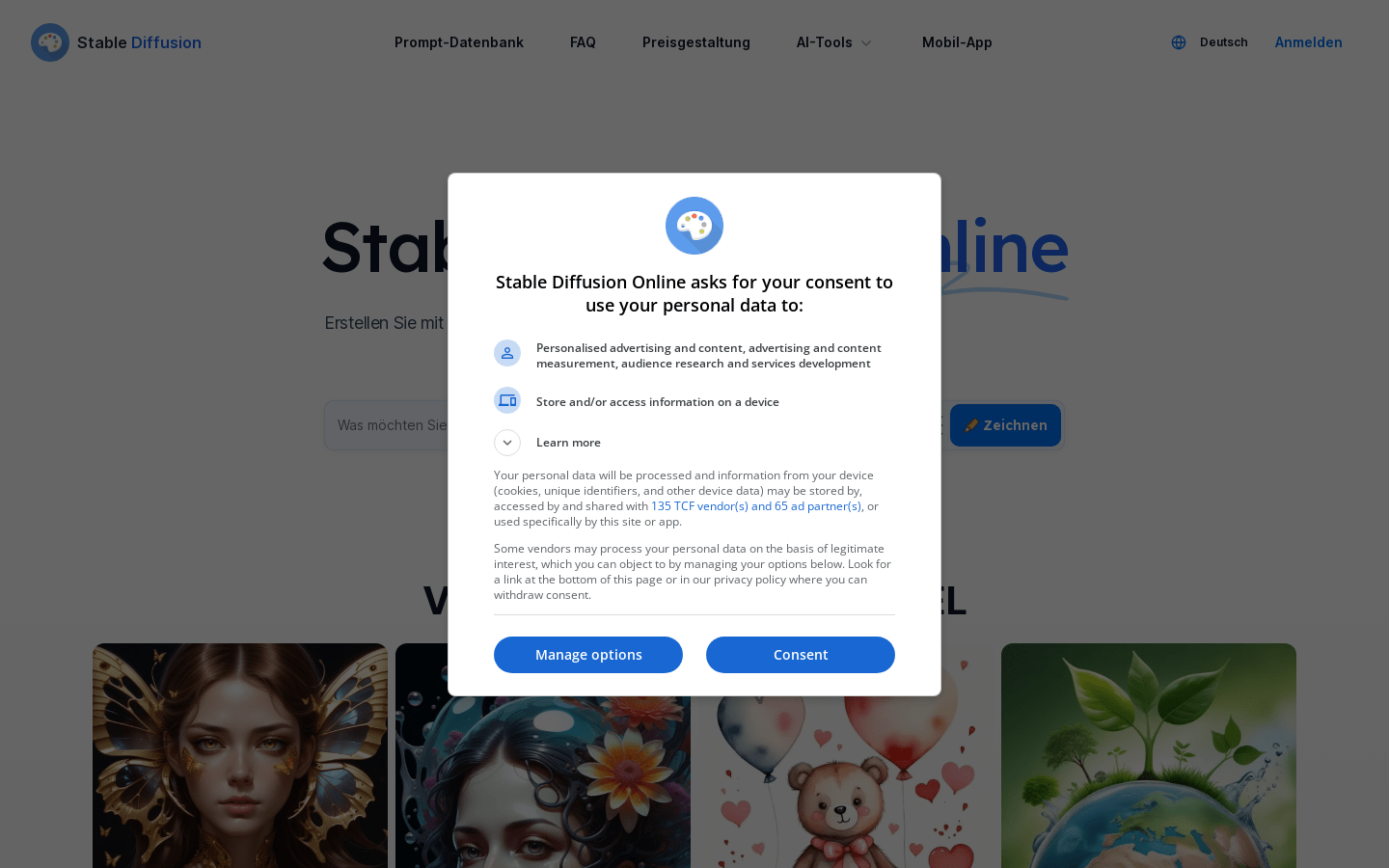
Screenshot archived from the listing page, for preview only.