Tables by Playmaker
Convert unstructured data into actionable tablesTurn PDFs, images, and web data into tables
Highlights
What you can do with it
- Turning complex financial reports into analyzable tables
- Automating purchase orders and invoice processing
- Tracking orders and inventory for logistics
How to use it
- 1 Visit the Playmaker site and register an account.
- 2 Define the table structure you need for your workflow.
- 3 Import data from PDFs, images, spreadsheets, or web sources.
- 4 Let Playmaker convert the data into clear tables.
- 5 Use the structured data across 300+ apps and adjust as needed.
Who it is for
Pros
- Automates repetitive document processing
- Accepts many input formats
- Connects to a wide set of applications
Limitations
- Only a free trial before paid plans
- Structured output still needs review for accuracy
- Learning to set up tables and workflows takes time
What Tables by Playmaker is
Tables by Playmaker is a platform that transforms PDF files, images, spreadsheets, and web data into clear, actionable table data. By automating the process, it reduces the repetitive work of manual document handling and helps teams move faster. The service adapts to many data formats, turning manual tasks into automated workflows and supporting data flows for over 300 applications. A free trial is available, along with paid plans suited to businesses of different sizes.
What you can do with it
- Define a table structure that matches your workflow
- Import data from PDFs, images, spreadsheets, or web sources
- Convert unstructured material into clean, usable tables
- Push the structured data into workflows across 300+ applications
Who it is for
- Financial analysts who need reports turned into analyzable tables
- Procurement managers who process purchase orders and invoices
- Logistics coordinators tracking orders and inventory
What to watch out for
The free trial is a good way to test the fit, but ongoing use sits behind paid plans, so budget for that if it becomes part of your process. Automated conversion is helpful, yet the output should still be reviewed for accuracy before it feeds important decisions. Setting up the right table structure and workflow takes some learning, especially for complex documents. Plans and trial terms can change, so check the current details on the site. Run one full task end to end first, then expand once you are comfortable with the workflow and the result quality. Behavior may vary across browsers and devices, so test before production use and consult the help docs if errors appear. For team use, agree on naming and editing conventions in advance to avoid version conflicts or duplicated work.
FAQ
What does Tables by Playmaker do?
It turns PDFs, images, spreadsheets, and web data into clear, actionable tables.
Is it free?
It offers a free trial and various paid plans for businesses of all sizes.
How do I bring data in?
You can import files by email, API, or file upload, or pull from web sources.
Why it is free
What the official page says: free trial
Free limits, trial length and features are decided by the official site and can change at any time.
Product preview
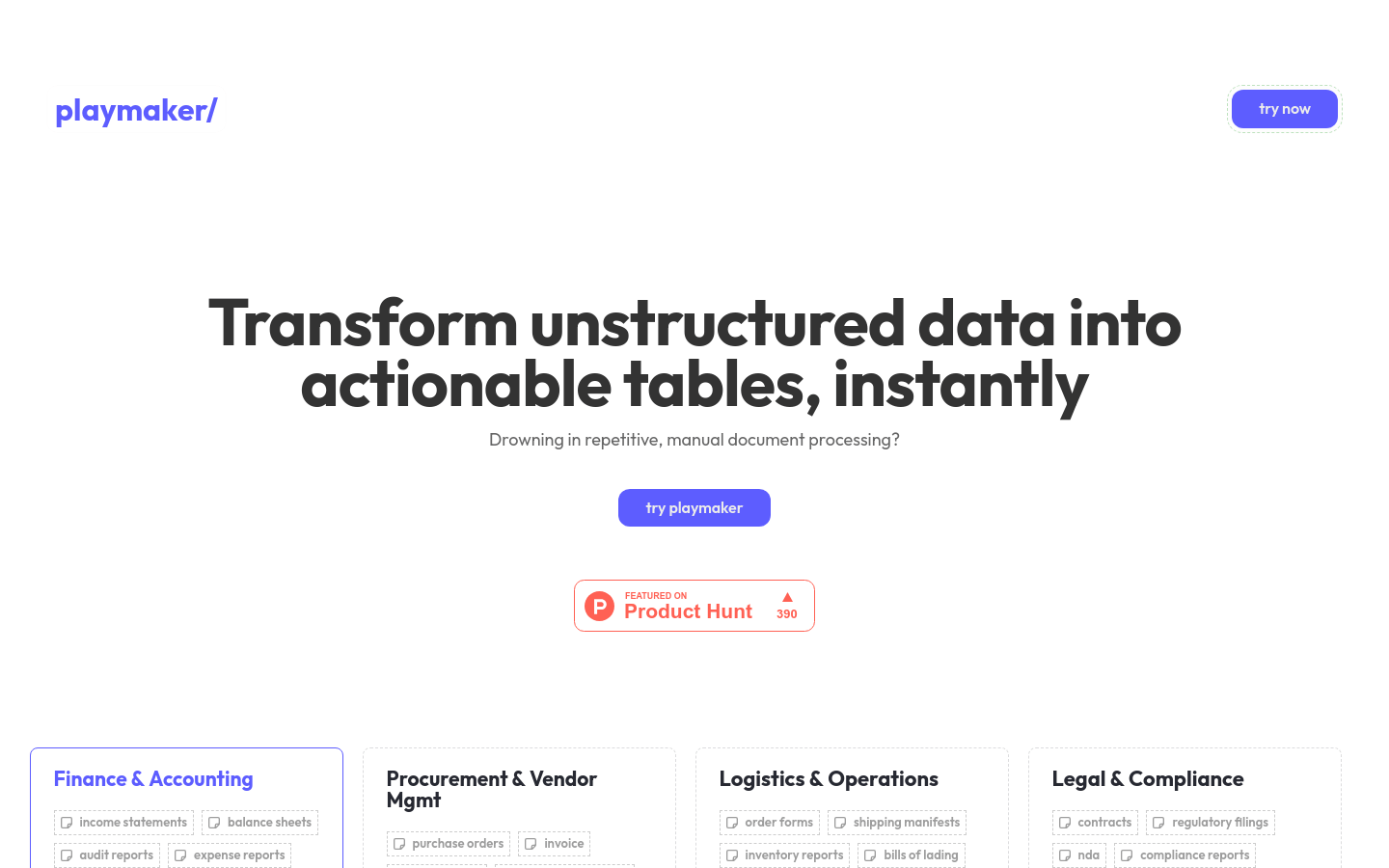
Screenshot archived from the listing page, for preview only.