Tactiq.io
AI meeting transcription and workflow automationTranscribe meetings and turn them into actions
Highlights
What you can do with it
- Update a CRM and project tracker straight after a call
- Pull customer feedback out of sales meetings quickly
- Summarise a marketing meeting into a strategy brief
How to use it
- 1 Register an account on the Tactiq.io site
- 2 Choose your meeting platform and grant access to meeting data
- 3 Create a workflow or start from a preset template
- 4 Set triggers and actions, such as summarising after a call
- 5 Activate it, then review the output after the meeting and tune the workflow
Who it is for
Pros
- Works across the three main meeting platforms
- Automation pushes notes into tools the team already uses
- Summaries and action items cut manual write-up time
Limitations
- Only a free trial is offered, then paid plans apply
- It needs access to meeting data and connected business apps
- Transcription quality varies with audio, accents and overlap
What Tactiq.io is
Tactiq.io is an AI workflow automation tool designed for team meetings. It is compatible with Google Meet, Zoom, and Microsoft Teams, and it transcribes sessions automatically, then extracts key information into structured workflows. The listed features include AI meeting summaries, action item management that can update a CRM or project management tool, knowledge base synchronisation, team sharing through communication channels, and integration with common business apps such as email, Notion, and HubSpot. The stated aim is to remove manual post-meeting work, reduce communication errors, and keep a team aligned. A free trial is offered alongside various paid plans.
What you can do with it
- Transcribe meetings automatically on the three main platforms
- Turn transcripts into summaries and structured action items
- Push outcomes into a CRM, project tool, or knowledge base
- Share insights with the team through connected channels
Who it is for
- Product managers who need call notes inside their tracker
- Sales teams that want customer feedback without manual note taking
- Marketing teams that need fast summaries and clear follow-ups
What to watch out for
Only a free trial is offered, so ongoing use means a paid plan and you should check what that costs before rolling it out to a team. The tool needs access to your meeting data and to connected business apps, which is a permissions and privacy decision, especially where calls include customer or personnel details. Transcription accuracy varies with audio quality, accents, crosstalk, and technical vocabulary, so important commitments should be checked against the recording. Setting up triggers and actions also takes time, and a badly configured workflow can push incomplete notes into the wrong place.
FAQ
Which meeting platforms does it support?
The listing names Google Meet, Zoom, and Microsoft Teams.
Is there a free plan?
The listing says a free trial is offered, with various paid plans for different needs.
Where do the notes go?
Workflows can push action items to a CRM or project tool, sync a knowledge base, and share insights through communication channels.
Why it is free
What the official page says: 免费试用免费
Free limits, trial length and features are decided by the official site and can change at any time.
Product preview
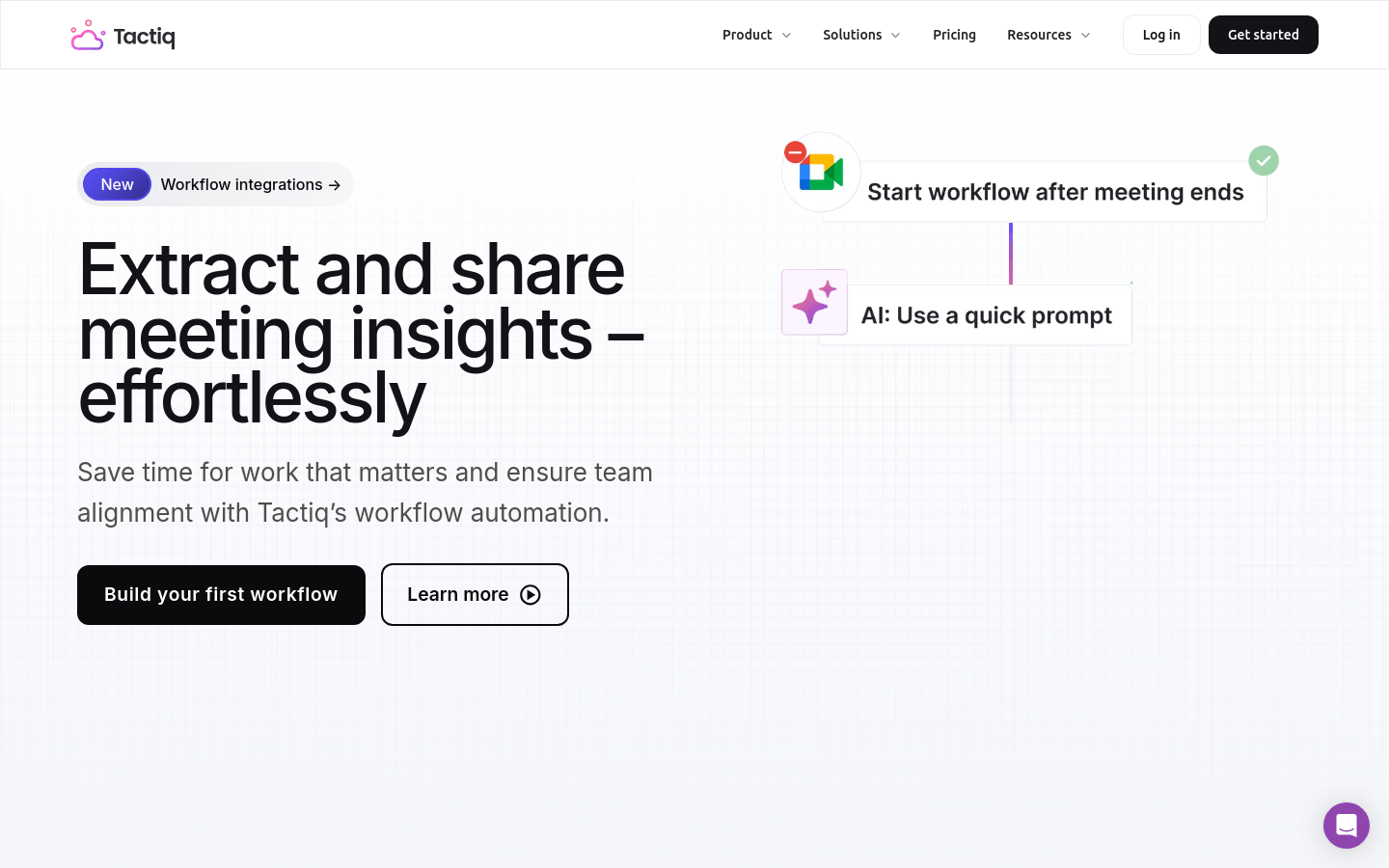
Screenshot archived from the listing page, for preview only.