
Taurin
An AI-native email client with automatic sorting, drafting, and CRM features.Sort your inbox with tags, draft with AI, and keep contacts updated automatically.
Highlights
What you can do with it
- Sales professionals organising client mail automatically
- Marketing teams tracking whether emails were opened
- Recruiters pulling candidate background from enriched contacts
How to use it
- 1 Request access from the Taurin site
- 2 Sign in with a Google account
- 3 Add tags such as [Client] or [Recruitment] to sort your inbox
- 4 Use the AI Copilot to summarise and draft
- 5 Turn on open tracking and task conversion as needed
Who it is for
Pros
- Sorting happens from tags rather than manual filing
- Contact enrichment keeps the CRM current
- Email and CRM live in the same client
Limitations
- The collaborative inbox was still upcoming when listed, so team features may be incomplete
- Automatic sorting can misfile mail, so review is still needed
- Free trial terms and long-term pricing are unclear
What Taurin is
Taurin is an AI-native email client. Rather than bolting AI onto an existing mail app, it is built around automation from the start: you add tags such as [Client] or [Recruitment] and the AI sorts your inbox accordingly. An AI Copilot supplies summaries and draft messages, and contact records update on their own, pulling in social profiles and professional background so the built-in CRM stays current without manual entry. Other features include tracking email opens, converting emails into tasks, organising attachments, and custom viewers that present relationships as lists, boards, tables, or feeds. A collaborative inbox for sharing mail across a team is planned, and Outlook plus custom SMTP support sit on the roadmap. A free trial is offered.
What you can do with it
- Sort your inbox automatically using tags
- Summarise and draft mail with the AI Copilot
- Keep contact records enriched without manual data entry
- Track opens, convert emails to tasks, and organise attachments
Who it is for
- Salespeople who spend their working day in the inbox
- Recruiters juggling many candidate conversations
- Small teams that want email and CRM in one window
What to watch out for
The collaborative inbox was still upcoming when this entry was written, so team features may be incomplete or delayed, and you should check what is actually live. Access is by request rather than open signup, so getting in may not be immediate. Automatic sorting can misfile an important message, so a quick review of the tagged folders is still wise. The free trial is a trial, and long-term pricing has not been made clear. Because contacts are enriched automatically, be deliberate about what personal data you store and how you handle it.
FAQ
How does sorting work?
You add tags such as [Client] or [Recruitment] and the AI organises the inbox around them.
What does the AI Copilot do?
It provides AI summaries, draft messages, and an assistant for quick insight.
Does it work with Outlook?
Outlook and custom SMTP support are described as planned for the future.
Is there a free trial?
Yes. The site offers a free trial, and access is requested from the website.
Why it is free
What the official page says: free trial
Free limits, trial length and features are decided by the official site and can change at any time.
Product preview
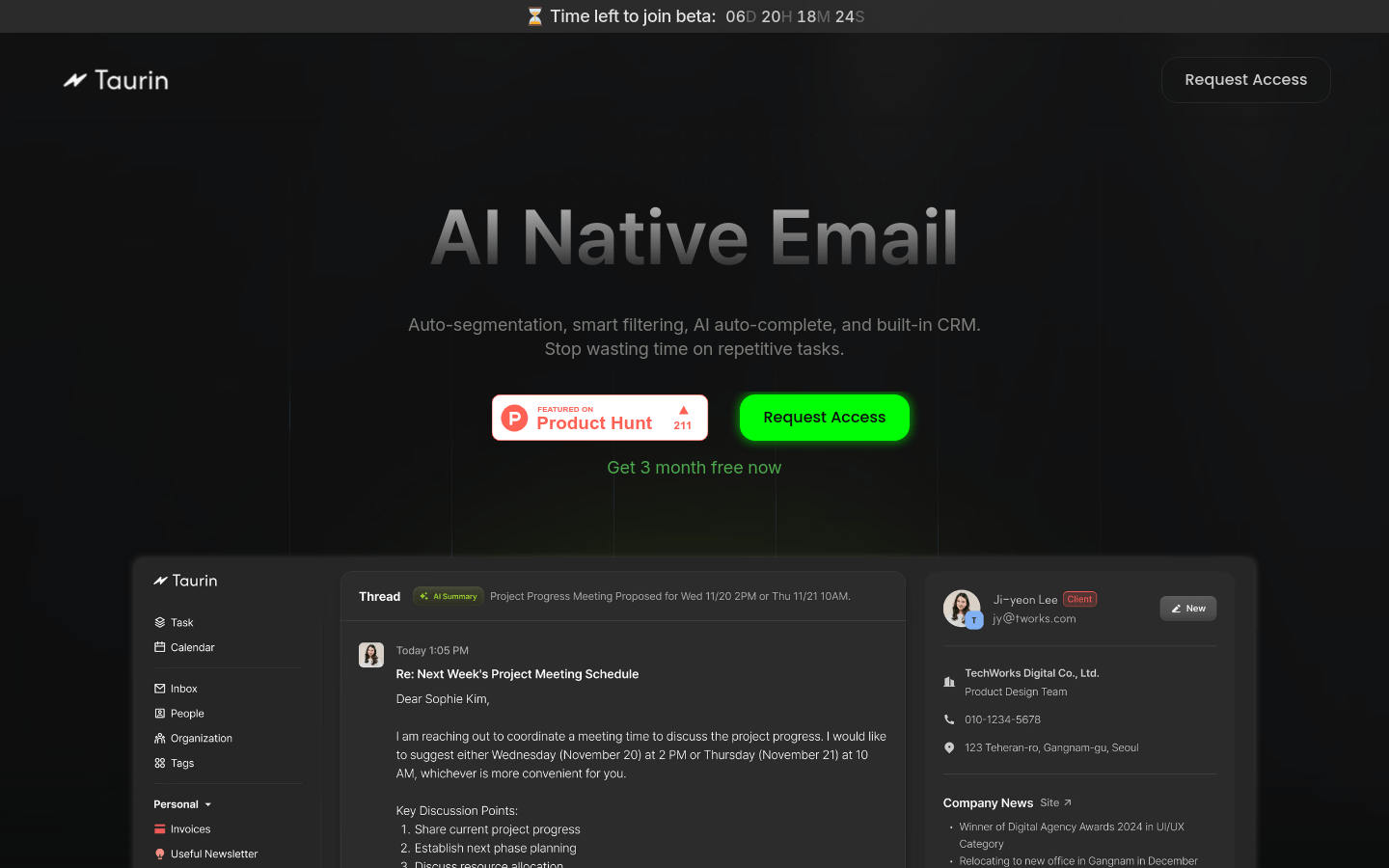
Screenshot archived from the listing page, for preview only.











