
Transcriptal
Free YouTube video transcription toolTurn YouTube videos into text and subtitles
Highlights
What you can do with it
- Get a text version of a YouTube video for reading or quoting
- Produce subtitles and captions for a video you are working with
- Save time on manual transcription of long video content
How to use it
- 1 Open the Transcriptal website.
- 2 Add the YouTube video you want transcribed; no registration is needed.
- 3 Wait for the tool to generate the transcript.
- 4 Copy the transcribed text for your own use.
- 5 Use the generated subtitles and captions where you need them.
Who it is for
Pros
- Free to use according to the site
- No registration step before you start
- Generates both text and subtitles from the same video
- Simple interface with a short workflow
Limitations
- Focused on YouTube videos rather than arbitrary files
- Free rules can change, so the current offer may not last
- Accuracy depends on audio quality, accents, and background noise
- Transcripts usually need a read through before you publish or quote them
What Transcriptal is
Transcriptal is a free AI powered automatic transcription tool. It takes YouTube video content and turns it into text, and it also generates subtitles and captions for the video. The site describes the interface as simple and user friendly, and it says you can use the service without registering an account. The core idea is to save time and effort: instead of typing out what was said, you point the tool at a video and get a written version back that you can copy. Its listed features are generating and copying the transcribed text of YouTube videos and providing precise subtitles and captions, which makes it useful both for reading and for reusing video content in other formats.
What you can do with it
- Transcribe a YouTube video into readable text
- Generate subtitles and captions for that video
- Copy the transcribed text straight into your own document
- Skip manual typing when you need a written version of spoken content
Who it is for
- People who need a text version of a YouTube video to read or quote
- Creators who want subtitles and captions without typing them by hand
- Students and researchers who cite video material in written work
What to watch out for
Transcription accuracy depends on the recording itself. Clear speech in a quiet setting comes out far better than noisy audio, heavy accents, music, or several people talking at once, so plan to read through and correct the transcript before you publish it or quote it. The tool is aimed at YouTube video content, so if your material lives somewhere else you will need a different route. The site presents the service as free, and free rules can change, so the current offer may not stay the same. Also respect the rights attached to the video you are transcribing, and use the output in line with the permissions you have.
FAQ
What does Transcriptal do?
It transcribes YouTube video content into text and generates subtitles and captions.
Do I need to register?
The site says the tool can be used without registration.
Is it free?
Transcriptal is described as a free AI powered transcription tool.
Can I copy the text out?
Yes, generating and copying the transcribed text of YouTube videos is one of its listed features.
Why it is free
What the official page says: 免费无需注册
Free limits, trial length and features are decided by the official site and can change at any time.
Product preview
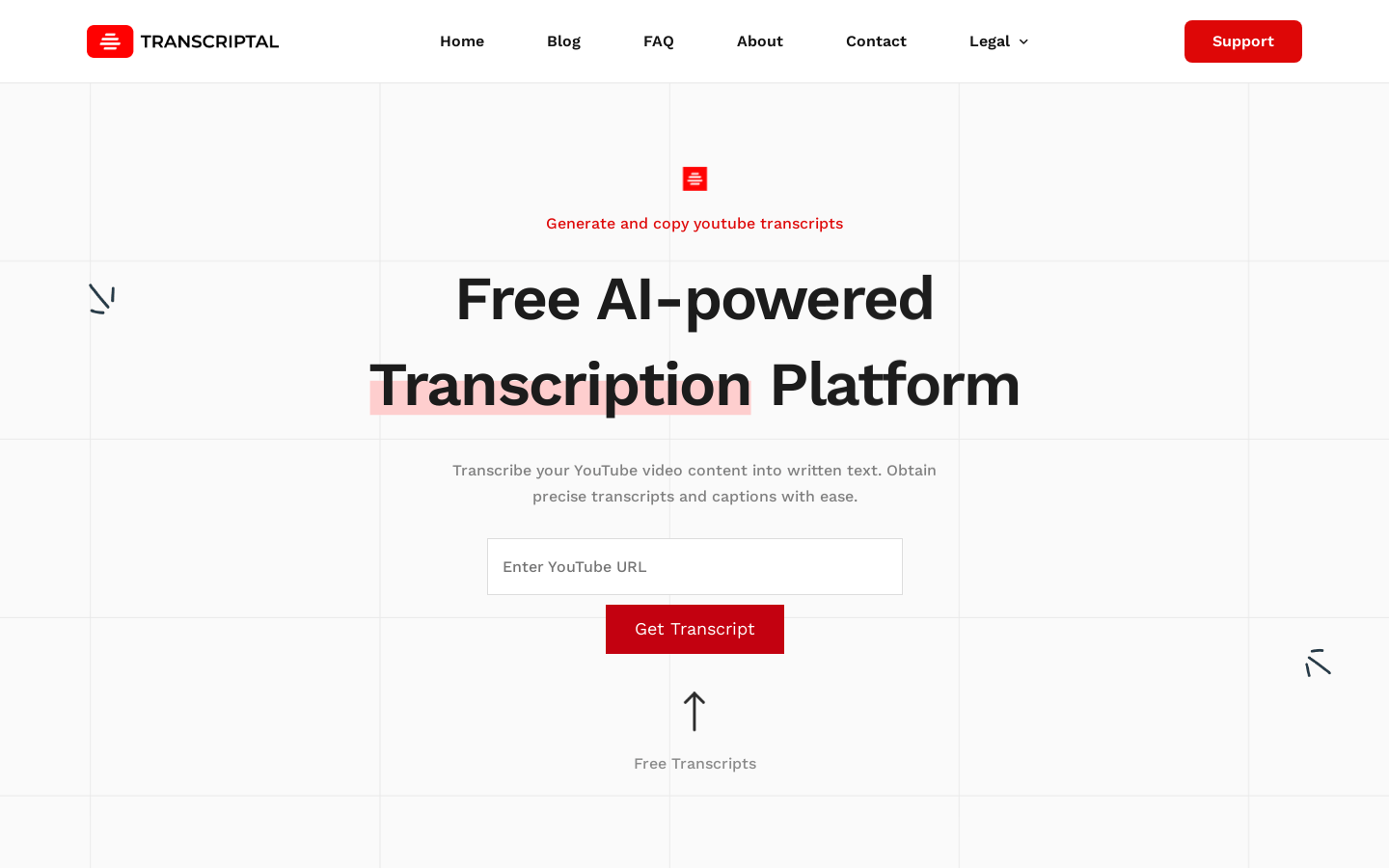
Screenshot archived from the listing page, for preview only.











